
Get any photo under 100 KB, automatically
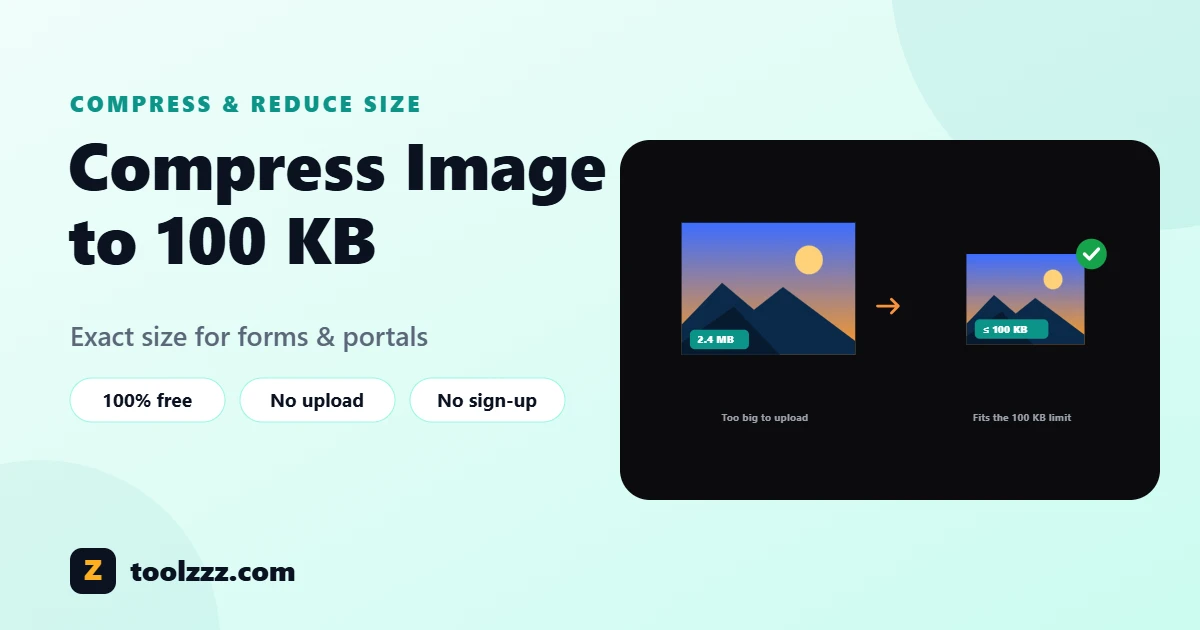
To compress an image to 100 KB, drop it into this tool. The target is already set to 100 KB: the tool tests different quality levels and picks the highest quality that stays under 100 KB, and only reduces the pixel size if that is not enough. If a form needs exact dimensions, add the width and height. Press Download all. Nothing is uploaded.
- Auto best quality ≤ 100 KB
- Optional exact pixels
- 100% free, no sign-up
- Files never uploaded
- No file size limit
- Windows, Mac, iPhone & Android
- No watermark
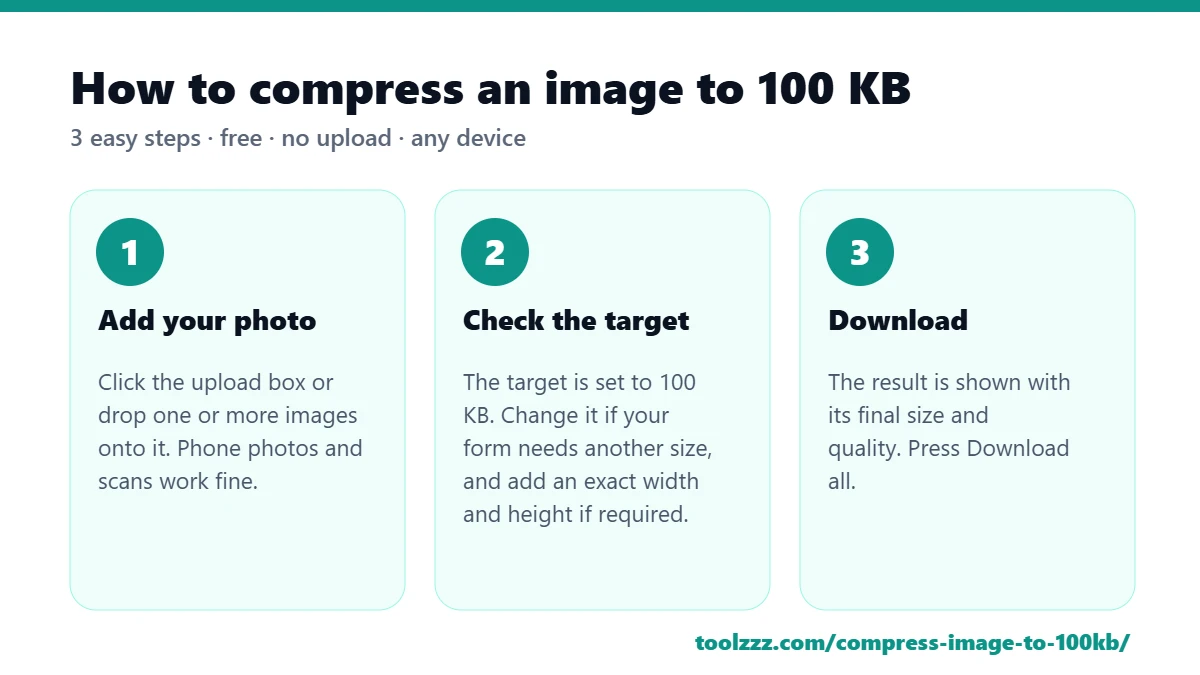
How to compress an image to 100 KB
100 KB is a very common limit for profile photos and documents in job, visa and university portals.
Add your photo
Click the upload box or drop one or more images onto it. Phone photos and scans work fine.
Check the target
The target is set to 100 KB. Change it if your form needs another size, and add an exact width and height if required.
Download
The result is shown with its final size and quality. Press Download all.
Watch: compress a photo to 100 KB for online forms
Where a 100 KB limit is common
Job applications
Profile photos and scanned certificates on recruitment sites.
Visa and immigration portals
Applicant photos and supporting scans.
University applications
Student photos and document scans.
Online profiles
Forum, school and company directory avatars.
Insurance and claims forms
Photos of receipts and damage.
Email signatures and newsletters
Light images that load fast for every reader.
How the 100 KB search works
Most compressors make you guess a quality and try again. This tool does it for you: it tests quality levels in a quick binary search and keeps the highest one that is still at or under 100 KB. Only if even low quality is too big, it reduces the width and height step by step until the photo fits with good quality.
For most phone photos this gives a sharp 1600–2000 px image under 100 KB. Need the photo in exact dimensions? Use Exact pixel size.
How to compress an image to 100 KB on Windows, Mac, iPhone and Android
No app to install. The tool works in any modern browser, so the steps are almost the same everywhere.
On Windows
- Open toolzzz.com/compress-image-to-100kb/ in Chrome, Edge or Firefox.
- Drag your photo from File Explorer onto the upload box.
- The target is already 100 KB. Check the result, then press Download all.
- The new file is saved to your Downloads folder.
On Mac
- Open the page in Safari, Chrome or Firefox.
- Drag the photo from Finder onto the upload box.
- The target is already 100 KB. Check the result, then press Download all.
- Find the new file in Downloads.
On iPhone and iPad
- Open the page in Safari.
- Tap the upload box, then Browse to pick the photo from Files or Photos.
- The target is already 100 KB. Check the result, then press Download all.
- Tap Download and find the file in Files → Downloads.
On Android
- Open the page in Chrome.
- Tap the upload box and pick the photo from Files, Gallery or Downloads.
- The target is already 100 KB. Check the result, then press Download all.
- The new file is saved in your Downloads folder.
Toolzzz vs. typical online compressors
| Feature | Toolzzz Compress Image to 100KB | Typical online compressors |
|---|---|---|
| Your file is uploaded to a server | Never. It is processed in your browser | Usually |
| File size and page limits | None, only your device memory | Often 10 to 100 MB, or a few files per day |
| Watermark on the result | Never | Sometimes on free plans |
| Account or e-mail needed | No | Often for larger files |
| Finds the highest quality under your limit | Yes, automatic search | Often a fixed setting, you guess |
| Exact pixel size for forms | Yes, optional | Rarely in the same step |
| Price | Free | Free with limits, or a paid plan |
"Typical" describes common limits of free online services. Plans and limits differ between sites.
The easiest way to hit a 100 KB limit
Exact target size
Always at or under 100 KB, never over.
Best possible quality
Quality is tuned first. Pixels are only reduced when needed.
Exact dimensions
Set width and height for forms that demand them.
Many photos at once
Compress a whole set and download one ZIP.
Never uploaded
ID photos and documents stay on your device.
Free, no limits
No sign-up and no watermark.
Key terms explained
- KB (kilobyte)
- A unit of file size. 1 KB is 1,024 bytes, and 1 MB is 1,024 KB.
- Target size
- The maximum file size an upload form accepts, for example 100 KB.
- Pixel dimensions
- The width and height of an image in pixels, such as 600 × 800 px.
Frequently asked questions
How do I compress an image to 100 KB?
Drop the image here. The target is already 100 KB. The tool finds the highest quality under that size, then press Download all.
Will the photo still look good at 100 KB?
The tool always tries quality first and only reduces pixels when needed. The before/after slider shows the result before you download.
My form also needs an exact size in pixels. What do I do?
Open Exact pixel size and type the width and height. The photo is cropped from the centre to fit, then compressed under 100 KB.
Can I compress several photos to 100 KB at once?
Yes. Add them all. Each one is compressed under 100 KB and you can download them in one ZIP.
What if my image cannot reach 100 KB?
At very small targets with large exact dimensions, it may be impossible. Use smaller dimensions or a slightly bigger target.
Are my photos uploaded?
No. Everything is done in your browser, which is safer for ID photos and documents.
How do I compress a JPG to 100 KB on my phone?
Open this page in Chrome or Safari, tap the upload box, choose the photo and download the result. It works on Android and iPhone.
Can I compress a PDF to 100 KB here?
This tool is for images. For PDFs, use Compress PDF.