
Extract a color palette from a photo in seconds
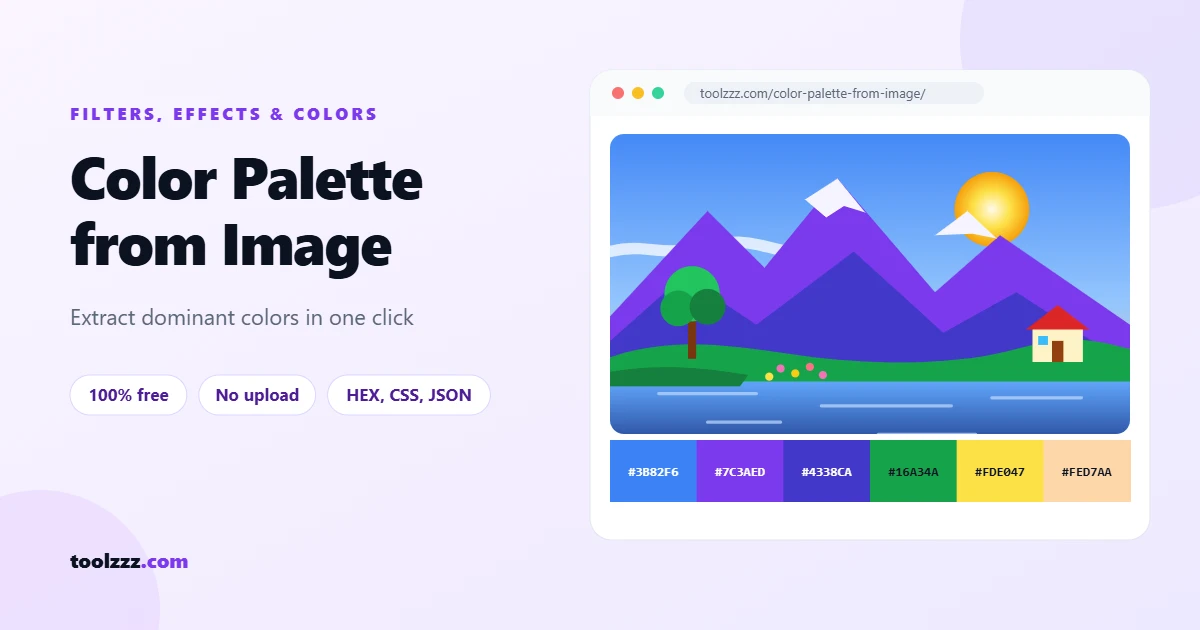
To get a color palette from an image, drop the picture into Toolzzz Color Palette from Image. The tool finds the dominant colors and shows each with its HEX code, a color name and its share of the image. Choose 2 to 16 colors, sort by Most used, Hue or Light to dark, click a swatch to copy it, or export everything as HEX, CSS variables, JSON or a palette PNG.
- 2 to 16 colors
- Share % per color
- Copy HEX, CSS, JSON
- Palette PNG download
- Sort by use, hue or light
- 100% free, no sign-up
- No upload
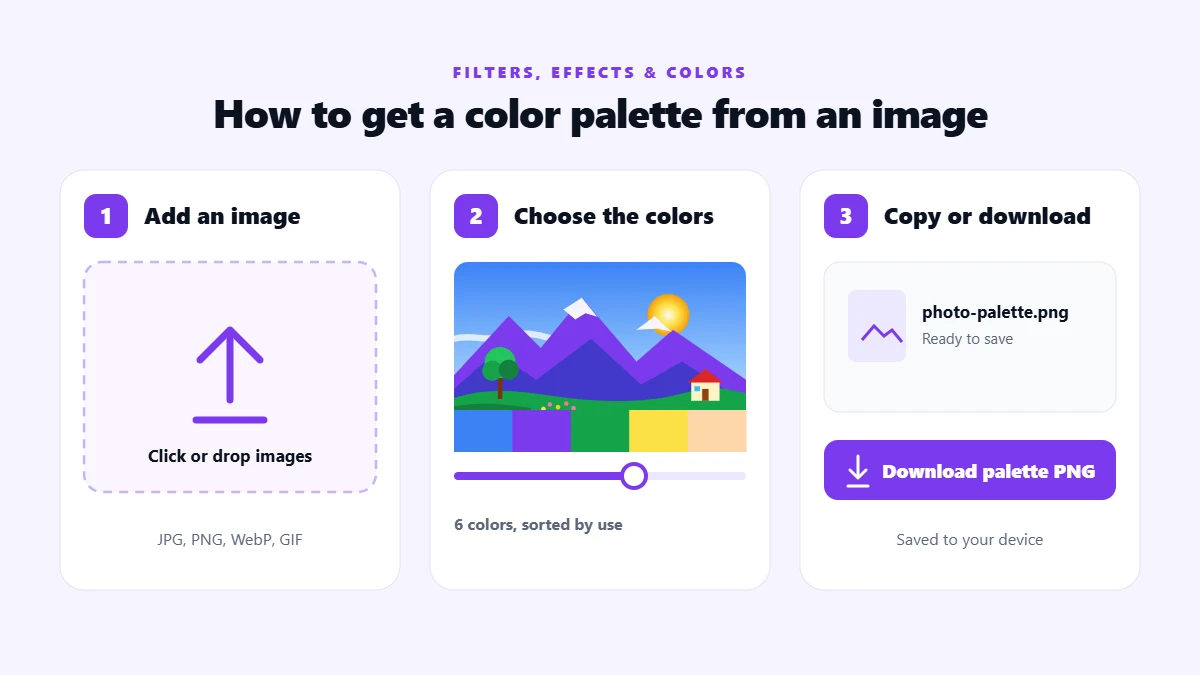
How to get a color palette from an image
A color palette generator analyzes every pixel of an image, groups similar colors together and returns the main colors that define its look. It is a fast way to build brand, website and interior color schemes from a photo you love.
Add an image
Click the upload box, drop a photo or paste a screenshot. Photos, artwork, logos and mood boards all work.
Choose the colors
Set Number of colors (6 is a good start) and sort by use, hue or lightness.
Copy or download
Click a swatch to copy its HEX, use Copy HEX, Copy CSS or Copy JSON, or press Download palette PNG.
Watch: extract a color palette from any photo
Popular reasons to extract a palette from an image
Brand identity
Build a brand color scheme from a photo, product or mood board that captures the right feeling.
Website and app themes
Export CSS variables and use them directly as a site theme or design tokens.
Art and illustration
Pull palettes from master paintings, film stills or nature photos for your own artwork.
Interior and wedding colors
Find matching paint, decor and flower colors from an inspiration photo.
Consistent social feeds
Keep posts on-brand by reusing the same palette in every graphic.
Product and fashion
Describe product colors accurately and create matching banners and labels.
How the palette is calculated
The image is reduced to about 160 pixels on its longest side to remove noise. Toolzzz then uses median cut to split the colors into groups and refines them with several rounds of k-means clustering, weighting green more than blue to match human vision. Transparent pixels are ignored, so logos on transparent backgrounds give clean palettes.
| Sort option | Order | Best for |
|---|---|---|
| Most used | Largest share of the image first | Finding the dominant color |
| Hue | Red, orange, yellow, green, blue, violet; grays last | Rainbow-style palettes |
| Light to dark | Lightest color first | Gradients and UI tints |
Use your palette anywhere
Copy HEX gives a comma-separated list for Canva, Figma or Coolors. Copy CSS creates ready-to-paste custom properties such as --color-1: #7C3AED;. Copy JSON includes HEX, RGB and the share of each color for developers. Download palette PNG saves a 1200 x 420 swatch image with labels for mood boards and client presentations.
Need one specific color rather than the overall palette? Use the Image Color Picker to click an exact pixel.
How to get a color palette from an image on Windows, Mac, iPhone and Android
No app to install. The tool works in any modern browser, so the steps are almost the same everywhere.
On Windows
- Open toolzzz.com/color-palette-from-image/ in Chrome, Edge or Firefox.
- Drag your image from File Explorer onto the upload box.
- Set the Number of colors and sort order, then press Download palette PNG.
- The new file is saved to your Downloads folder.
On Mac
- Open toolzzz.com/color-palette-from-image/ in Safari or Chrome.
- Drag the image from Finder or the Photos app onto the upload box.
- Set the Number of colors and sort order, then press Download palette PNG.
- Find the result in Downloads (Safari asks first if set to).
On iPhone and iPad
- Open toolzzz.com/color-palette-from-image/ in Safari.
- Tap the upload box and choose Photo Library, Take Photo or Choose File.
- Set the Number of colors and sort order, then tap Download palette PNG.
- Tap Download, then open it from the Files app and choose Save Image to add it to Photos.
On Android
- Open toolzzz.com/color-palette-from-image/ in Chrome.
- Tap the upload box and pick the image from your Gallery, Files or camera.
- Set the Number of colors and sort order, then tap Download palette PNG.
- The image appears in your Downloads folder and in Google Photos under Downloads.
Toolzzz vs. typical online photo editors
| Feature | Toolzzz Color Palette from Image | Typical online editors |
|---|---|---|
| Your image is uploaded to a server | Never. It is analyzed in your browser | Usually |
| Number of colors | 2 to 16 | Often fixed at 5 |
| Share % per color | Yes | Rare |
| Export formats | HEX, CSS, JSON and PNG | Often HEX only |
| Sort by use, hue or lightness | Yes | Rare |
| Ignores transparent pixels | Yes | Sometimes |
| Ads or sign-up | None | Common |
"Typical" describes common limits of free online services. Plans and limits differ between sites.
A palette generator built for real projects
Accurate dominant colors
Median cut plus k-means refinement finds colors that truly represent the image.
2 to 16 colors
From a minimal two-color scheme to a detailed 16-color palette.
Share and names
Each swatch shows its percentage of the image and a plain-language color name.
Developer exports
Copy HEX lists, CSS custom properties or JSON in one click.
Palette image
Download a labeled PNG swatch for mood boards and presentations.
Private
The image is analyzed on your device and never uploaded.
Tips for the best result
- Start with 6 colors. Increase the number if a small accent color is missing.
- Crop the image to the area you care about first with Crop Image.
- Sort by Light to dark to find background and text colors for a website.
- For logos on white, the white background may appear as a color. Use a transparent PNG to skip it.
- Recolor photos with your new palette using the Duotone Effect.
Key terms explained
- Dominant color
- The color that covers the largest share of an image.
- K-means clustering
- A method that groups similar colors and moves each group center to its average color.
- CSS custom property
- A reusable CSS variable such as --color-1 that stores a value like a HEX code.
Frequently asked questions
How do I get a color palette from a picture for free?
Upload the picture here. The palette appears instantly with HEX codes. Click a swatch to copy it or download a palette PNG.
How many colors should my palette have?
Five or six colors work well for most brands and websites. Use more for illustrations or detailed photos.
How does the tool choose the colors?
It groups similar pixels with median cut and k-means clustering and reports the average color of each group.
Can I export the palette to CSS?
Yes. Copy CSS creates :root custom properties you can paste into any stylesheet.
Can I get the colors of a logo?
Yes. Transparent pixels are ignored, so a PNG logo on a transparent background gives a clean palette.
Can I download the palette as an image?
Yes. Download palette PNG saves a labeled swatch image with HEX codes and percentages.
Does it work on mobile?
Yes, on iPhone, iPad and Android in any modern browser.
Is my image uploaded?
No. The palette is calculated in your browser. Your image never leaves your device.