
How do I count characters?
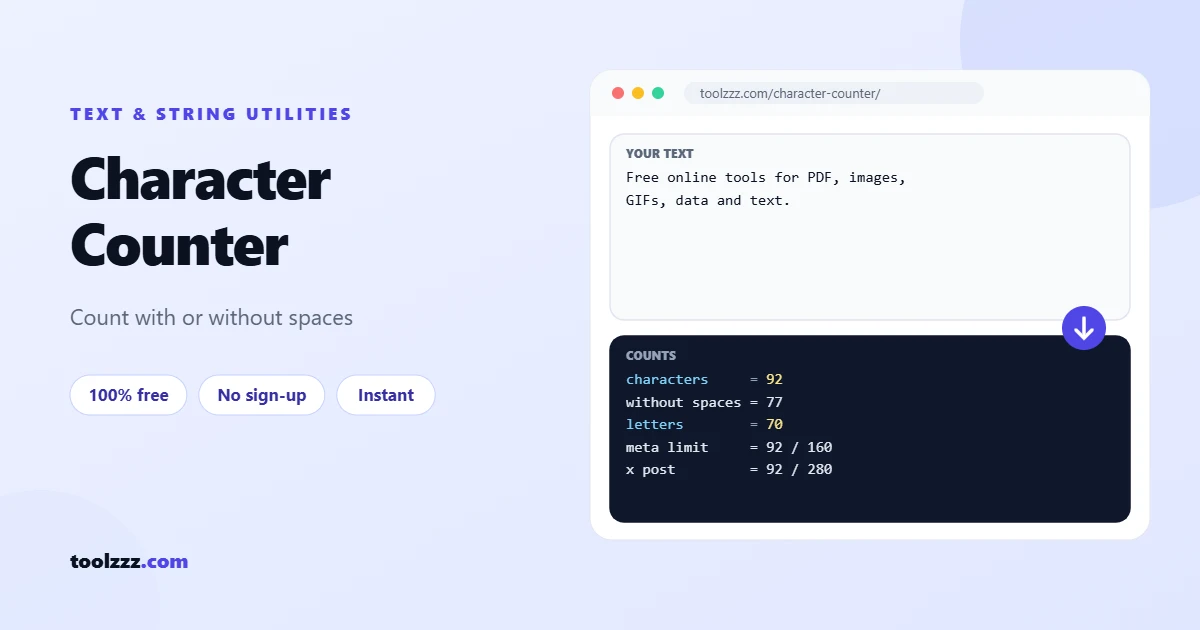
Paste or type your text. The Toolzzz Character Counter shows the total characters, characters without spaces, letters, digits, spaces, words, lines and UTF-8 bytes. Progress bars show how your text fits common limits, such as 280 for an X post or 160 for a meta description.
- Characters with and without spaces
- Letters, digits, spaces, words and lines
- UTF-8 bytes for databases and APIs
- Emoji counted as one character each
- Limit bars for X, SEO titles, meta descriptions and SMS
- Also Instagram, LinkedIn, YouTube and Google Ads
- Updates live as you type
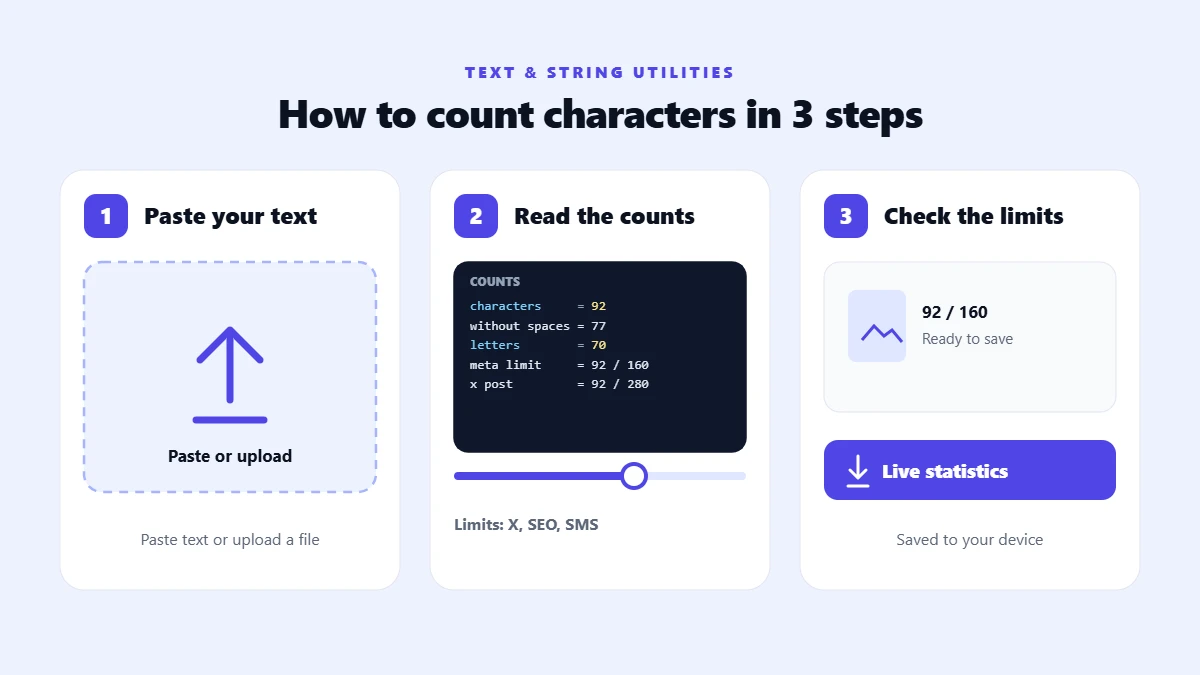
How to count characters in 3 steps
Everything updates as you type.
Paste your text
Type or paste it, or press Upload to open a .txt file.
Read the counts
See characters, characters without spaces, letters, words and bytes.
Check the limits
The bars turn red when your text is over a platform’s limit.
Watch: how to use the free Character Counter
When character counts matter
Social posts
Stay within X, Instagram and LinkedIn limits.
SEO titles and descriptions
Keep titles near 60 and descriptions near 160 characters.
SMS messages
One SMS holds 160 GSM characters, or 70 with emoji.
Ads
Fit Google Ads headlines (30) and descriptions (90).
Database fields
Check text fits VARCHAR and byte limits.
Forms and bios
Fit usernames, bios and form fields.
How to use the Character Counter on Windows, Mac, iPhone and Android
No app to install. The tool works in any modern browser, so the steps are almost the same everywhere.
On Windows
- Open toolzzz.com/character-counter/ in Chrome, Edge or Firefox.
- Paste (Ctrl+V) your text into the left box, or press Upload to open a file.
- Read the counts and limit bars.
- The counts update instantly; nothing needs saving. Files go to your Downloads folder.
On Mac
- Open toolzzz.com/character-counter/ in Safari or Chrome.
- Paste (Cmd+V) your text into the left box, or press Upload to open a file.
- Read the counts and limit bars.
- The counts update instantly; nothing needs saving.
On iPhone and iPad
- Open toolzzz.com/character-counter/ in Safari.
- Touch and hold the box, tap Paste to add your text into the left box, or tap Upload to open a file.
- Read the counts and limit bars.
- The counts update instantly; nothing needs saving. Downloads appear in the Files app.
On Android
- Open toolzzz.com/character-counter/ in Chrome.
- Long-tap the box and tap Paste to add your text into the left box, or press Upload to open a file.
- Read the counts and limit bars.
- The counts update instantly; nothing needs saving. Downloads go to the Downloads folder.
Toolzzz vs. other online text tools
| Feature | Toolzzz Character Counter | Typical online text tools |
|---|---|---|
| Price | Free, no limits | Free with ads or word limits |
| Where your text goes | Stays in your browser | Often sent to a server |
| Sign-up | Not needed | Sometimes needed for long texts |
| Speed | Updates as you type | Often needs a button press |
| Text length | Only your device memory | Often capped on free plans |
| Unicode and emoji | Fully supported | Sometimes broken or miscounted |
"Typical" describes common limits of free online services. Plans and limits differ between sites.
Why use Toolzzz for text
Your text stays private
Everything runs in this browser tab. Your words are never uploaded, stored or logged.
Live results
The result updates as you type, paste or change an option.
Every language
Built on Unicode, so accented letters, Arabic, Urdu, Chinese and emoji all work.
Copy or download
Copy the result to the clipboard or save it as a .txt file.
Any device
Works the same on desktop, tablet and phone browsers.
Free forever
No account, no word limits and no paywall.
Tips for the best result
- Search engines cut titles by width in pixels, not characters. About 60 characters is a safe target.
- SMS with any emoji or special character switches to a 70-character limit.
- Bytes can be higher than characters: accented letters use 2 bytes and emoji use 4 in UTF-8.
- On X, links always count as 23 characters.
- Need words and reading time? Use the Word Counter.
Key terms explained
- Character
- A single visible symbol: a letter, digit, space, punctuation mark or emoji.
- UTF-8 byte
- The storage size of text. English letters use 1 byte; other scripts and emoji use 2 to 4.
- Grapheme
- What a reader sees as one character, even when it is built from several code points.
Frequently asked questions
Is the character counter free?
Yes, completely free.
Is my text stored?
No. It is counted in your browser and never sent anywhere.
Does it count spaces?
It shows both: total characters including spaces, and characters without spaces.
How are emoji counted?
Each emoji code point counts as one character. Some combined emoji, like family emoji, are several code points.
What is the meta description limit?
Google shows roughly 150 to 160 characters on desktop. The bar uses 160.
What is the title tag limit?
About 60 characters shows fully in most search results.
Why are bytes higher than characters?
UTF-8 uses more than one byte for accented letters, non-Latin scripts and emoji.
Does it count line breaks?
Yes. Line breaks count as characters and are also shown as a line count.