
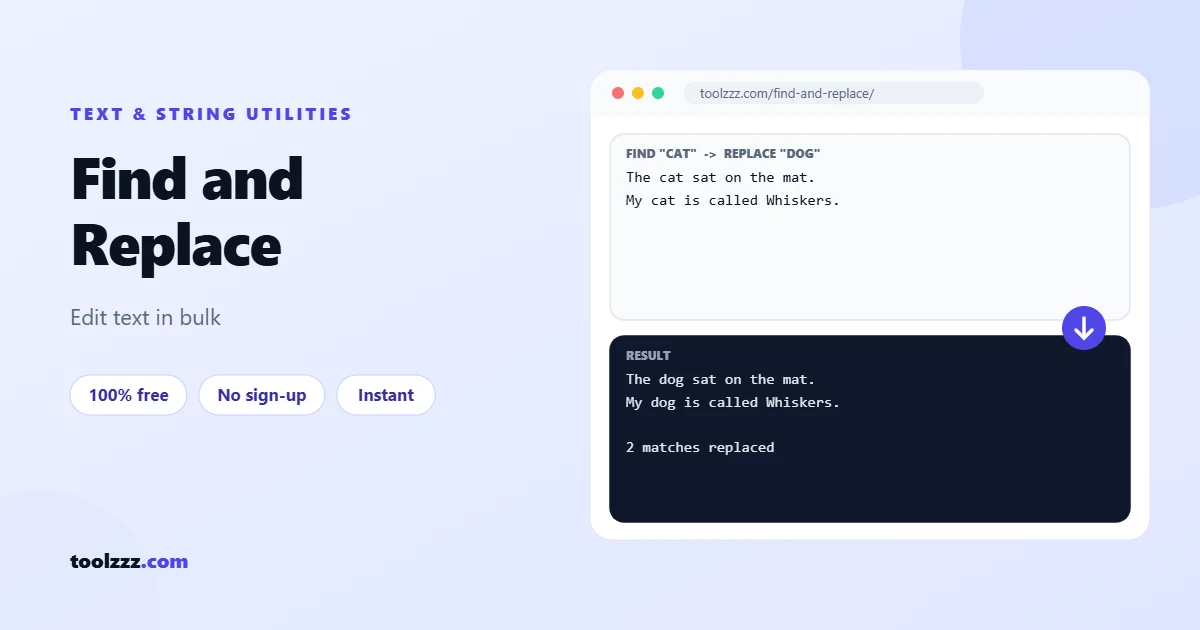
How do I find and replace text online?
Paste your text, type the word to find and its replacement. The Toolzzz Find and Replace tool replaces every match at once and tells you how many it changed. Choose whether to ignore case, match whole words only or use a regular expression with $1-style groups.
- Replaces every match at once
- Ignore case option
- Whole words only option
- Regular expressions with $1, $2 groups
- \n and \t in regex replacements
- Shows the number of matches
- Works with any language and emoji
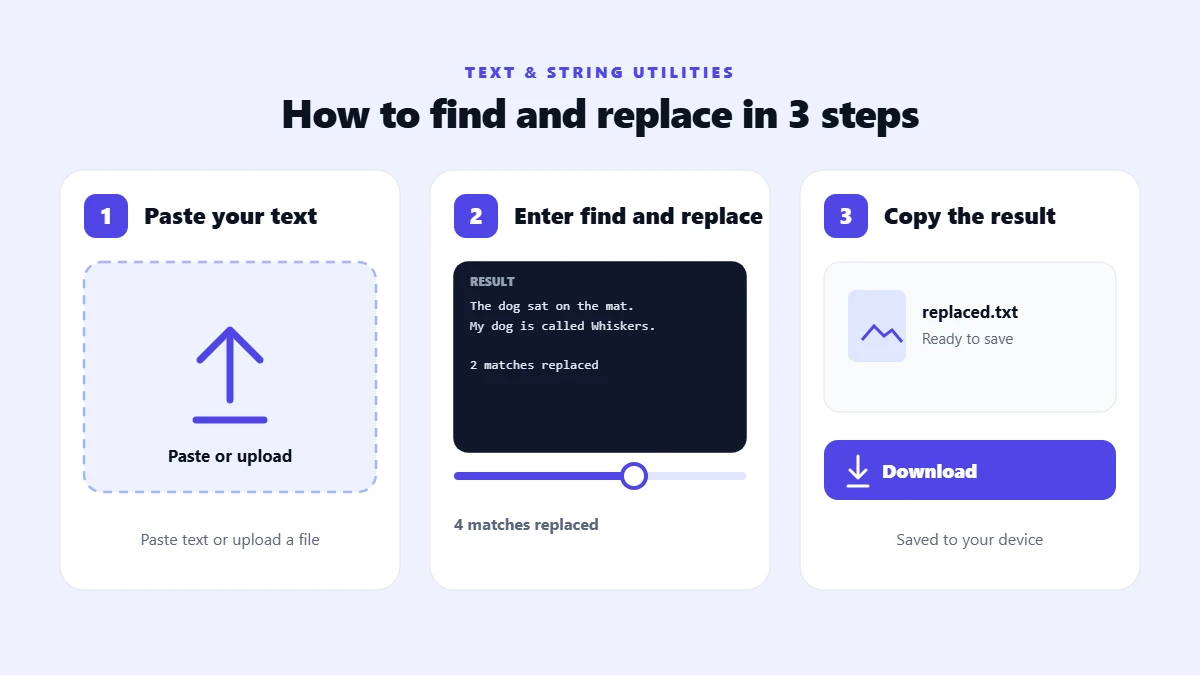
How to find and replace in 3 steps
The result updates as you type in either box.
Paste your text
Paste it or press Upload to open a .txt file.
Enter find and replace
Type what to find and its replacement, then set case, whole word or regex.
Copy the result
Check the match count, then press Copy or Download.
Watch: how to use the free Find and Replace
Popular uses
Rename in documents
Change a name or term everywhere in a draft.
Edit code and data
Swap values across a config or CSV.
Update links
Replace an old domain with a new one.
Reformat lists
Turn commas into new lines with regex.
Clean templates
Fill placeholders like {name} in bulk.
Fix typos
Correct a repeated spelling mistake.
How to use the Find and Replace on Windows, Mac, iPhone and Android
No app to install. The tool works in any modern browser, so the steps are almost the same everywhere.
On Windows
- Open toolzzz.com/find-and-replace/ in Chrome, Edge or Firefox.
- Paste (Ctrl+V) your text into the left box, or press Upload to open a file.
- Type what to find and the replacement.
- Press Copy to put the result on your clipboard, or Download to save it. Files go to your Downloads folder.
On Mac
- Open toolzzz.com/find-and-replace/ in Safari or Chrome.
- Paste (Cmd+V) your text into the left box, or press Upload to open a file.
- Type what to find and the replacement.
- Press Copy to put the result on your clipboard, or Download to save it.
On iPhone and iPad
- Open toolzzz.com/find-and-replace/ in Safari.
- Touch and hold the box, tap Paste to add your text into the left box, or tap Upload to open a file.
- Type what to find and the replacement.
- Tap Copy to put the result on your clipboard, or Download to save it. Downloads appear in the Files app.
On Android
- Open toolzzz.com/find-and-replace/ in Chrome.
- Long-tap the box and tap Paste to add your text into the left box, or press Upload to open a file.
- Type what to find and the replacement.
- Tap Copy to put the result on your clipboard, or Download to save it. Downloads go to the Downloads folder.
Toolzzz vs. other online text tools
| Feature | Toolzzz Find and Replace | Typical online text tools |
|---|---|---|
| Price | Free, no limits | Free with ads or word limits |
| Where your text goes | Stays in your browser | Often sent to a server |
| Sign-up | Not needed | Sometimes needed for long texts |
| Speed | Updates as you type | Often needs a button press |
| Text length | Only your device memory | Often capped on free plans |
| Unicode and emoji | Fully supported | Sometimes broken or miscounted |
"Typical" describes common limits of free online services. Plans and limits differ between sites.
Why use Toolzzz for text
Your text stays private
Everything runs in this browser tab. Your words are never uploaded, stored or logged.
Live results
The result updates as you type, paste or change an option.
Every language
Built on Unicode, so accented letters, Arabic, Urdu, Chinese and emoji all work.
Copy or download
Copy the result to the clipboard or save it as a .txt file.
Any device
Works the same on desktop, tablet and phone browsers.
Free forever
No account, no word limits and no paywall.
Tips for the best result
- Turn on Whole words only so "cat" does not also change "category".
- With regex, use
,\s*to find commas and\nin the replacement for a new line. - Capture groups: find
(\w+) (\w+)and replace with$2 $1to swap two words. - Leave the replacement empty to delete every match.
- Compare before and after with the Text Diff Checker.
Key terms explained
- Regular expression
- A pattern language for matching text, such as \d+ for any number.
- Capture group
- A part of a regex in brackets whose match can be reused as $1, $2 and so on.
- Whole word
- A match that is not part of a longer word.
Frequently asked questions
Is find and replace free?
Yes, free and unlimited.
Is my text uploaded?
No. Replacing runs in your browser.
Is the search case-sensitive?
Only if you untick Ignore case.
How do I delete a word everywhere?
Type it in Find and leave Replace empty.
Can I use regular expressions?
Yes. Tick Use regular expression. JavaScript regex syntax is used, with Unicode support.
How do I replace with a new line?
With regex on, type \n in the replacement.
What if my regex is invalid?
You see an error message and the text is left unchanged.
Can I undo?
Your original text stays in the left box, so you can always start again.