
How do I remove duplicate lines?
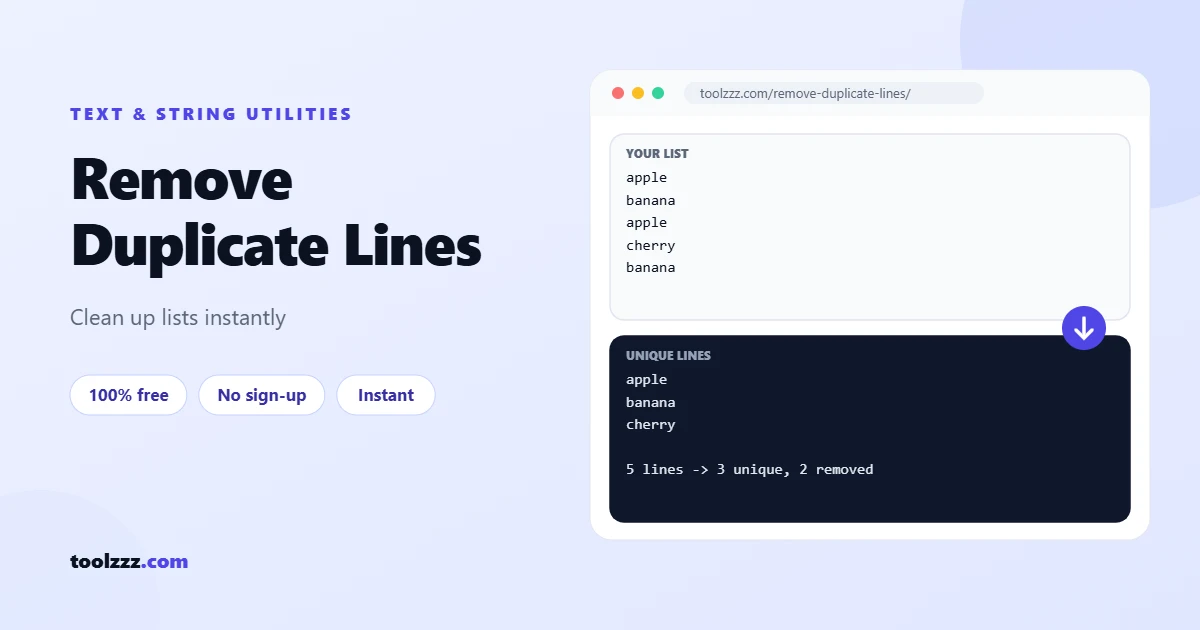
Paste your list with one item per line. The Toolzzz Remove Duplicate Lines tool keeps the first copy of each line and removes the rest, while keeping the original order. You can ignore upper and lower case, ignore extra spaces, remove empty lines or show only the lines that were duplicated.
- Keeps the original order
- Ignore case option (Apple = apple)
- Ignore leading and trailing spaces
- Keep the first or last occurrence
- Remove empty lines
- Show only duplicates with counts
- Shows how many lines were removed
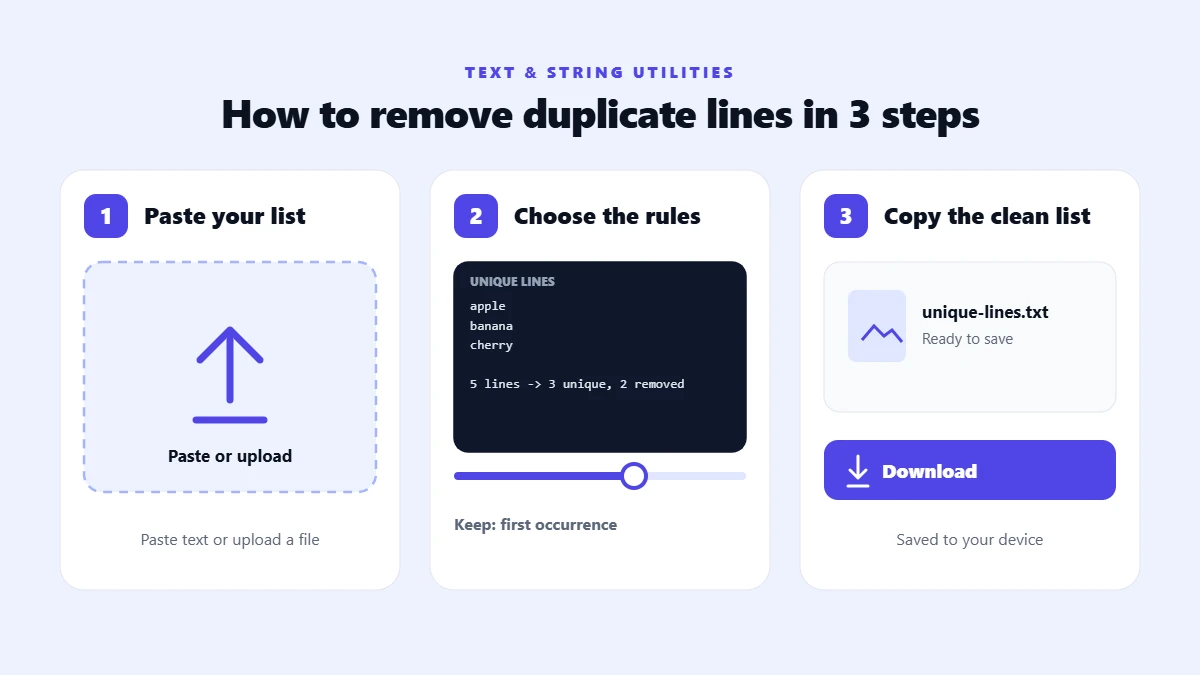
How to remove duplicate lines in 3 steps
Duplicates are removed as you paste.
Paste your list
One item per line, or press Upload to open a .txt or .csv file.
Choose the rules
Ignore case or spaces, keep the first or last copy, and remove empty lines.
Copy the clean list
Press Copy or Download.
Watch: how to use the free Remove Duplicate Lines
What people dedupe
Email lists
Remove repeated addresses before sending a campaign.
Keyword lists
Clean SEO keyword research exports.
Log files
Collapse repeated log lines to see unique errors.
Product SKUs
Find and remove repeated codes.
Names and contacts
Merge lists from several sources.
URL lists
Dedupe links for sitemaps or crawls.
How to use the Remove Duplicate Lines on Windows, Mac, iPhone and Android
No app to install. The tool works in any modern browser, so the steps are almost the same everywhere.
On Windows
- Open toolzzz.com/remove-duplicate-lines/ in Chrome, Edge or Firefox.
- Paste (Ctrl+V) your list into the left box, or press Upload to open a file.
- Choose whether to ignore case and spaces.
- Press Copy to put the result on your clipboard, or Download to save it. Files go to your Downloads folder.
On Mac
- Open toolzzz.com/remove-duplicate-lines/ in Safari or Chrome.
- Paste (Cmd+V) your list into the left box, or press Upload to open a file.
- Choose whether to ignore case and spaces.
- Press Copy to put the result on your clipboard, or Download to save it.
On iPhone and iPad
- Open toolzzz.com/remove-duplicate-lines/ in Safari.
- Touch and hold the box, tap Paste to add your list into the left box, or tap Upload to open a file.
- Choose whether to ignore case and spaces.
- Tap Copy to put the result on your clipboard, or Download to save it. Downloads appear in the Files app.
On Android
- Open toolzzz.com/remove-duplicate-lines/ in Chrome.
- Long-tap the box and tap Paste to add your list into the left box, or press Upload to open a file.
- Choose whether to ignore case and spaces.
- Tap Copy to put the result on your clipboard, or Download to save it. Downloads go to the Downloads folder.
Toolzzz vs. other online text tools
| Feature | Toolzzz Remove Duplicate Lines | Typical online text tools |
|---|---|---|
| Price | Free, no limits | Free with ads or word limits |
| Where your text goes | Stays in your browser | Often sent to a server |
| Sign-up | Not needed | Sometimes needed for long texts |
| Speed | Updates as you type | Often needs a button press |
| Text length | Only your device memory | Often capped on free plans |
| Unicode and emoji | Fully supported | Sometimes broken or miscounted |
"Typical" describes common limits of free online services. Plans and limits differ between sites.
Why use Toolzzz for text
Your text stays private
Everything runs in this browser tab. Your words are never uploaded, stored or logged.
Live results
The result updates as you type, paste or change an option.
Every language
Built on Unicode, so accented letters, Arabic, Urdu, Chinese and emoji all work.
Copy or download
Copy the result to the clipboard or save it as a .txt file.
Any device
Works the same on desktop, tablet and phone browsers.
Free forever
No account, no word limits and no paywall.
Tips for the best result
- Turn on Ignore case for emails and domains, which are not case-sensitive.
- Use Show only the duplicates to see what repeats and how often.
- To sort the result too, use Sort Lines A to Z with Remove duplicates.
- Extract addresses from messy text first with Extract Emails.
- Keep last occurrence when later lines are newer versions.
Key terms explained
- Duplicate line
- A line whose text matches an earlier line exactly, or after your ignore rules.
- Case-insensitive
- Treating upper and lower case letters as the same.
- Trim
- Removing spaces and tabs at the start and end of a line.
Frequently asked questions
Is the tool free?
Yes. Free and unlimited.
Is my list uploaded?
No. Everything runs in your browser.
Does it keep the original order?
Yes. The first copy of each line stays where it was.
Can it ignore upper and lower case?
Yes. Tick Ignore upper/lower case.
Can I see which lines were duplicates?
Yes. Tick Show only the duplicates to list them with how many times each appears.
Does it remove blank lines?
Yes, when Remove empty lines is ticked.
How many lines can it handle?
Hundreds of thousands of lines in a second or two on a normal computer.
Can I dedupe a CSV by one column?
This tool compares whole lines. For column-based dedupe, open the CSV in a spreadsheet.