
How do I change the case of text?
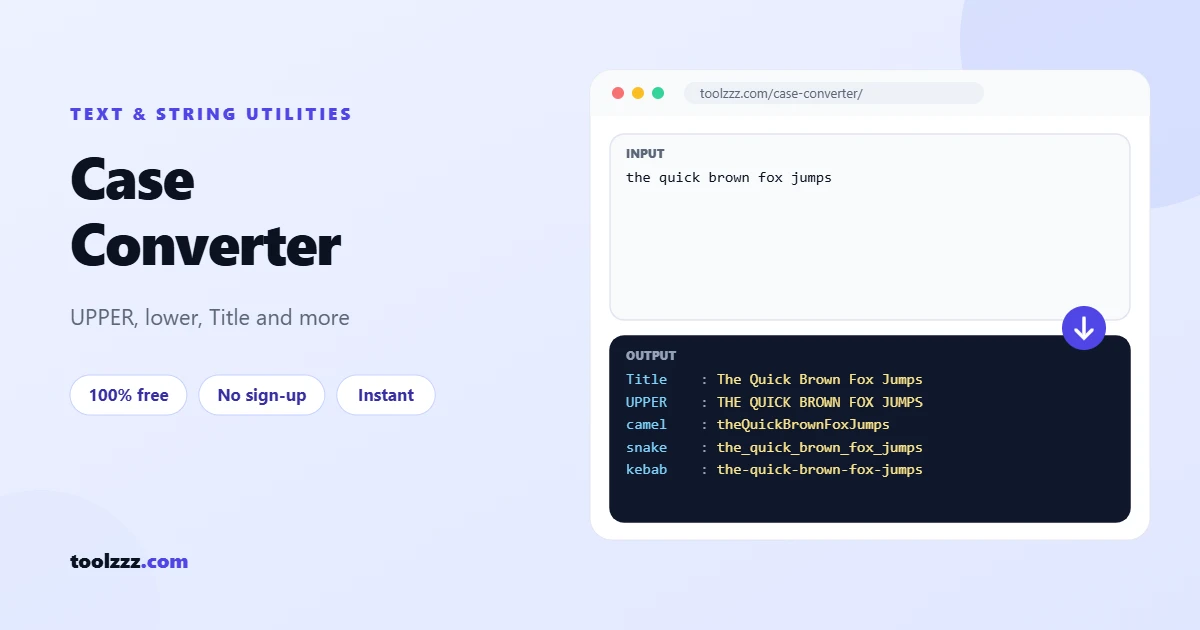
Paste your text and choose a case. The Toolzzz Case Converter changes it instantly to UPPERCASE, lowercase, Title Case, Sentence case, camelCase, PascalCase, snake_case, kebab-case, CONSTANT_CASE, aLtErNaTiNg or iNVERSE. Title Case keeps small words like "and" and "of" lowercase.
- 11 cases in one tool
- Smart Title Case that keeps small words lower
- Sentence case after . ! and ?
- Programmer cases: camelCase, PascalCase, snake_case, kebab-case
- CONSTANT_CASE for environment variables
- Works line by line for code cases
- Supports accented and non-Latin letters
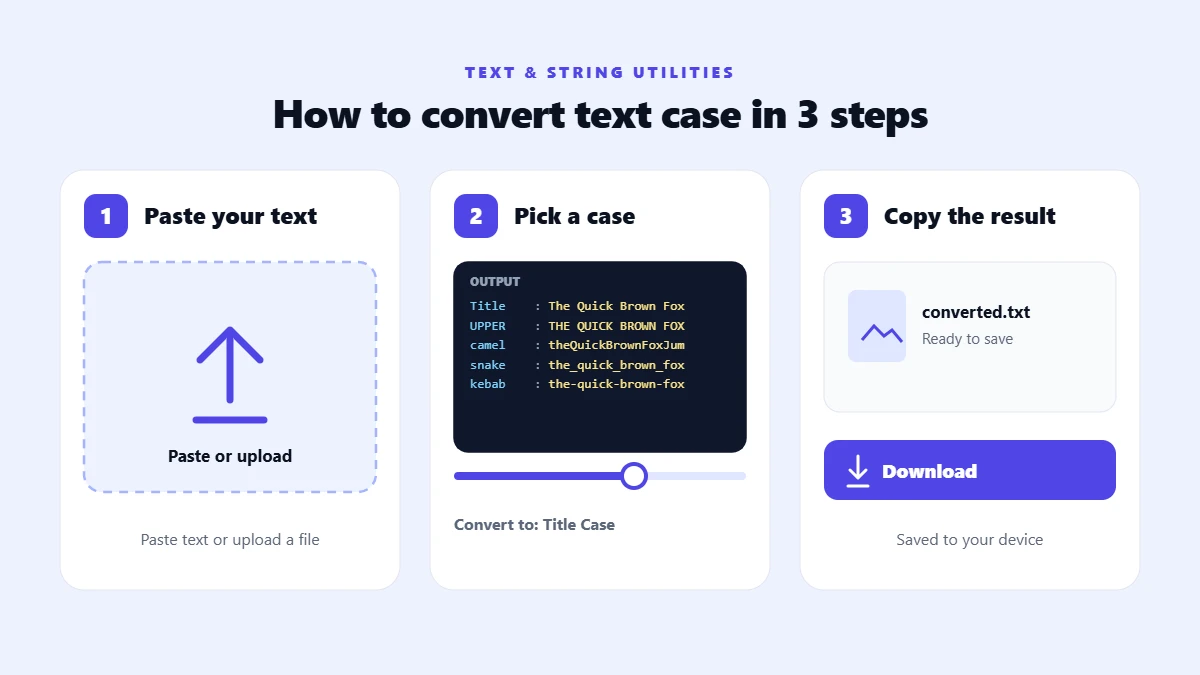
How to convert text case in 3 steps
The result changes as soon as you pick a case.
Paste your text
Type or paste it, or press Upload to open a .txt file.
Pick a case
Choose UPPERCASE, Title Case, camelCase or any other case.
Copy the result
Press Copy or Download a .txt file.
Watch: how to use the free Case Converter
Handy uses for case conversion
Headlines and titles
Format blog titles and headings in Title Case.
Fix caps lock text
Turn ACCIDENTAL CAPITALS back into normal sentences.
Variable names
Turn phrases into camelCase, snake_case or PascalCase.
CSS classes and URLs
Make kebab-case names for classes and slugs.
Environment variables
Write CONSTANT_CASE keys like API_BASE_URL.
Social posts
Add fun aLtErNaTiNg text for memes.
How to use the Case Converter on Windows, Mac, iPhone and Android
No app to install. The tool works in any modern browser, so the steps are almost the same everywhere.
On Windows
- Open toolzzz.com/case-converter/ in Chrome, Edge or Firefox.
- Paste (Ctrl+V) your text into the left box, or press Upload to open a file.
- Choose the case you want.
- Press Copy to put the result on your clipboard, or Download to save it. Files go to your Downloads folder.
On Mac
- Open toolzzz.com/case-converter/ in Safari or Chrome.
- Paste (Cmd+V) your text into the left box, or press Upload to open a file.
- Choose the case you want.
- Press Copy to put the result on your clipboard, or Download to save it.
On iPhone and iPad
- Open toolzzz.com/case-converter/ in Safari.
- Touch and hold the box, tap Paste to add your text into the left box, or tap Upload to open a file.
- Choose the case you want.
- Tap Copy to put the result on your clipboard, or Download to save it. Downloads appear in the Files app.
On Android
- Open toolzzz.com/case-converter/ in Chrome.
- Long-tap the box and tap Paste to add your text into the left box, or press Upload to open a file.
- Choose the case you want.
- Tap Copy to put the result on your clipboard, or Download to save it. Downloads go to the Downloads folder.
Toolzzz vs. other online text tools
| Feature | Toolzzz Case Converter | Typical online text tools |
|---|---|---|
| Price | Free, no limits | Free with ads or word limits |
| Where your text goes | Stays in your browser | Often sent to a server |
| Sign-up | Not needed | Sometimes needed for long texts |
| Speed | Updates as you type | Often needs a button press |
| Text length | Only your device memory | Often capped on free plans |
| Unicode and emoji | Fully supported | Sometimes broken or miscounted |
"Typical" describes common limits of free online services. Plans and limits differ between sites.
Why use Toolzzz for text
Your text stays private
Everything runs in this browser tab. Your words are never uploaded, stored or logged.
Live results
The result updates as you type, paste or change an option.
Every language
Built on Unicode, so accented letters, Arabic, Urdu, Chinese and emoji all work.
Copy or download
Copy the result to the clipboard or save it as a .txt file.
Any device
Works the same on desktop, tablet and phone browsers.
Free forever
No account, no word limits and no paywall.
Tips for the best result
- Title Case styles differ. This tool keeps short words like a, and, of, the and to lowercase except at the start.
- Sentence case lowercases everything first, so names need a quick check afterwards.
- For URLs, the URL Slug Generator also removes accents and symbols.
- Code cases work line by line, so you can convert a list of names at once.
- Clean spacing first with Remove Extra Spaces.
Key terms explained
- Title Case
- Capitalising the main words of a title, while small words stay lowercase.
- camelCase
- Joining words with each new word capitalised and the first word lowercase, like userName.
- snake_case
- Joining lowercase words with underscores, like user_name.
Frequently asked questions
Is the case converter free?
Yes. Free, unlimited and no sign-up.
Is my text uploaded?
No. Conversion runs in your browser.
How does Title Case work?
Each word is capitalised except short words like a, an, and, of, the and to, unless they start the text or follow a colon or full stop.
Can I convert to camelCase?
Yes. Choose camelCase. Spaces, dashes and underscores are removed and each word after the first is capitalised.
Does it work with accents and other languages?
Yes. Upper and lower case follow Unicode rules.
What is the difference between kebab-case and snake_case?
kebab-case uses dashes (my-page), snake_case uses underscores (my_page).
Can I convert many lines at once?
Yes. Paste a list and each line is converted.
Why did a name get lowercased?
Sentence and Title Case lowercase other letters first. Fix proper nouns by hand.