
How do I create a URL slug?
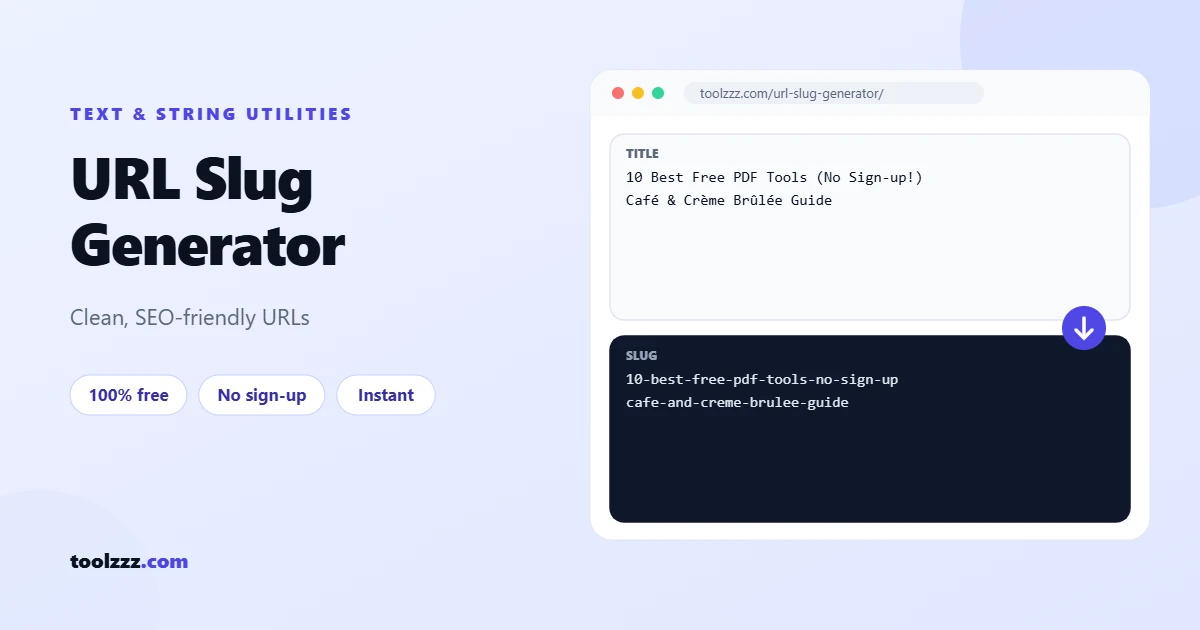
Paste a title, or several titles one per line. The Toolzzz URL Slug Generator lowercases it, turns accented letters into plain ones (é to e), removes symbols and joins the words with hyphens. You can also remove stop words, use underscores and set a maximum length that never cuts a word in half.
- Lowercase, hyphen-separated slugs
- Removes accents (café becomes cafe)
- Strips symbols and punctuation
- Turns & into "and"
- Optional stop word removal
- Max length without cutting words
- Bulk: one title per line
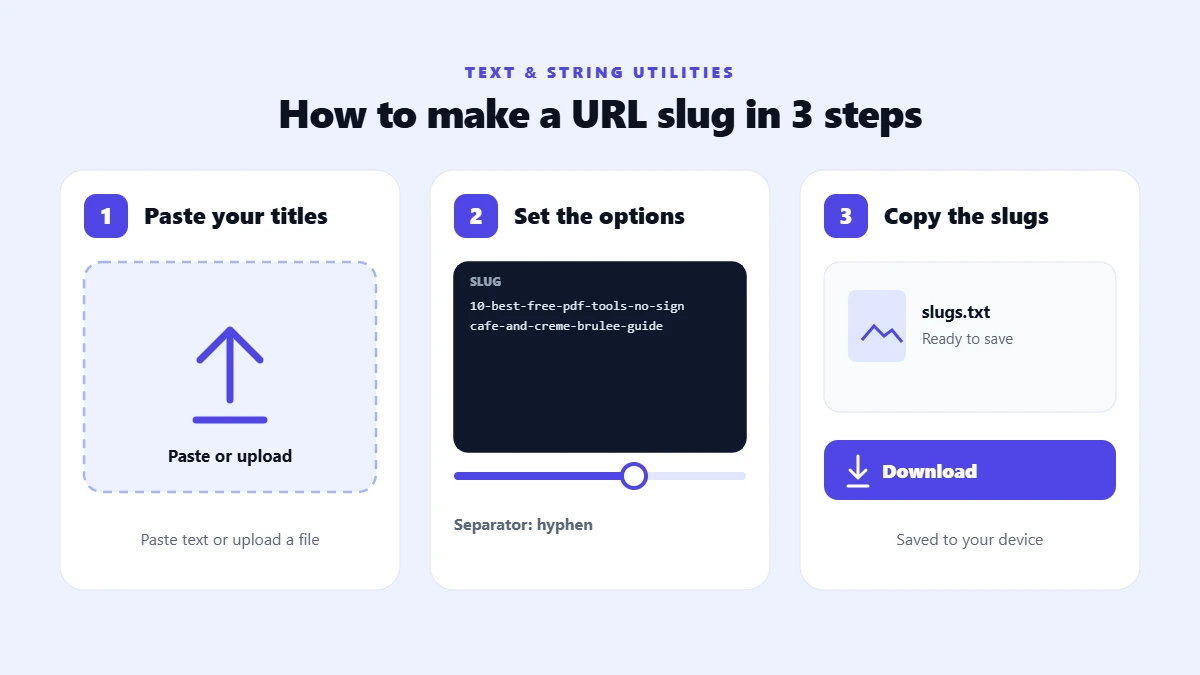
How to make a URL slug in 3 steps
Slugs are generated while you type.
Paste your titles
One title per line, or press Upload to open a list.
Set the options
Choose hyphens or underscores, stop word removal and a maximum length.
Copy the slugs
Press Copy or Download.
Watch: how to use the free URL Slug Generator
Where slugs are used
Blog posts and pages
Set clean permalinks in WordPress and other CMSs.
Product URLs
Create readable product and category links.
File and folder names
Make safe names for files and folders.
Multilingual sites
Turn accented titles into plain ASCII slugs.
Anchors and IDs
Create IDs for headings and sections.
Bulk imports
Generate slugs for a whole list at once.
How to use the URL Slug Generator on Windows, Mac, iPhone and Android
No app to install. The tool works in any modern browser, so the steps are almost the same everywhere.
On Windows
- Open toolzzz.com/url-slug-generator/ in Chrome, Edge or Firefox.
- Paste (Ctrl+V) your titles into the left box, or press Upload to open a file.
- Choose the separator and maximum length.
- Press Copy to put the result on your clipboard, or Download to save it. Files go to your Downloads folder.
On Mac
- Open toolzzz.com/url-slug-generator/ in Safari or Chrome.
- Paste (Cmd+V) your titles into the left box, or press Upload to open a file.
- Choose the separator and maximum length.
- Press Copy to put the result on your clipboard, or Download to save it.
On iPhone and iPad
- Open toolzzz.com/url-slug-generator/ in Safari.
- Touch and hold the box, tap Paste to add your titles into the left box, or tap Upload to open a file.
- Choose the separator and maximum length.
- Tap Copy to put the result on your clipboard, or Download to save it. Downloads appear in the Files app.
On Android
- Open toolzzz.com/url-slug-generator/ in Chrome.
- Long-tap the box and tap Paste to add your titles into the left box, or press Upload to open a file.
- Choose the separator and maximum length.
- Tap Copy to put the result on your clipboard, or Download to save it. Downloads go to the Downloads folder.
Toolzzz vs. other online text tools
| Feature | Toolzzz URL Slug Generator | Typical online text tools |
|---|---|---|
| Price | Free, no limits | Free with ads or word limits |
| Where your text goes | Stays in your browser | Often sent to a server |
| Sign-up | Not needed | Sometimes needed for long texts |
| Speed | Updates as you type | Often needs a button press |
| Text length | Only your device memory | Often capped on free plans |
| Unicode and emoji | Fully supported | Sometimes broken or miscounted |
"Typical" describes common limits of free online services. Plans and limits differ between sites.
Why use Toolzzz for text
Your text stays private
Everything runs in this browser tab. Your words are never uploaded, stored or logged.
Live results
The result updates as you type, paste or change an option.
Every language
Built on Unicode, so accented letters, Arabic, Urdu, Chinese and emoji all work.
Copy or download
Copy the result to the clipboard or save it as a .txt file.
Any device
Works the same on desktop, tablet and phone browsers.
Free forever
No account, no word limits and no paywall.
Tips for the best result
- Shorter slugs are easier to share and read. 3 to 6 words is a good target.
- Google treats hyphens as word separators but not underscores, so use hyphens for URLs.
- Removing stop words shortens slugs, but keep them when they change the meaning.
- Avoid dates in slugs for evergreen content, so you can update it later.
- Changing a live page’s slug breaks old links. Add a 301 redirect if you do.
Key terms explained
- Slug
- The readable part of a URL that names a page, such as /url-slug-generator/.
- Stop words
- Very common words like a, the and of that carry little meaning.
- Transliteration
- Turning letters with accents or from other scripts into plain Latin letters.
Frequently asked questions
Is the slug generator free?
Yes, completely free.
Is my text uploaded?
No. Slugs are created in your browser.
Should I use hyphens or underscores?
Hyphens. Google reads hyphens as spaces between words.
How are accents handled?
They are removed: é becomes e, ü becomes u, ß becomes ss and æ becomes ae.
Should I remove stop words?
It shortens slugs, but only remove them when the meaning stays clear.
How long should a slug be?
Short and descriptive. Around 60 characters or less is a good limit.
Can I create many slugs at once?
Yes. Put one title per line.
Does it support non-Latin scripts?
Letters that cannot be turned into Latin, such as Urdu or Chinese, are removed. Write an English slug for those pages.