
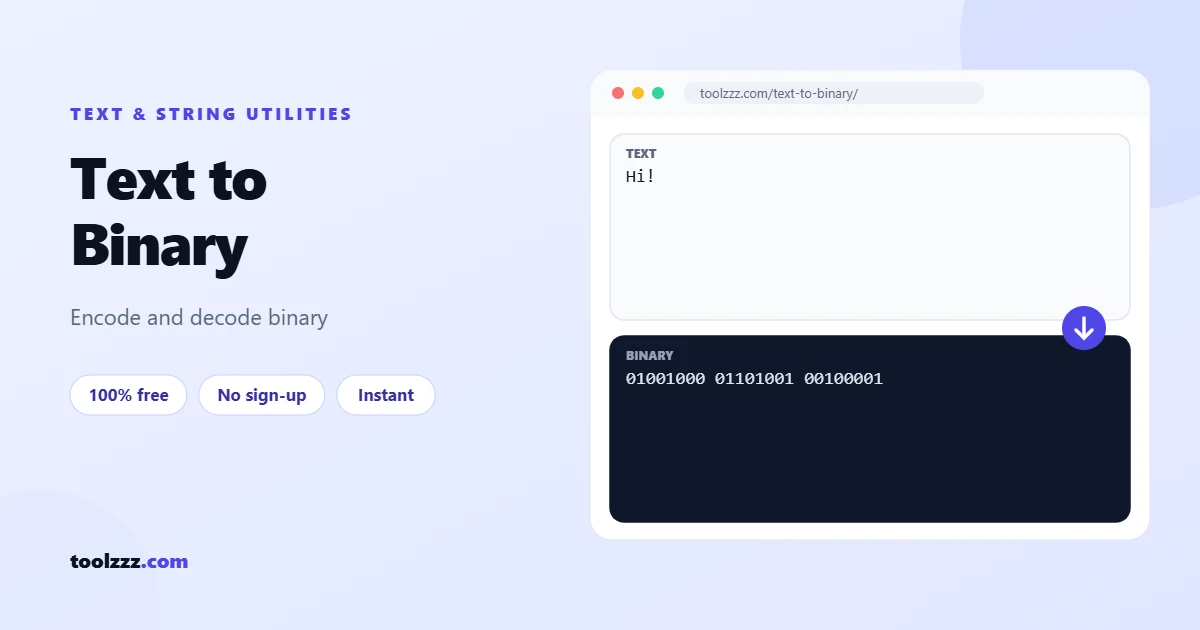
How do I convert text to binary?
Type your text and choose Text to code with the Binary format. The Toolzzz Text to Binary converter turns each UTF-8 byte into 8 binary digits, such as H = 01001000. Switch to Code to text to decode binary back into readable text. Hex, octal and decimal work the same way.
- Text to binary and binary to text
- Also hex, octal and decimal
- UTF-8 bytes, so emoji and accents work
- 8-bit padded binary bytes
- Space, comma or no separator
- Decodes unspaced binary too
- Swap to reverse instantly
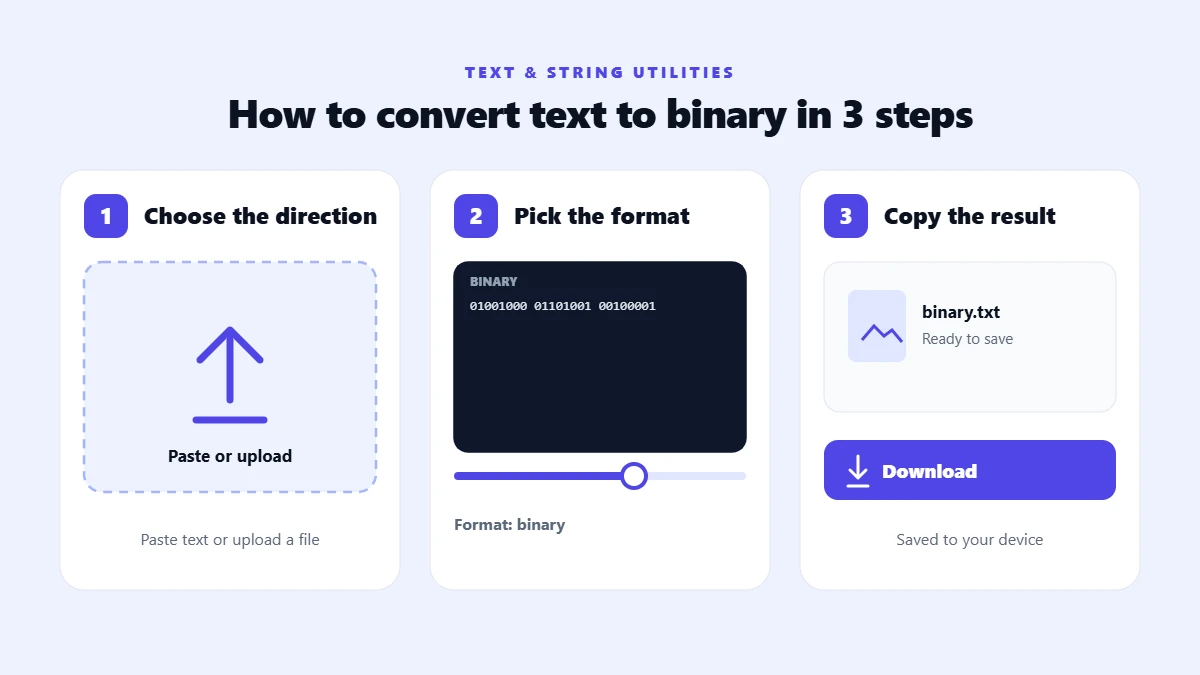
How to convert text to binary in 3 steps
The result appears as you type.
Choose the direction
Pick Text to code or Code to text.
Pick the format
Choose Binary, Hex, Octal or Decimal, and a separator.
Copy the result
Press Copy or Download. Use Swap to reverse it.
Watch: how to use the free Text to Binary
Why convert text to binary
Learning computer science
See how computers store letters as bytes.
Debugging encodings
Inspect the exact bytes of a string.
Puzzles and games
Hide messages in binary for escape rooms and quizzes.
Fun messages
Send a message in 0s and 1s.
Hex for developers
Get hex bytes for code, URLs and protocols.
Checking data
Decode byte dumps from logs.
How to use the Text to Binary on Windows, Mac, iPhone and Android
No app to install. The tool works in any modern browser, so the steps are almost the same everywhere.
On Windows
- Open toolzzz.com/text-to-binary/ in Chrome, Edge or Firefox.
- Paste (Ctrl+V) your text into the left box, or press Upload to open a file.
- Choose the direction and format.
- Press Copy to put the result on your clipboard, or Download to save it. Files go to your Downloads folder.
On Mac
- Open toolzzz.com/text-to-binary/ in Safari or Chrome.
- Paste (Cmd+V) your text into the left box, or press Upload to open a file.
- Choose the direction and format.
- Press Copy to put the result on your clipboard, or Download to save it.
On iPhone and iPad
- Open toolzzz.com/text-to-binary/ in Safari.
- Touch and hold the box, tap Paste to add your text into the left box, or tap Upload to open a file.
- Choose the direction and format.
- Tap Copy to put the result on your clipboard, or Download to save it. Downloads appear in the Files app.
On Android
- Open toolzzz.com/text-to-binary/ in Chrome.
- Long-tap the box and tap Paste to add your text into the left box, or press Upload to open a file.
- Choose the direction and format.
- Tap Copy to put the result on your clipboard, or Download to save it. Downloads go to the Downloads folder.
Toolzzz vs. other online text tools
| Feature | Toolzzz Text to Binary | Typical online text tools |
|---|---|---|
| Price | Free, no limits | Free with ads or word limits |
| Where your text goes | Stays in your browser | Often sent to a server |
| Sign-up | Not needed | Sometimes needed for long texts |
| Speed | Updates as you type | Often needs a button press |
| Text length | Only your device memory | Often capped on free plans |
| Unicode and emoji | Fully supported | Sometimes broken or miscounted |
"Typical" describes common limits of free online services. Plans and limits differ between sites.
Why use Toolzzz for text
Your text stays private
Everything runs in this browser tab. Your words are never uploaded, stored or logged.
Live results
The result updates as you type, paste or change an option.
Every language
Built on Unicode, so accented letters, Arabic, Urdu, Chinese and emoji all work.
Copy or download
Copy the result to the clipboard or save it as a .txt file.
Any device
Works the same on desktop, tablet and phone browsers.
Free forever
No account, no word limits and no paywall.
Tips for the best result
- Each English letter is one byte (8 bits). Accented letters use 2 bytes and emoji use 4.
- Binary decoding needs groups of 8 digits. Unspaced input is split into 8-digit groups automatically.
- Hex is shorter: every byte is 2 characters, such as 48 for H.
- Binary is not encryption. For privacy, use Encrypt Image.
- For Base64, use the Base64 Encoder.
Key terms explained
- Bit
- A single binary digit: 0 or 1.
- Byte
- A group of 8 bits, able to hold a value from 0 to 255.
- UTF-8
- The standard way to store text as bytes, using 1 to 4 bytes per character.
Frequently asked questions
Is the converter free?
Yes, free and unlimited.
Is my text uploaded?
No. It is converted in your browser.
What is "Hello" in binary?
01001000 01100101 01101100 01101100 01101111.
How do I convert binary back to text?
Choose Code to text, keep Binary, and paste your 0s and 1s.
Does it support emoji?
Yes. Each emoji becomes 4 UTF-8 bytes.
Can I convert to hex?
Yes. Choose Hex as the format.
Why do I get an error when decoding?
A group contains invalid digits or is larger than 255. Check the separators.
Is ASCII the same as UTF-8?
For English letters, numbers and basic symbols, yes. UTF-8 adds every other character.