
Blur a picture in seconds
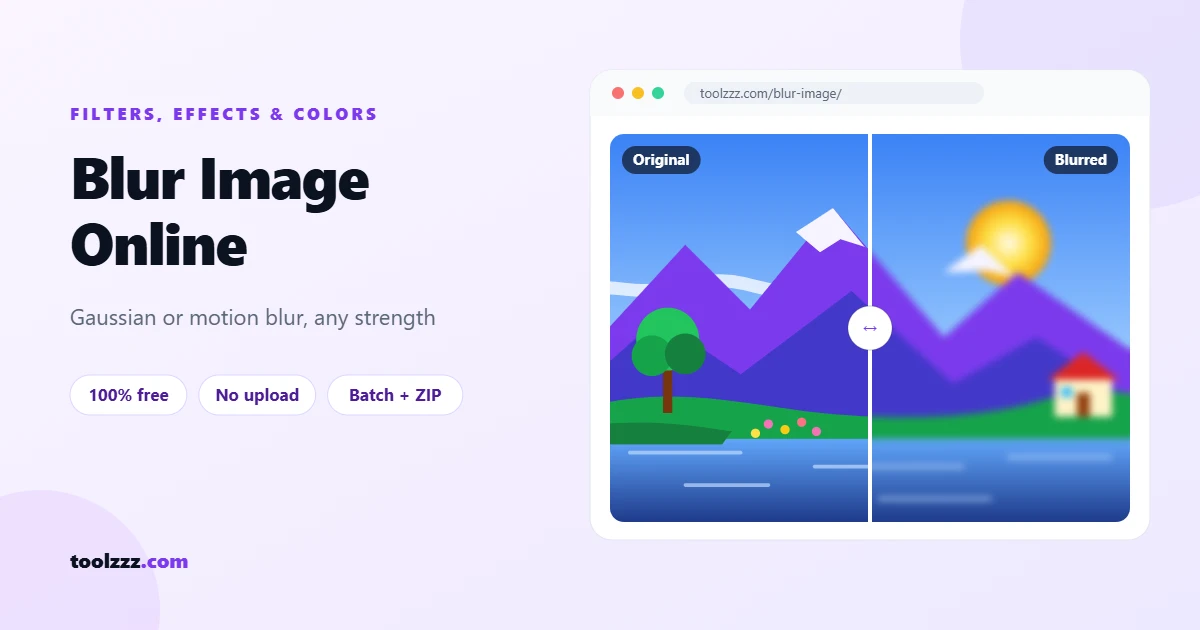
To blur an image, drop it into Toolzzz Blur Image, pick Light, Medium, Strong or Hide detail (or drag the Blur strength slider), choose Gaussian or Motion blur, and press Download image. The blur scales with the picture size, so the preview matches the full-resolution download. Your image never leaves your device.
- Gaussian + motion blur
- Strength 0 to 100
- Preview = final result
- Batch + ZIP
- Keeps PNG transparency
- 100% free, no sign-up
- No watermark
How to blur an image online
Blurring averages each pixel with its neighbors. It softens noise and detail, creates dreamy backgrounds and wallpapers, and makes text or faces unreadable.
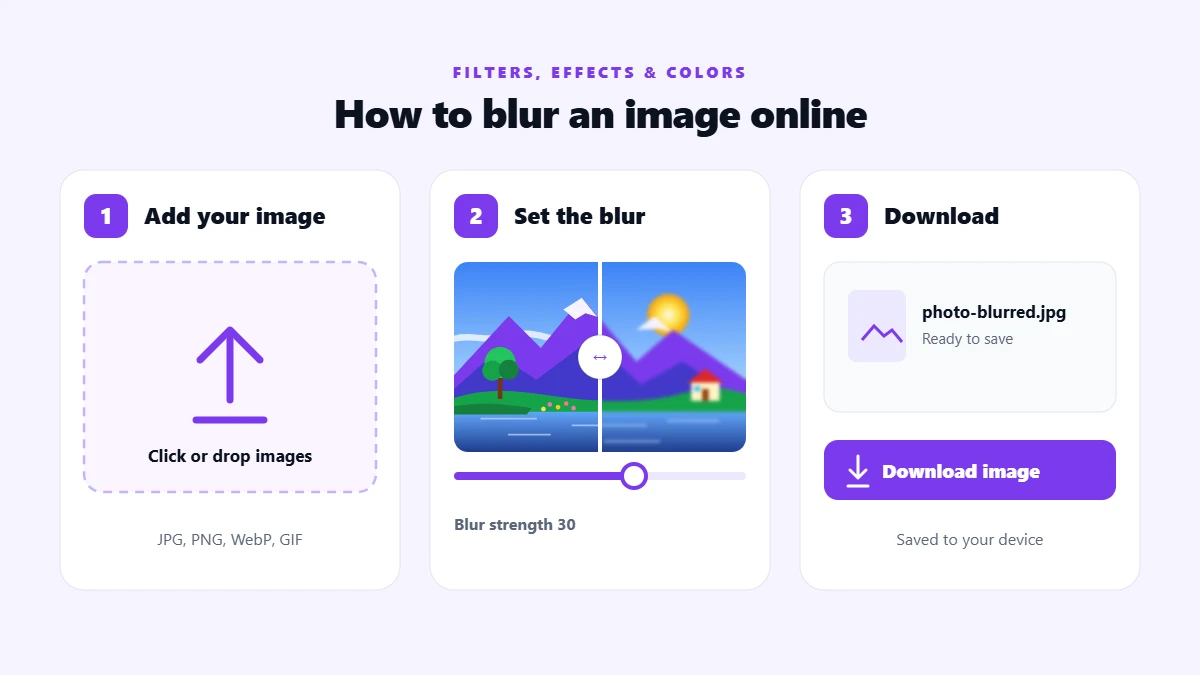
Add your image
Click the upload box or drop JPG, PNG, WebP or GIF images. Pasting a screenshot with Ctrl + V also works.
Set the blur
Choose a preset or drag Blur strength. Switch Blur type to Motion for a horizontal speed effect.
Download
Check the result with the before/after slider and press Download image or Download all (ZIP).
Watch: blur an entire photo online in seconds
Popular reasons to blur an image
Website hero backgrounds
A strongly blurred photo makes a calm background that keeps headline text readable.
Phone wallpapers
Blur a favorite photo so app icons and widgets stand out on your home and lock screen.
Hide sensitive content
The Hide detail preset makes faces, plates and text unreadable before you share an image.
Story and post backdrops
Use a blurred copy of a photo as the background behind a sharp version in Instagram stories or thumbnails.
Motion and speed
Motion blur adds a sense of movement to cars, sports and product shots.
Soften noise
A light blur hides sensor noise and JPG artifacts in low-light or heavily compressed images.
Gaussian blur vs. motion blur
| Blur type | How it looks | Best for |
|---|---|---|
| Gaussian | Smooth, even blur in every direction, like an out-of-focus lens | Backgrounds, wallpapers, privacy |
| Motion | Streaks along the horizontal axis, like a moving camera or subject | Speed effects, dynamic banners |
Toolzzz scales the blur radius with the image size: strength 100 equals a radius of about 2% of the longest side. That way a 4000-pixel photo and a 1000-pixel preview look the same, and you never get a weaker blur in the downloaded file than on screen.
Need to blur just the background or one area?
This tool blurs the whole image evenly. To keep the subject sharp and blur only what is behind it, use Blur Photo Background. To hide a face, license plate or address in one spot, use Censor Image, which lets you draw blur or pixel boxes exactly where you need them.
How to blur an image on Windows, Mac, iPhone and Android
No app to install. The tool works in any modern browser, so the steps are almost the same everywhere.
On Windows
- Open toolzzz.com/blur-image/ in Chrome, Edge or Firefox.
- Drag your image from File Explorer onto the upload box.
- Pick a blur preset or move the Blur strength slider, then press Download image.
- The new file is saved to your Downloads folder.
On Mac
- Open toolzzz.com/blur-image/ in Safari or Chrome.
- Drag the image from Finder or the Photos app onto the upload box.
- Pick a blur preset or move the Blur strength slider, then press Download image.
- Find the result in Downloads (Safari asks first if set to).
On iPhone and iPad
- Open toolzzz.com/blur-image/ in Safari.
- Tap the upload box and choose Photo Library, Take Photo or Choose File.
- Pick a blur preset or move the Blur strength slider, then tap Download image.
- Tap Download, then open it from the Files app and choose Save Image to add it to Photos.
On Android
- Open toolzzz.com/blur-image/ in Chrome.
- Tap the upload box and pick the image from your Gallery, Files or camera.
- Pick a blur preset or move the Blur strength slider, then tap Download image.
- The image appears in your Downloads folder and in Google Photos under Downloads.
Toolzzz vs. typical online photo editors
| Feature | Toolzzz Blur Image | Typical online editors |
|---|---|---|
| Your image is uploaded to a server | Never. It is processed in your browser | Usually |
| Gaussian and motion blur | Both | Often Gaussian only |
| Preview matches the download | Yes, blur scales with size | Often weaker on large files |
| Batch processing + ZIP | Yes | Often paid |
| Transparent PNG support | Yes, no dark halos | Sometimes |
| Full resolution output | Yes | Often reduced on free plans |
| Watermark or sign-up | None | Common |
"Typical" describes common limits of free online services. Plans and limits differ between sites.
An image blur tool that just works
Two blur types
Classic Gaussian blur for a soft-focus look and motion blur for a sense of speed.
Precise strength
Four presets plus a 0 to 100 slider, from barely soft to completely unreadable.
Live before and after
See the effect update as you drag and compare it with the original.
Batch blur
Blur a set of images with the same settings and save them as one ZIP.
Clean transparent edges
Transparent PNGs are blurred with premultiplied alpha, so edges do not turn dark.
Private
Everything happens on your device. No upload, no account, no tracking of your files.
Tips for the best result
- For website backgrounds, use Strong and save as WebP for the smallest file.
- To make text unreadable, Hide detail is safer than a light blur. Check at 100% zoom before sharing.
- Use Light to soften skin or noise without losing the overall shape.
- Combine with Adjust Brightness to darken a blurred background behind white text.
- Need crisp images instead? Try Sharpen Image.
Key terms explained
- Gaussian blur
- A blur that weights nearby pixels using a bell curve, giving a smooth, natural softness.
- Blur radius
- How far, in pixels, the blur reaches from each point. Larger radius means stronger blur.
- Motion blur
- A directional blur that smears pixels along one line, suggesting movement.
Frequently asked questions
How do I blur a picture for free?
Upload the picture on this page, choose a preset such as Medium and press Download image. There is no sign-up or watermark.
How do I blur only part of an image?
This tool blurs the whole image. Use Censor Image to blur selected areas, or Blur Photo Background to keep the subject sharp.
Can a blurred image be unblurred?
A strong blur destroys detail and cannot be reliably reversed. For privacy, use Hide detail or pixelate the area instead of a light blur.
What is the best blur for a background?
Gaussian blur between Medium and Strong. Darken it slightly with Adjust Brightness if you place text on top.
Does blurring reduce the file size?
Usually yes. Blurred images have less fine detail, so JPG and WebP compress them much better.
Can I blur several images at once?
Yes. Add multiple images and press Download all (ZIP) to get them all with the same blur.
Does it work on iPhone and Android?
Yes. Open the page in Safari or Chrome, tap the upload box, choose a photo and tap Download image.
Are my images uploaded?
No. The blur is calculated in your browser. Your images never leave your device.