
How do I convert CSV to JSON?
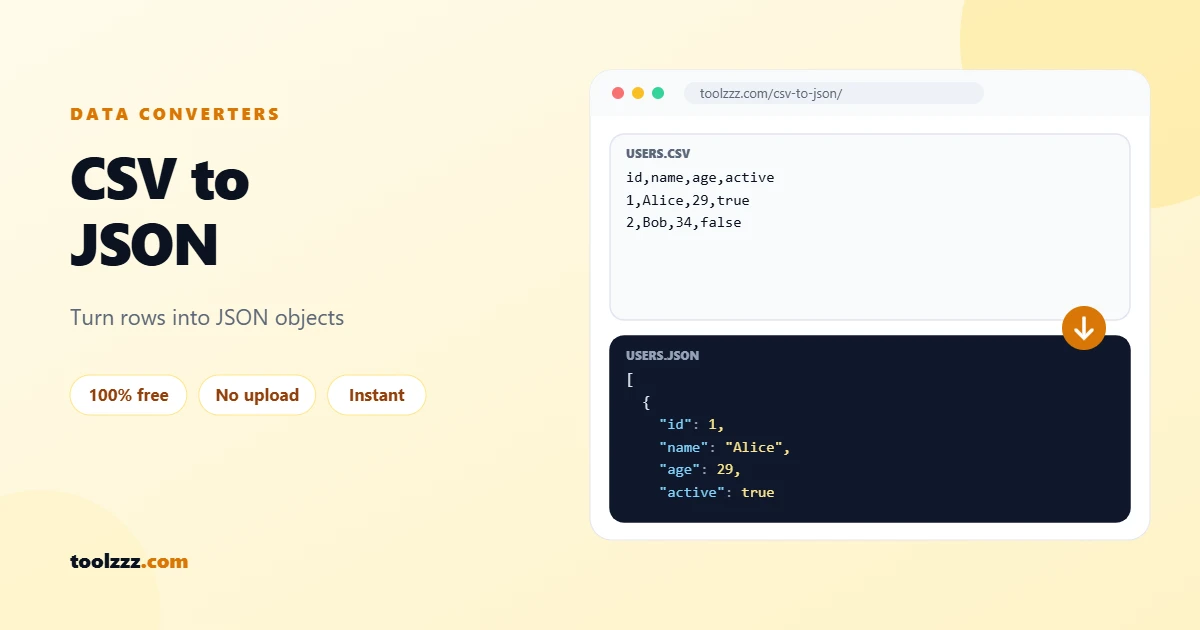
Paste your CSV into the left box. The Toolzzz CSV to JSON converter reads the first row as the header and turns every other row into a JSON object. It detects the delimiter, handles quoted values with commas, and converts numbers and true/false values to real JSON types.
- Auto-detects comma, semicolon, tab or pipe
- First row as header (or numbered columns)
- Detects numbers, true/false and empty values
- Output as array of objects, array of arrays or keyed by first column
- Handles quoted fields, commas and line breaks
- 2 spaces, 4 spaces, tab or minified output
- Runs in your browser, nothing uploaded
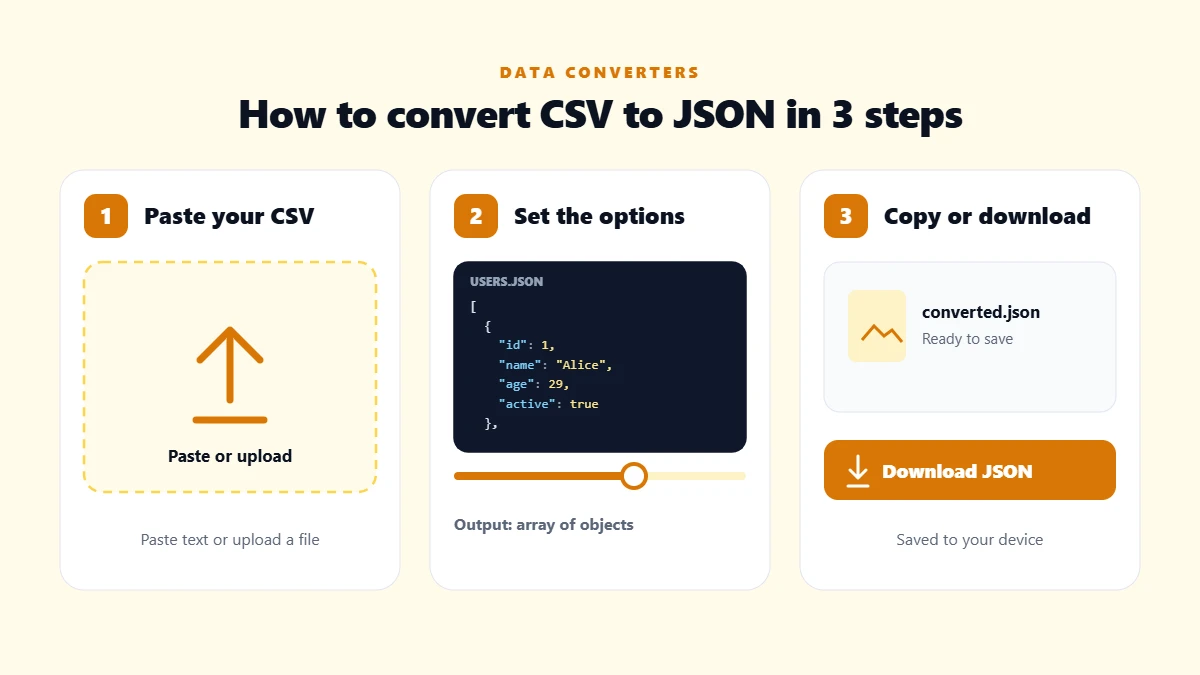
How to convert CSV to JSON in 3 steps
The JSON is rebuilt each time you type or change an option.
Paste your CSV
Paste it in, or press Upload to open a .csv or .txt file.
Set the options
Keep the delimiter on Auto, choose the output shape and decide whether to detect types.
Copy or download
Press Copy or Download to save a .json file.
Watch: how to use the free CSV to JSON
Popular uses
Seeding apps and APIs
Turn a spreadsheet export into JSON fixtures or seed data.
Spreadsheet to web
Use data from Excel or Google Sheets in a website or chart.
NoSQL imports
MongoDB, Firebase and similar stores import JSON directly.
Config tables
Keep settings in a sheet and export them as JSON.
Quick prototypes
Mock an API response from a CSV in seconds.
Translation files
Turn a two-column CSV into a keyed JSON language file.
How to use the CSV to JSON on Windows, Mac, iPhone and Android
No app to install. The tool works in any modern browser, so the steps are almost the same everywhere.
On Windows
- Open toolzzz.com/csv-to-json/ in Chrome, Edge or Firefox.
- Paste (Ctrl+V) your CSV into the left box, or press Upload to open a file.
- Choose the output shape and indent.
- Press Copy to put the result on your clipboard, or Download JSON to save it. Files go to your Downloads folder.
On Mac
- Open toolzzz.com/csv-to-json/ in Safari or Chrome.
- Paste (Cmd+V) your CSV into the left box, or press Upload to open a file.
- Choose the output shape and indent.
- Press Copy to put the result on your clipboard, or Download JSON to save it.
On iPhone and iPad
- Open toolzzz.com/csv-to-json/ in Safari.
- Touch and hold the box, tap Paste to add your CSV into the left box, or tap Upload to open a file.
- Choose the output shape and indent.
- Tap Copy to put the result on your clipboard, or Download JSON to save it. Downloads appear in the Files app.
On Android
- Open toolzzz.com/csv-to-json/ in Chrome.
- Long-tap the box and tap Paste to add your CSV into the left box, or press Upload to open a file.
- Choose the output shape and indent.
- Tap Copy to put the result on your clipboard, or Download JSON to save it. Downloads go to the Downloads folder.
Toolzzz vs. other online converters
| Feature | Toolzzz CSV to JSON | Typical online converters |
|---|---|---|
| Price | Free, no limits | Free tier, then paid plans |
| Where your data goes | Stays in your browser | Often uploaded to a server |
| Sign-up | Not needed | Sometimes needed to download |
| Speed | Converts as you type | Upload, wait, then download |
| Size limit | Only your device memory | Often 1 to 10 MB on free plans |
| Error messages | Line and column shown | Often just "invalid input" |
"Typical" describes common limits of free online services. Plans and limits differ between sites.
Why convert data with Toolzzz
Private by design
Your data is converted by JavaScript in this tab. Nothing is sent to Toolzzz or anyone else.
Instant results
The output updates while you type or paste. There is no queue and no waiting.
Clear errors
Invalid input is flagged with the reason and, where possible, the exact line and column.
Copy or download
Copy the result in one click or save it as a ready-to-use file.
Works everywhere
Windows, Mac, Linux, iPhone, iPad and Android. Any modern browser will do.
Free forever
No account, no limits, no watermark and no trial period.
Tips for the best result
- Use Keyed by first column to build a lookup object, such as IDs to records or keys to translations.
- Turn off Detect numbers to keep values like ZIP codes or phone numbers with leading zeros as text.
- Empty cells become
nullwhen type detection is on. - From Excel, save as "CSV UTF-8" so special characters survive.
- Going the other way? Use JSON to CSV.
Key terms explained
- Header row
- The first line of a CSV that holds the column names.
- Delimiter
- The character that separates values, usually a comma, semicolon or tab.
- Type detection
- Turning text like 42 or true into real JSON numbers and booleans.
Frequently asked questions
Is CSV to JSON free?
Yes, it is free with no limits and no account.
Is my CSV uploaded?
No. Conversion runs in your browser and your file never leaves your device.
Does it handle commas inside values?
Yes. Values wrapped in double quotes may contain commas, quotes ("") and line breaks.
My file uses semicolons. Will it work?
Yes. Auto mode detects comma, semicolon, tab and pipe. You can also pick one manually.
How do I keep leading zeros?
Untick Detect numbers and true/false. Every value then stays a string.
What if my CSV has no header row?
Untick First row is the header. Columns are named column1, column2 and so on.
Can I get an array of arrays?
Yes. Choose Array of arrays under Output.
How big can the file be?
Only your device memory limits it. Tens of thousands of rows convert quickly.