
How do I convert YAML to JSON?
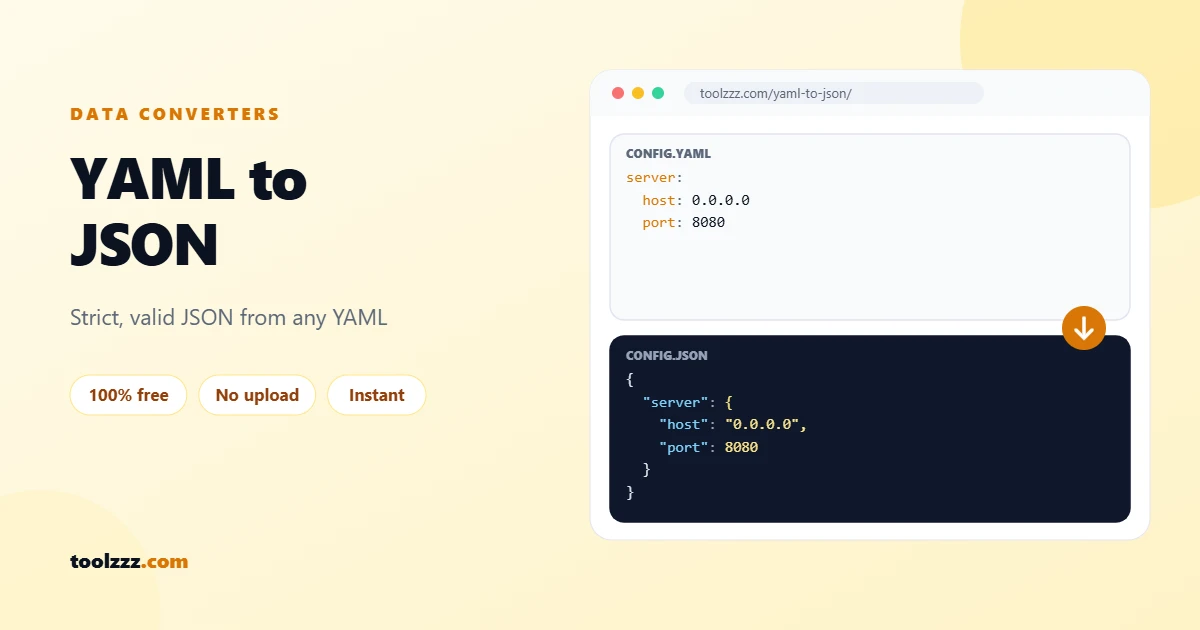
Paste your YAML into the left box. The Toolzzz YAML to JSON converter parses it with js-yaml and outputs valid JSON that you can indent or minify. If the YAML has a mistake, such as bad indentation, you see the reason with the line and column.
- Strict parsing with js-yaml
- Validates YAML with line and column
- 2 spaces, 4 spaces, tab or minified JSON
- Multi-document files (---) as an array
- Anchors and aliases are resolved
- Handles comments, multi-line strings and lists
- Runs locally in your browser
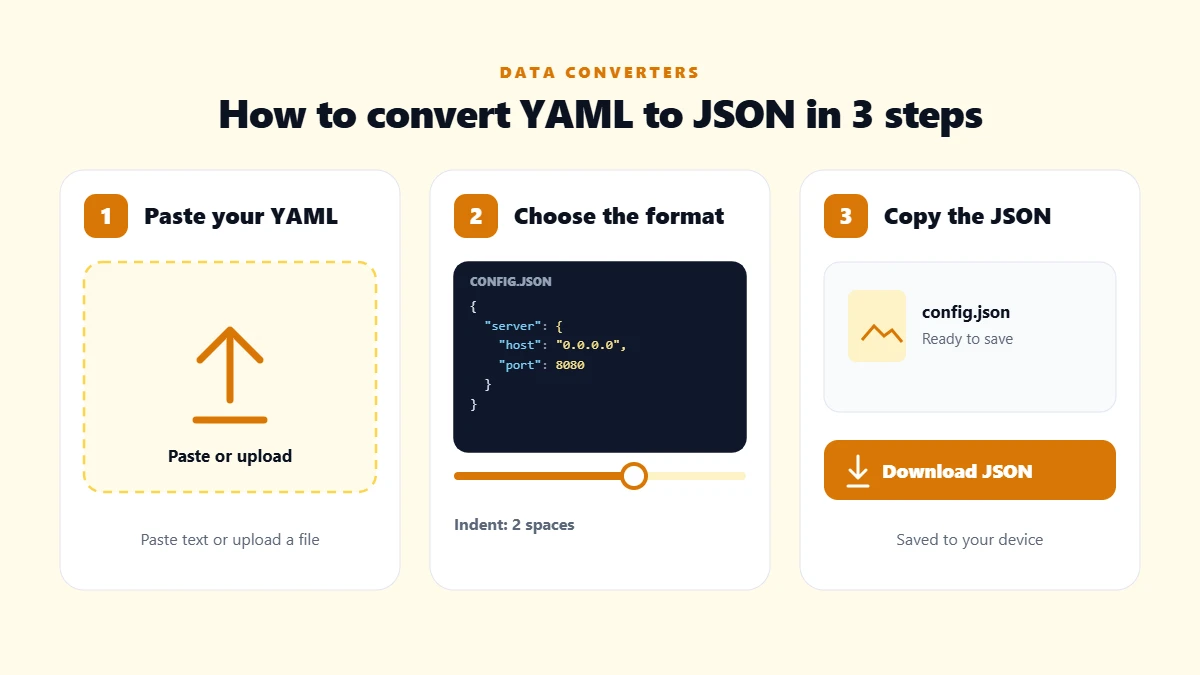
How to convert YAML to JSON in 3 steps
You see valid JSON, or a clear error, the moment you paste.
Paste your YAML
Paste it or press Upload to open a .yaml or .yml file.
Choose the format
Pick an indent or Minify, and tick Multiple documents for files with ---.
Copy the JSON
Press Copy or Download to save a .json file.
Watch: how to use the free YAML to JSON
Why convert YAML to JSON
Validate config files
Catch indentation and syntax mistakes before deploying.
Feed tools that need JSON
Many APIs and libraries accept only JSON.
Inspect Kubernetes files
See exactly how a manifest is parsed.
JSON Schema checks
Convert first, then validate against a schema.
OpenAPI and Swagger
Turn YAML specs into JSON for tooling.
Debug CI pipelines
See the real structure of a workflow file.
How to use the YAML to JSON on Windows, Mac, iPhone and Android
No app to install. The tool works in any modern browser, so the steps are almost the same everywhere.
On Windows
- Open toolzzz.com/yaml-to-json/ in Chrome, Edge or Firefox.
- Paste (Ctrl+V) your YAML into the left box, or press Upload to open a file.
- Choose an indent, or Minify.
- Press Copy to put the result on your clipboard, or Download JSON to save it. Files go to your Downloads folder.
On Mac
- Open toolzzz.com/yaml-to-json/ in Safari or Chrome.
- Paste (Cmd+V) your YAML into the left box, or press Upload to open a file.
- Choose an indent, or Minify.
- Press Copy to put the result on your clipboard, or Download JSON to save it.
On iPhone and iPad
- Open toolzzz.com/yaml-to-json/ in Safari.
- Touch and hold the box, tap Paste to add your YAML into the left box, or tap Upload to open a file.
- Choose an indent, or Minify.
- Tap Copy to put the result on your clipboard, or Download JSON to save it. Downloads appear in the Files app.
On Android
- Open toolzzz.com/yaml-to-json/ in Chrome.
- Long-tap the box and tap Paste to add your YAML into the left box, or press Upload to open a file.
- Choose an indent, or Minify.
- Tap Copy to put the result on your clipboard, or Download JSON to save it. Downloads go to the Downloads folder.
Toolzzz vs. other online converters
| Feature | Toolzzz YAML to JSON | Typical online converters |
|---|---|---|
| Price | Free, no limits | Free tier, then paid plans |
| Where your data goes | Stays in your browser | Often uploaded to a server |
| Sign-up | Not needed | Sometimes needed to download |
| Speed | Converts as you type | Upload, wait, then download |
| Size limit | Only your device memory | Often 1 to 10 MB on free plans |
| Error messages | Line and column shown | Often just "invalid input" |
"Typical" describes common limits of free online services. Plans and limits differ between sites.
Why convert data with Toolzzz
Private by design
Your data is converted by JavaScript in this tab. Nothing is sent to Toolzzz or anyone else.
Instant results
The output updates while you type or paste. There is no queue and no waiting.
Clear errors
Invalid input is flagged with the reason and, where possible, the exact line and column.
Copy or download
Copy the result in one click or save it as a ready-to-use file.
Works everywhere
Windows, Mac, Linux, iPhone, iPad and Android. Any modern browser will do.
Free forever
No account, no limits, no watermark and no trial period.
Tips for the best result
- YAML is indentation-sensitive. Use spaces, never tabs.
- A value like
nooronmay become a boolean. Quote it if you mean text. - Times like
12:30stay as text in this YAML 1.2 parser. - Use Multiple documents for Kubernetes files that hold several resources.
- Tidy the JSON afterwards with the JSON Formatter.
Key terms explained
- Indentation
- The leading spaces that show nesting in YAML. Each level must be consistent.
- Document separator
- A line with --- that starts a new YAML document in the same file.
- Anchor and alias
- &name marks a value and *name reuses it elsewhere in YAML.
Frequently asked questions
Is YAML to JSON free?
Yes, it is free with no limits.
Is my YAML uploaded?
No. Everything runs in your browser.
How do I validate YAML?
Paste it in. A green "Valid YAML" note means it parsed. Otherwise you get the error with its line and column.
Does it support multiple documents?
Yes. Tick Multiple documents (---) as array to get one JSON array with each document.
Are anchors and aliases supported?
Yes. They are resolved into normal JSON values.
What happens to comments?
JSON has no comments, so YAML comments are dropped.
Can I minify the JSON?
Yes. Choose Minify under Indent.
Can I convert JSON to YAML?
Yes, with the JSON to YAML converter.