
Change or remove PDF properties
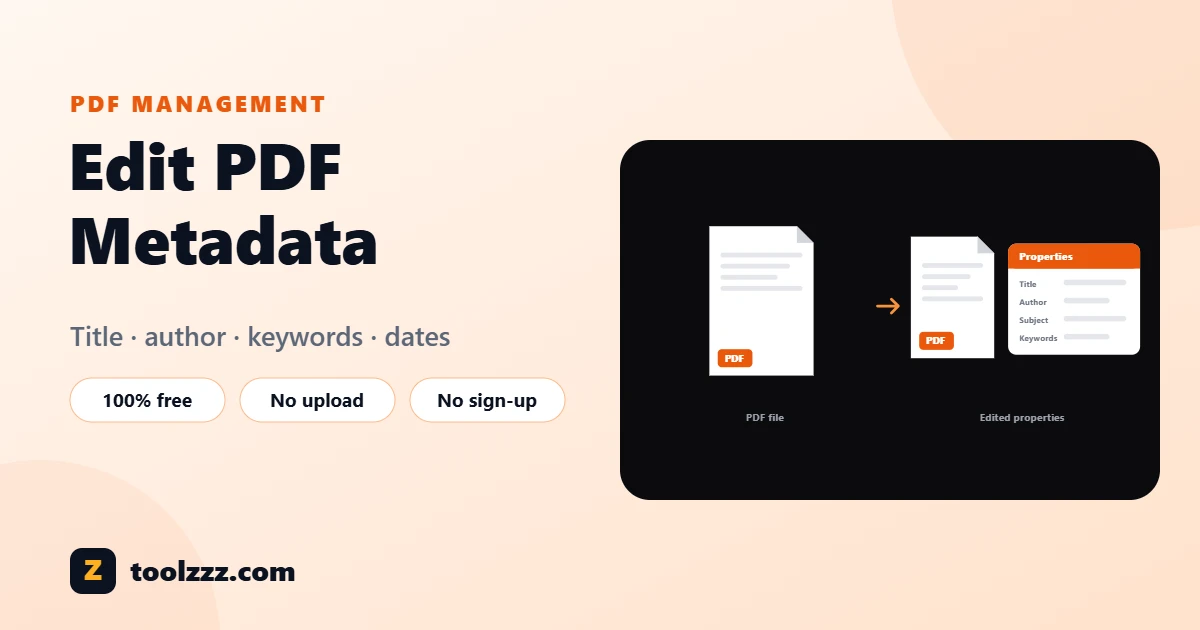
To edit PDF metadata, upload the file to Toolzzz Edit PDF Metadata, change the Title, Author, Subject or Keywords (and optionally the software and dates), then press Save and download PDF. To protect your privacy, press Clear all properties to remove the author name and other hidden details. The file is processed in your browser and never uploaded.
- Privacy check
- Removes XMP data
- 100% free, no sign-up
- Files never uploaded
- No file size limit
- Windows, Mac, iPhone & Android
- No watermark
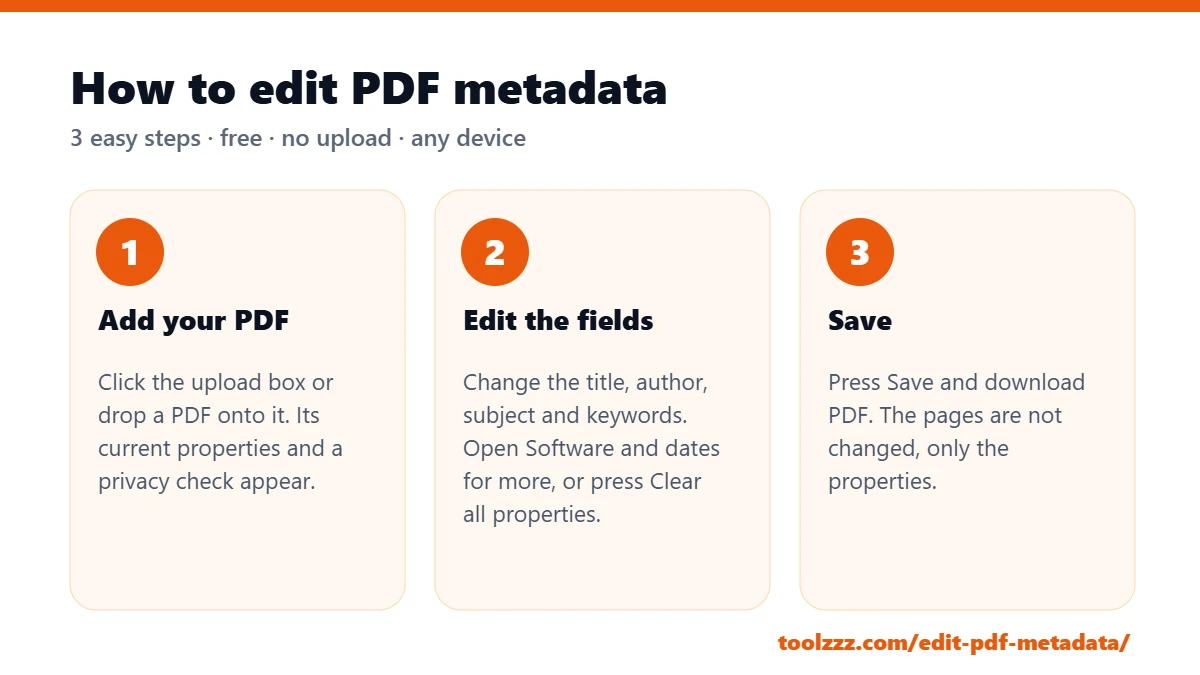
How to edit PDF metadata
Every PDF carries hidden properties. Fix them for better search results and a professional look, or remove them before you share.
Add your PDF
Click the upload box or drop a PDF onto it. Its current properties and a privacy check appear.
Edit the fields
Change the title, author, subject and keywords. Open Software and dates for more, or press Clear all properties.
Save
Press Save and download PDF. The pages are not changed, only the properties.
Watch: change the title and author of a PDF
Why edit PDF metadata?
Better search results
Google shows the PDF Title in search results. A clear title and keywords help your PDFs get found.
Remove your name before sharing
Word and other apps store your account name as the Author. Remove it before you send files outside.
Fix "Untitled" or odd titles
Exported files often show a file path or "Microsoft Word - doc1" as the title in browser tabs.
Organise a document library
Consistent titles, subjects and keywords make large PDF collections searchable.
Professional deliverables
Put your company name as Author and the proper report name as Title before sending to clients.
Correct dates
Fix creation and modification dates on scanned or converted documents.
What each PDF property means
| Property | What it is | Where you see it |
|---|---|---|
| Title | The document name | Browser tab, Google results, PDF readers |
| Author | The person or company who made it | Document properties, search filters |
| Subject | A short description | Document properties |
| Keywords | Search words, comma separated | Document management systems |
| Creator / Producer | The app and PDF engine used | Document properties |
| XMP metadata | A hidden extra block that can repeat all of the above and add edit history | Only with special tools |
PDF metadata and SEO
If you publish PDFs on your website, search engines often use the PDF Title as the headline in search results, and some show the Subject as a description. Give every public PDF a descriptive title with your main keyword, for example "2026 Price List – Toolzzz", instead of "final_v3.pdf".
How to edit PDF metadata on Windows, Mac, iPhone and Android
No app to install. The tool works in any modern browser, so the steps are almost the same everywhere.
On Windows
- Open toolzzz.com/edit-pdf-metadata/ in Chrome, Edge or Firefox.
- Drag your PDF from File Explorer onto the upload box.
- Change the fields (or press Clear all properties), then press Save and download PDF.
- The new PDF is saved to your Downloads folder.
On Mac
- Open the page in Safari, Chrome or Firefox.
- Drag the PDF from Finder onto the upload box.
- Change the fields (or press Clear all properties), then press Save and download PDF.
- Find the new file in Downloads.
On iPhone and iPad
- Open the page in Safari.
- Tap the upload box, then Browse to pick the PDF from the Files app.
- Change the fields (or press Clear all properties), then press Save and download PDF.
- Tap Download and find the file in Files → Downloads.
On Android
- Open the page in Chrome.
- Tap the upload box and pick the PDF from Files or Downloads.
- Change the fields (or press Clear all properties), then press Save and download PDF.
- The new PDF is saved in your Downloads folder.
Toolzzz vs. typical online PDF tools
| Feature | Toolzzz Edit PDF Metadata | Typical online PDF tools |
|---|---|---|
| Your file is uploaded to a server | Never. It is processed in your browser | Usually |
| File size and page limits | None, only your device memory | Often 10 to 100 MB, or a few files per day |
| Watermark on the result | Never | Sometimes on free plans |
| Account or e-mail needed | No | Often for larger files |
| Privacy check for hidden author and software info | Yes, automatic | Rarely |
| Remove hidden XMP metadata | Yes | Rarely available |
| Edit creation and modification dates | Yes | Sometimes |
| Price | Free | Free with limits, or a paid plan |
"Typical" describes common limits of free online PDF services. Plans and limits differ between sites.
A PDF properties editor that respects privacy
Never uploaded
Your PDF stays on your device while you inspect and edit it.
Privacy check
Instantly see if the file reveals names, software or hidden XMP data.
All main fields
Title, author, subject, keywords, creator, producer and dates.
One-click clean-up
Clear every property and the hidden XMP block before sharing.
Pages untouched
Only the properties change. The content stays exactly the same.
Free, no limits
No sign-up, no watermark and no file size limit.
Key terms explained
- PDF metadata
- Information stored inside a PDF about the document, such as its title, author, keywords and dates.
- Document Information Dictionary
- The classic place in a PDF where the title, author, subject, keywords and dates are stored.
- XMP
- Extensible Metadata Platform: an extra XML block of metadata that can hold more details, including edit history.
Frequently asked questions
How do I change the title of a PDF?
Upload the PDF, type the new title in Title and press Save and download PDF.
How do I remove the author from a PDF?
Clear the Author field, or press Clear all properties, then save. Keep Remove hidden XMP metadata ticked so the name is not left in the XMP block.
Why does my PDF show the wrong title in the browser tab?
Browsers show the PDF Title property, not the file name. Set a proper title here to fix it.
Does editing metadata change the pages?
No. Only the hidden properties are changed. Text, images and layout stay the same.
Is PDF metadata important for SEO?
Yes. Search engines often use the PDF title in results. A clear title with your keyword helps people find and click your PDF.
What is XMP metadata?
A hidden block of extra information many apps add to PDFs. It can repeat the author and include edit history, so removing it is good for privacy.
Can I change the creation date of a PDF?
Yes. Open Software and dates and set Created on and Modified on.
Is my PDF uploaded?
No. Everything happens in your browser, on your own device.