
How do I generate a UUID?
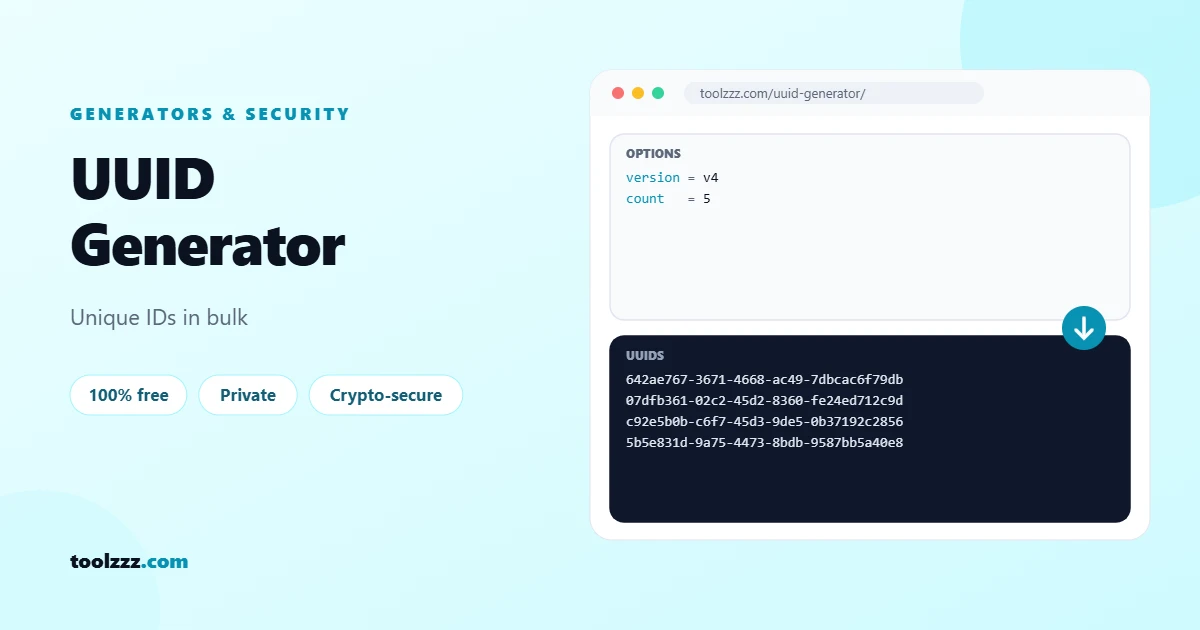
Choose the version and how many, and the Toolzzz UUID Generator creates them instantly with the browser’s secure random source. v4 UUIDs are fully random; v7 UUIDs start with a timestamp, so they sort in creation order and suit database keys. Format them in uppercase, without hyphens, in braces or as a quoted list.
- UUID v4 (random) and v7 (time-ordered)
- Up to 10,000 at once
- Cryptographically secure randomness
- UPPERCASE or lowercase
- With or without hyphens
- {Braces} for GUID style
- Quoted, comma-separated lists for code
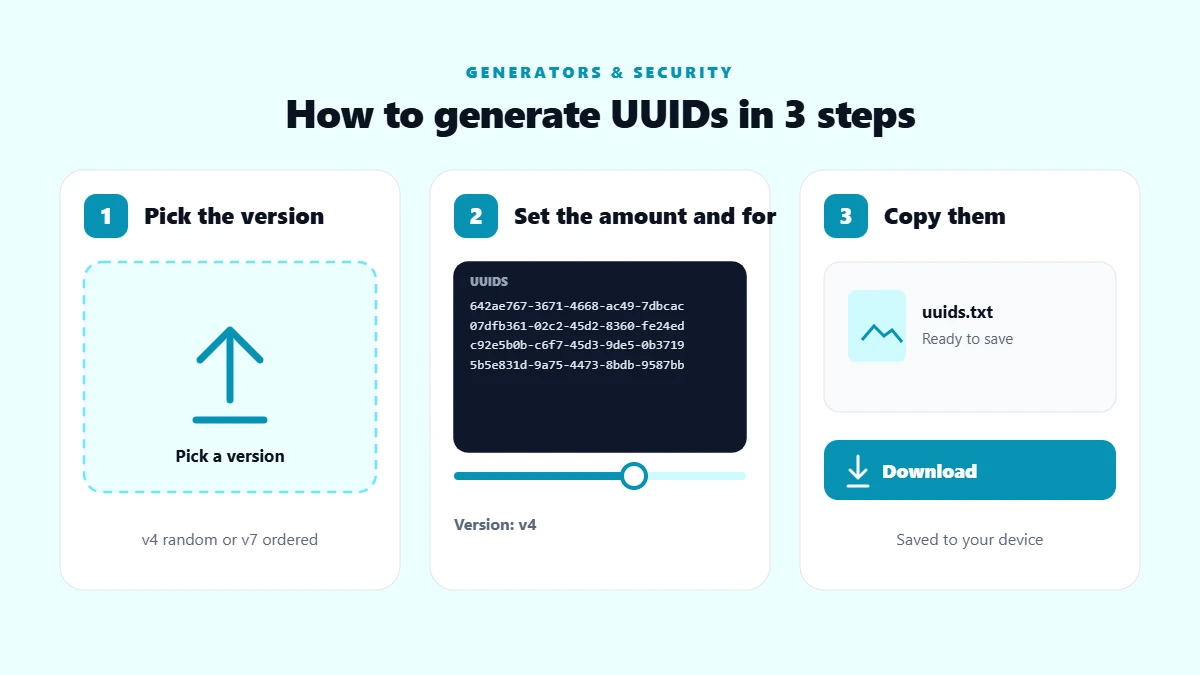
How to generate UUIDs in 3 steps
New UUIDs appear whenever you change an option or press Generate.
Pick the version
Choose v4 for random IDs or v7 for time-ordered IDs.
Set the amount and format
Enter how many, and choose case, hyphens, braces or quotes.
Copy them
Press Copy or Download a .txt file.
Watch: how to use the free UUID Generator
What UUIDs are used for
Database keys
Unique primary keys that need no central counter.
API resources
IDs for orders, users and files in APIs.
Distributed systems
Create IDs on many servers without clashes.
Test data
Fill fixtures and mocks with realistic IDs.
File names
Give uploads unique, unguessable names.
Request tracing
Tag requests and logs with correlation IDs.
How to use the UUID Generator on Windows, Mac, iPhone and Android
No app to install. The tool works in any modern browser, so the steps are almost the same everywhere.
On Windows
- Open toolzzz.com/uuid-generator/ in Chrome, Edge or Firefox.
- Choose your options in the panel.
- Choose the version, amount and format, then press Generate.
- Press Copy to put the result on your clipboard, or Download to save it. Files go to your Downloads folder.
On Mac
- Open toolzzz.com/uuid-generator/ in Safari or Chrome.
- Choose your options in the panel.
- Choose the version, amount and format, then press Generate.
- Press Copy to put the result on your clipboard, or Download to save it.
On iPhone and iPad
- Open toolzzz.com/uuid-generator/ in Safari.
- Choose your options in the panel.
- Choose the version, amount and format, then tap Generate.
- Tap Copy to put the result on your clipboard, or Download to save it. Downloads appear in the Files app.
On Android
- Open toolzzz.com/uuid-generator/ in Chrome.
- Choose your options in the panel.
- Choose the version, amount and format, then tap Generate.
- Tap Copy to put the result on your clipboard, or Download to save it. Downloads go to the Downloads folder.
Toolzzz vs. other online generators
| Feature | Toolzzz UUID Generator | Typical online generators |
|---|---|---|
| Price | Free, no limits | Free tier, then paid plans |
| Where it runs | In your browser only | Often on the provider’s server |
| Built on | Browser standards (Web Crypto, Canvas, SVG) | Often closed server-side code |
| Sign-up | Not needed | Sometimes needed for downloads |
| Tracking of results | None, nothing is stored | Results may be logged |
| Works offline once loaded | Yes | Usually not |
"Typical" describes common limits of free online services. Plans and limits differ between sites.
Why generate with Toolzzz
Private by design
Every value is created or checked inside your browser. Nothing is sent or stored.
Built on Web Crypto
Hashing, encryption and random values use the browser’s built-in, audited Web Crypto API.
Instant
Results appear immediately, even for thousands of values.
Copy or download
Copy in one click or save the result as a file.
Any device
Works in Chrome, Safari, Edge and Firefox on desktop and mobile.
Free forever
No account, no limits and no watermark.
Tips for the best result
- Prefer v7 for database primary keys: they are time-ordered, which keeps indexes fast.
- v4 UUIDs have 122 random bits, so collisions are practically impossible.
- Store UUIDs in a native UUID column or 16-byte binary instead of text where possible.
- Microsoft tools call UUIDs GUIDs. Use the braces option for that style.
- Need test rows too? Use the Dummy Data Generator.
Key terms explained
- UUID
- Universally Unique Identifier: a 128-bit ID written as 36 characters, like 123e4567-e89b-42d3-a456-426614174000.
- UUID v4
- A UUID made from random bits, with 4 marking the version.
- UUID v7
- A newer UUID that starts with a Unix millisecond timestamp, so IDs sort by time.
Frequently asked questions
Is the UUID generator free?
Yes. Free, unlimited and no sign-up.
Are the UUIDs really unique?
v4 UUIDs have 122 random bits. You would need to make billions per second for decades to expect one clash.
What is the difference between v4 and v7?
v4 is fully random. v7 begins with a timestamp, so newer IDs sort after older ones.
Is a GUID the same as a UUID?
Yes. GUID is Microsoft’s name for the same 128-bit format.
Are they generated securely?
Yes, with crypto.getRandomValues in your browser.
How many can I generate?
Up to 10,000 at a time.
Can I remove the hyphens?
Yes. Untick Hyphens for 32-character IDs.
What is the nil UUID?
A UUID of all zeros, used as a placeholder for "no value".