
Convert TIFF to JPG in seconds
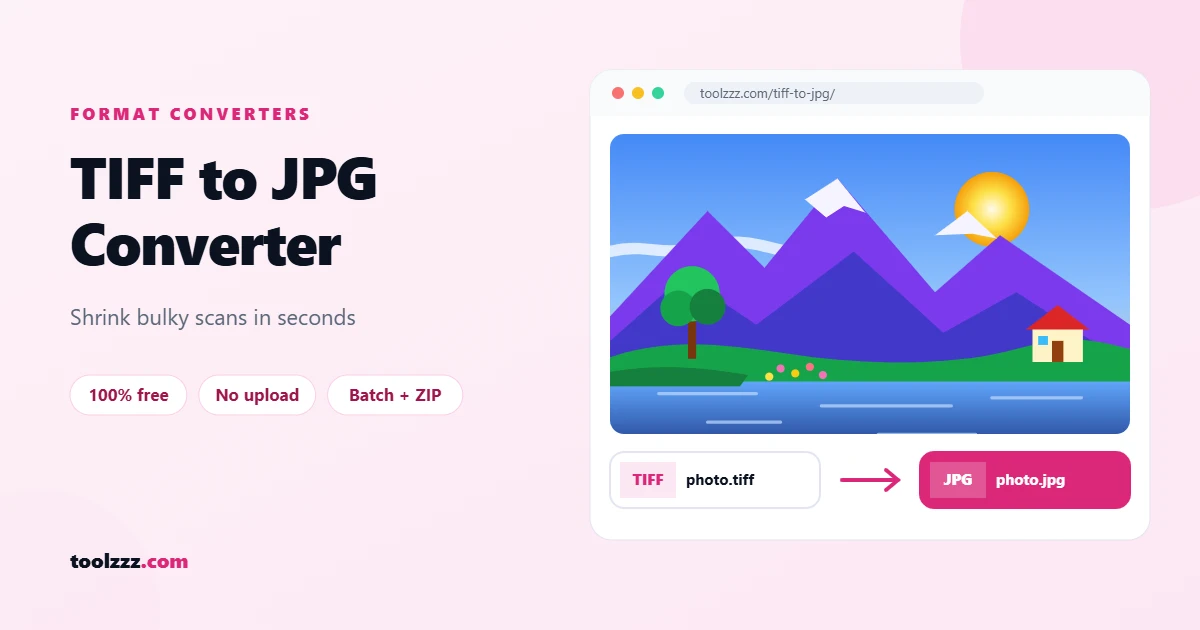
To convert TIFF to JPG, drop your .tif or .tiff files into Toolzzz TIFF to JPG, choose JPG (or PNG for lossless), set the quality and an optional max size, and press Download JPG. TIFF scans often shrink by 90% or more. The TIFF decoder runs in your browser, so scans of private documents stay on your device.
- TIF + TIFF support
- LZW, Deflate, PackBits
- JPG or PNG output
- Batch convert + ZIP
- Often 90% smaller
- 100% free, no sign-up
- No upload
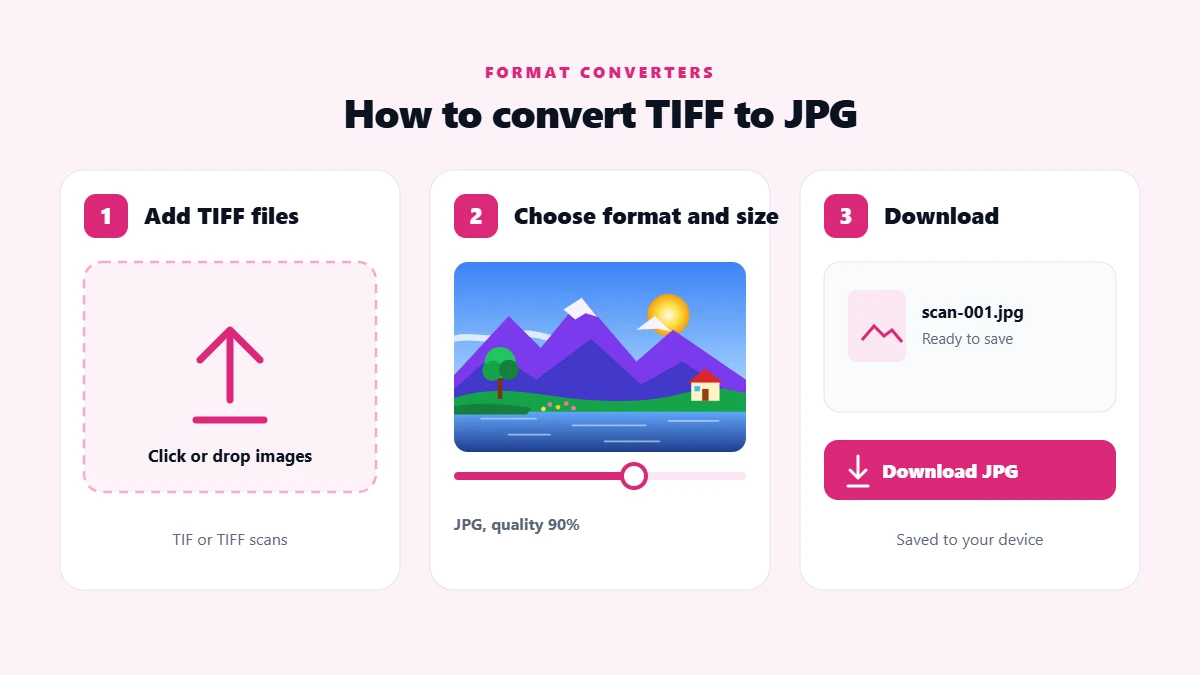
How to convert TIFF to JPG
TIFF (Tagged Image File Format) is used by scanners, fax software, publishers and professional cameras because it stores high-quality, often uncompressed images. Those files are huge and most browsers, phones and websites cannot display them. JPG makes them small and universal.
Add TIFF files
Click the upload box or drop one or many .tif or .tiff files from your scanner or camera.
Choose format and size
JPG for small files, PNG for lossless documents. Set Max width / height to shrink large scans further.
Download
Press Download JPG or Download all as JPG (ZIP).
Watch: convert large TIFF scans to JPG
Popular reasons to convert TIFF to JPG
Scanned documents
Turn heavy scanner output into small files for email and upload portals.
Old photo scans
Share digitized family photos with relatives as JPGs that open on any phone.
Government and job portals
Forms usually require JPG or PDF under a size limit, not TIFF.
Websites
Browsers other than Safari cannot display TIFF images at all.
Publishing proofs
Create light preview JPGs from print-ready TIFF files.
Camera and medical exports
Convert TIFF exports from cameras, microscopes and scanners for reports.
TIFF vs. JPG
| Feature | TIFF | JPG |
|---|---|---|
| Compression | None or lossless | Lossy |
| Typical A4 scan at 300 DPI | 25 MB | 0.5 to 2 MB |
| Multiple pages | Yes | No |
| Browser support | Safari only | All |
| Best for | Archiving, printing | Sharing, web, email |
Multi-page TIFF files are converted using the first page. For document scans with text, choose PNG to keep letters perfectly sharp.
Which TIFF files are supported?
The converter reads standard baseline TIFFs used by scanners and cameras: uncompressed, LZW, Deflate (ZIP), PackBits and JPEG-compressed TIFF, in RGB, grayscale and black-and-white. In Safari, TIFF is decoded natively. In Chrome, Edge and Firefox a small TIFF decoder (UTIF.js) loads the first time you add a file.
How to convert TIFF to JPG on Windows, Mac, iPhone and Android
No app to install. The tool works in any modern browser, so the steps are almost the same everywhere.
On Windows
- Open toolzzz.com/tiff-to-jpg/ in Chrome, Edge or Firefox.
- Drag your TIFF files from File Explorer onto the upload box.
- Choose JPG or PNG and the quality, then press Download JPG.
- The new file is saved to your Downloads folder.
On Mac
- Open toolzzz.com/tiff-to-jpg/ in Safari or Chrome.
- Drag the TIFF files from Finder or the Photos app onto the upload box.
- Choose JPG or PNG and the quality, then press Download JPG.
- Find the result in Downloads (Safari asks first if set to).
On iPhone and iPad
- Open toolzzz.com/tiff-to-jpg/ in Safari.
- Tap the upload box and choose Photo Library, Take Photo or Choose File.
- Choose JPG or PNG and the quality, then tap Download JPG.
- Tap Download, then open it from the Files app and choose Save Image to add it to Photos.
On Android
- Open toolzzz.com/tiff-to-jpg/ in Chrome.
- Tap the upload box and pick the TIFF files from your Gallery, Files or camera.
- Choose JPG or PNG and the quality, then tap Download JPG.
- The image appears in your Downloads folder and in Google Photos under Downloads.
Toolzzz vs. typical online converters
| Feature | Toolzzz TIFF to JPG | Typical online converters |
|---|---|---|
| Your files are uploaded to a server | Never. Decoded in your browser | Usually |
| TIFF compression types | LZW, Deflate, PackBits, JPEG, none | Varies |
| Output formats | JPG or PNG | Often JPG only |
| Batch conversion + ZIP | Unlimited | Often limited |
| Resize while converting | Yes | Rare |
| Private documents stay private | Yes | No |
| Watermark or sign-up | None | Common |
"Typical" describes common limits of free online services. Plans and limits differ between sites.
A TIFF converter for scans and documents
Huge size savings
A 25 MB scan often becomes a 1 MB JPG with no visible difference.
Document friendly
PNG output keeps text razor sharp for contracts and forms.
Batch + ZIP
Convert a whole scanning session at once.
Resize
Downscale 600 DPI scans to a sensible size.
Private
Scans of IDs and contracts never leave your device.
Many TIFF types
Supports the common compression methods used by scanners.
Key terms explained
- TIFF
- Tagged Image File Format, a flexible format for high-quality images, scans and print.
- LZW
- A lossless compression method commonly used inside TIFF files.
- DPI
- Dots per inch, the scan resolution. 300 DPI is standard for documents.
Frequently asked questions
How do I convert TIFF to JPG for free?
Drop the TIFF on this page and press Download JPG. No sign-up and no watermark.
Why are TIFF files so large?
They are usually uncompressed or losslessly compressed, storing every pixel at full quality.
Does converting TIFF to JPG lose quality?
JPG is slightly lossy; at 90% the difference is hard to see. Choose PNG for lossless output.
What about multi-page TIFF files?
The first page is converted. Split multi-page files in your scanner software first if you need every page.
Can I convert many TIFF files at once?
Yes. Add them all and press Download all as JPG (ZIP).
Which is better for scanned text, JPG or PNG?
PNG keeps text perfectly sharp. JPG is smaller and fine for photos.
Does it work on Mac and phones?
Yes, in any modern browser.
Are my scans uploaded?
No. Everything is decoded and converted on your device.