
How do I compare two texts?
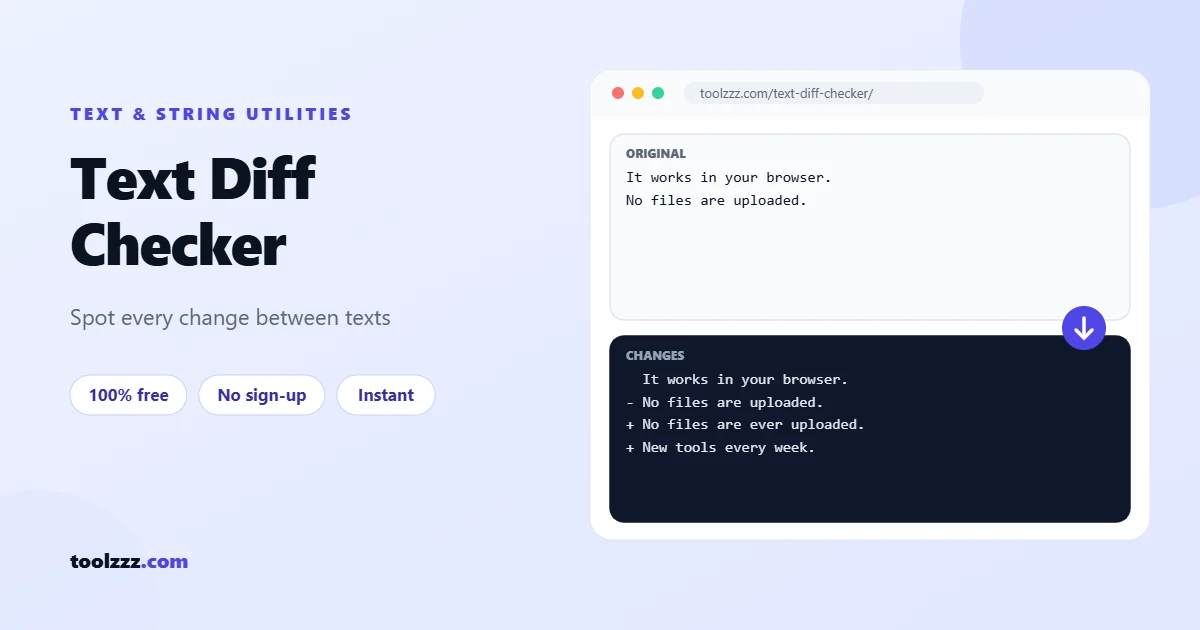
Paste the original text on the left and the changed text on the right. The Toolzzz Text Diff Checker highlights every addition in green and every deletion in red. Compare by lines, words or characters, view the result inline or side by side, and ignore case or extra spaces.
- Compare by lines, words or characters
- Green additions and red deletions
- Inline or side by side view
- Ignore case option
- Ignore extra spaces option
- Counts added and removed parts
- Updates as you type
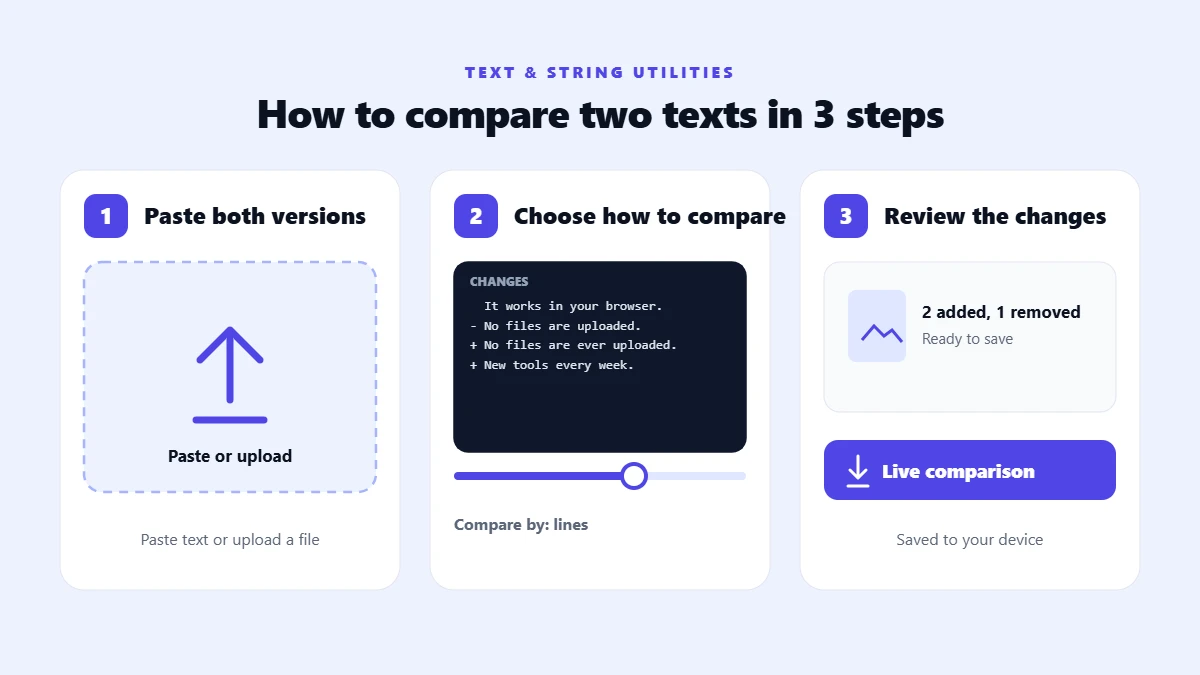
How to compare two texts in 3 steps
Differences are highlighted as soon as both boxes have text.
Paste both versions
Put the original on the left and the changed version on the right.
Choose how to compare
Pick Lines, Words or Characters, and Inline or Side by side.
Review the changes
Green shows what was added, red shows what was removed.
Watch: how to use the free Text Diff Checker
What people compare
Document revisions
See what an editor changed in your draft.
Code and config
Compare two versions of a file or snippet.
Contracts and terms
Spot changed words in agreements.
Web copy
Check changes before publishing.
Plagiarism checks
See how close two texts are.
Data exports
Compare two CSV or JSON exports line by line.
How to use the Text Diff Checker on Windows, Mac, iPhone and Android
No app to install. The tool works in any modern browser, so the steps are almost the same everywhere.
On Windows
- Open toolzzz.com/text-diff-checker/ in Chrome, Edge or Firefox.
- Paste the second version and choose Lines, Words or Characters.
- Read the highlighted changes below the boxes. Files go to your Downloads folder.
On Mac
- Open toolzzz.com/text-diff-checker/ in Safari or Chrome.
- Paste the second version and choose Lines, Words or Characters.
- Read the highlighted changes below the boxes.
On iPhone and iPad
- Open toolzzz.com/text-diff-checker/ in Safari.
- Paste the second version and choose Lines, Words or Characters.
- Read the highlighted changes below the boxes. Downloads appear in the Files app.
On Android
- Open toolzzz.com/text-diff-checker/ in Chrome.
- Paste the second version and choose Lines, Words or Characters.
- Read the highlighted changes below the boxes. Downloads go to the Downloads folder.
Toolzzz vs. other online text tools
| Feature | Toolzzz Text Diff Checker | Typical online text tools |
|---|---|---|
| Price | Free, no limits | Free with ads or word limits |
| Where your text goes | Stays in your browser | Often sent to a server |
| Sign-up | Not needed | Sometimes needed for long texts |
| Speed | Updates as you type | Often needs a button press |
| Text length | Only your device memory | Often capped on free plans |
| Unicode and emoji | Fully supported | Sometimes broken or miscounted |
"Typical" describes common limits of free online services. Plans and limits differ between sites.
Why use Toolzzz for text
Your text stays private
Everything runs in this browser tab. Your words are never uploaded, stored or logged.
Live results
The result updates as you type, paste or change an option.
Every language
Built on Unicode, so accented letters, Arabic, Urdu, Chinese and emoji all work.
Copy or download
Copy the result to the clipboard or save it as a .txt file.
Any device
Works the same on desktop, tablet and phone browsers.
Free forever
No account, no word limits and no paywall.
Tips for the best result
- Use Words for prose and Lines for code and lists.
- Side by side works with line comparison and lines up the two versions.
- Turn on Ignore extra spaces when one version was reformatted.
- Sort keys in JSON first with the JSON Formatter for cleaner diffs.
- Very long texts compared by characters can be slow; compare by lines first.
Key terms explained
- Diff
- A list of differences between two texts: what was added and what was removed.
- LCS
- Longest Common Subsequence: the method used to find the parts the two texts share.
- Inline view
- Showing additions and deletions mixed into one text.
Frequently asked questions
Is the diff checker free?
Yes. Free and unlimited.
Are my texts uploaded?
No. The comparison runs in your browser, so confidential documents stay private.
What do the colours mean?
Green is text that was added in the changed version. Red with a line through it was removed.
Should I compare by lines, words or characters?
Lines for code and lists, words for articles and documents, characters for short strings.
Can I ignore case?
Yes. Tick Ignore case.
Can I see the texts side by side?
Yes. Choose Side by side while comparing by lines.
Is there a size limit?
Very large texts compared by characters may be too big. Comparing by lines handles long documents.
Can I compare Word or PDF files?
Copy the text out of each file and paste it into the two boxes.