
How do I make a QR code?
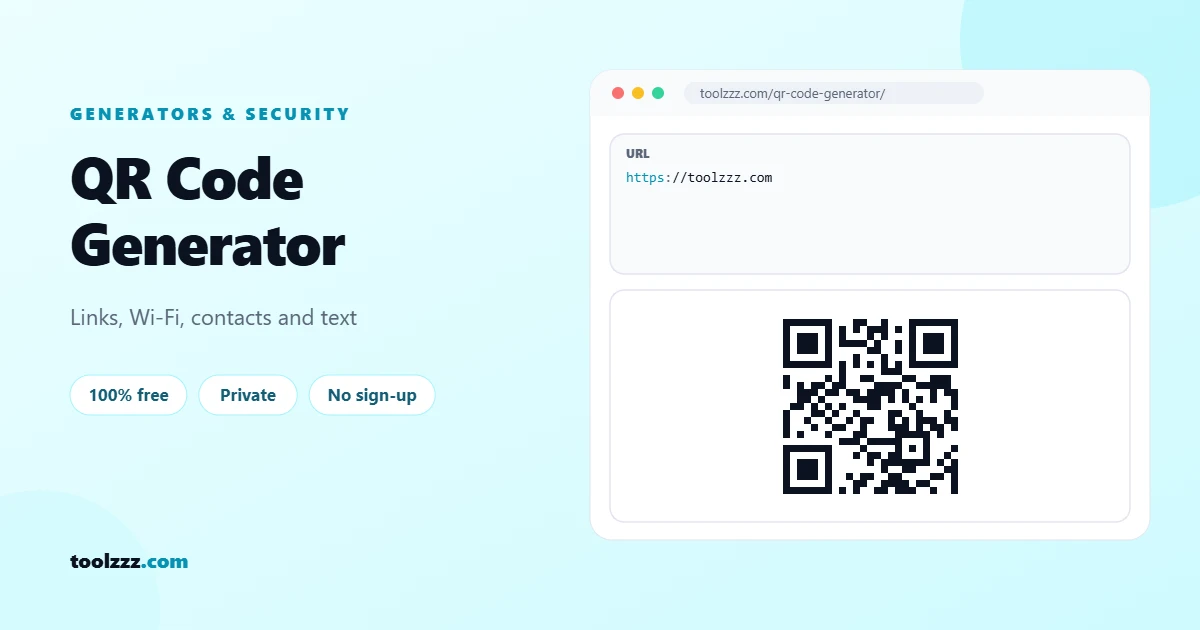
Choose what the code should hold, such as a URL, Wi-Fi network or contact, and fill in the fields. The Toolzzz QR Code Generator draws the code instantly. Adjust colours, size and error correction, then download a PNG or a sharp SVG. The codes are static, so they work forever with no tracking or expiry.
- URL, text, Wi-Fi, email, phone, SMS and vCard
- Static codes that never expire
- Download PNG (up to 2048 px) or SVG
- Custom colours and rounded dots
- Error correction L, M, Q or H
- No tracking, no sign-up, no watermark
- Full UTF-8 support
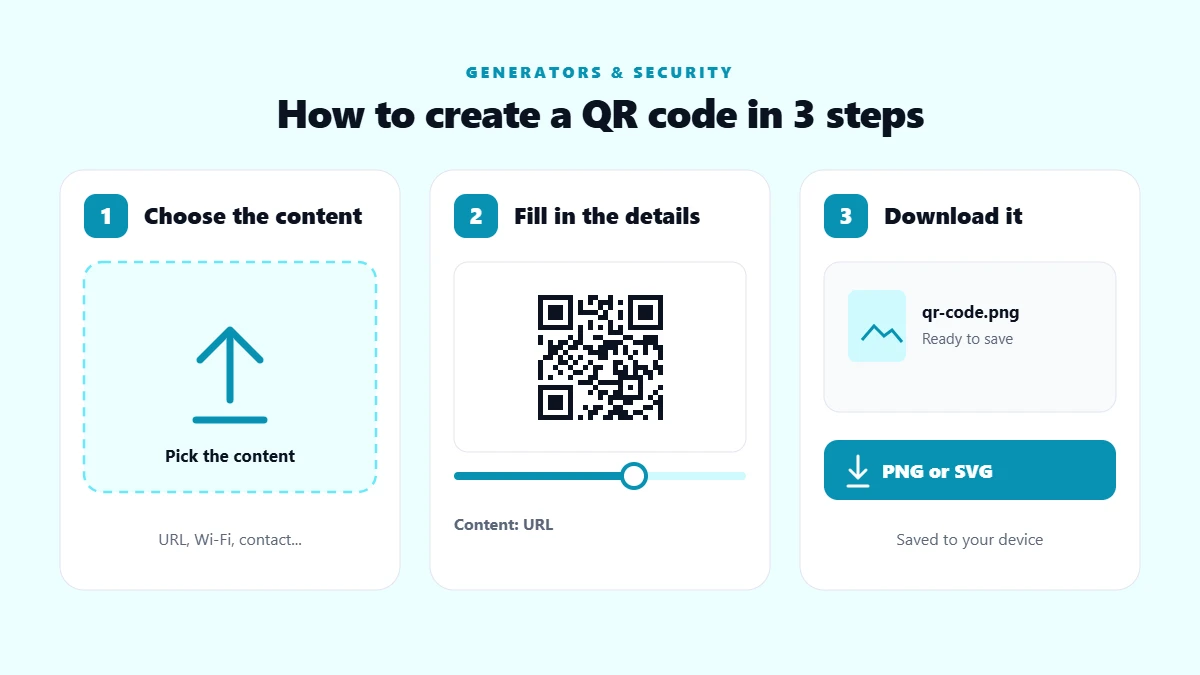
How to create a QR code in 3 steps
The code updates as you type.
Choose the content
Pick URL, Text, Wi-Fi, Email, Phone, SMS or Contact.
Fill in the details
Enter the link or details. Open Design to change colours and size.
Download it
Press PNG or SVG and test the code with your phone camera.
Watch: how to use the free QR Code Generator
Popular QR code uses
Website links
Send people to your site, menu or form.
Guest Wi-Fi
Let guests join your network without typing the password.
Business cards
Share your contact details as a vCard.
Packaging and flyers
Link products to manuals, reviews or offers.
Posters and events
Link to tickets, maps and schedules.
Call or text
Start a call or a pre-filled SMS with one scan.
How to use the QR Code Generator on Windows, Mac, iPhone and Android
No app to install. The tool works in any modern browser, so the steps are almost the same everywhere.
On Windows
- Open toolzzz.com/qr-code-generator/ in Chrome, Edge or Firefox.
- Choose your options in the panel.
- Pick the content type and fill in the details, then press Generate.
- Press PNG or SVG to save the code. Files go to your Downloads folder.
On Mac
- Open toolzzz.com/qr-code-generator/ in Safari or Chrome.
- Choose your options in the panel.
- Pick the content type and fill in the details, then press Generate.
- Press PNG or SVG to save the code.
On iPhone and iPad
- Open toolzzz.com/qr-code-generator/ in Safari.
- Choose your options in the panel.
- Pick the content type and fill in the details, then tap Generate.
- Tap PNG or SVG to save the code. Downloads appear in the Files app.
On Android
- Open toolzzz.com/qr-code-generator/ in Chrome.
- Choose your options in the panel.
- Pick the content type and fill in the details, then tap Generate.
- Tap PNG or SVG to save the code. Downloads go to the Downloads folder.
Toolzzz vs. other online generators
| Feature | Toolzzz QR Code Generator | Typical online generators |
|---|---|---|
| Price | Free, no limits | Free tier, then paid plans |
| Where it runs | In your browser only | Often on the provider’s server |
| Built on | Browser standards (Web Crypto, Canvas, SVG) | Often closed server-side code |
| Sign-up | Not needed | Sometimes needed for downloads |
| Tracking of results | None, nothing is stored | Results may be logged |
| Works offline once loaded | Yes | Usually not |
"Typical" describes common limits of free online services. Plans and limits differ between sites.
Why generate with Toolzzz
Private by design
Every value is created or checked inside your browser. Nothing is sent or stored.
Built on Web Crypto
Hashing, encryption and random values use the browser’s built-in, audited Web Crypto API.
Instant
Results appear immediately, even for thousands of values.
Copy or download
Copy in one click or save the result as a file.
Any device
Works in Chrome, Safari, Edge and Firefox on desktop and mobile.
Free forever
No account, no limits and no watermark.
Tips for the best result
- Keep at least a 4-module quiet zone (margin) around the code so phones can read it.
- Dark code on a light background scans best. Avoid low contrast colours.
- Use SVG for print, so the code stays sharp at any size.
- Short URLs make simpler codes that scan faster.
- Always test the printed code with two different phones before printing a batch.
Key terms explained
- Static QR code
- A code that contains the data itself. It never expires and needs no server.
- Error correction
- Extra data that lets a code scan even when part of it is damaged: L 7%, M 15%, Q 25%, H 30%.
- Quiet zone
- The empty margin around the code that scanners need.
Frequently asked questions
Is the QR code generator free?
Yes. Free, unlimited, no sign-up and no watermark.
Do the QR codes expire?
No. They are static codes with the data inside, so they work forever.
Can I make a Wi-Fi QR code?
Yes. Choose Wi-Fi, enter the network name and password and pick the security type. Phones join the network when they scan it.
Is my data sent to a server?
No. The code is drawn in your browser.
PNG or SVG?
PNG for websites and documents, SVG for print and design tools because it scales without blur.
Can I change the colours?
Yes. Open Design to set the code and background colours. Keep good contrast.
Are scans tracked?
No. Static codes go straight to your content without any redirect.
Why won’t my code scan?
Check contrast, size and margin. Long content makes dense codes; try a shorter link or higher error correction.