
How do I make a barcode?
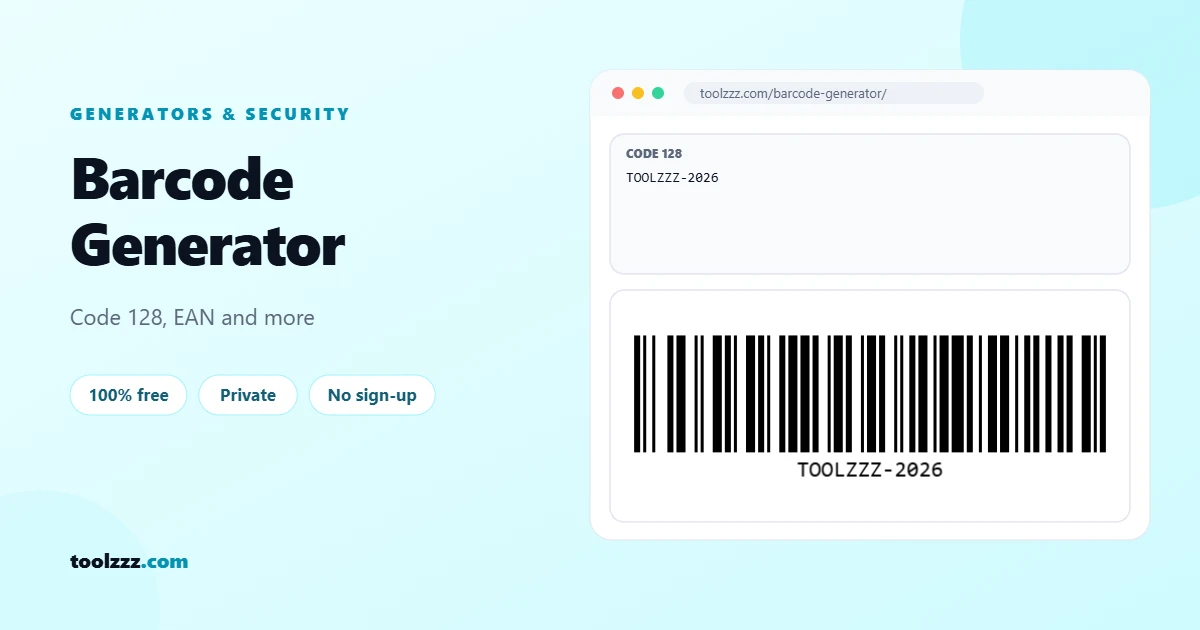
Choose the barcode type, such as Code 128 for any text or EAN-13 for retail products, and type the value. The Toolzzz Barcode Generator draws it instantly and checks the value is valid for that type. Adjust bar width, height and colours, then download a PNG or SVG.
- Code 128, EAN-13, EAN-8, UPC-A
- Also Code 39, ITF-14, Codabar, MSI and Pharmacode
- Check digit added for EAN and UPC
- Validates the value for each type
- Download PNG or SVG
- Custom bar width, height and colours
- Show or hide the human-readable text
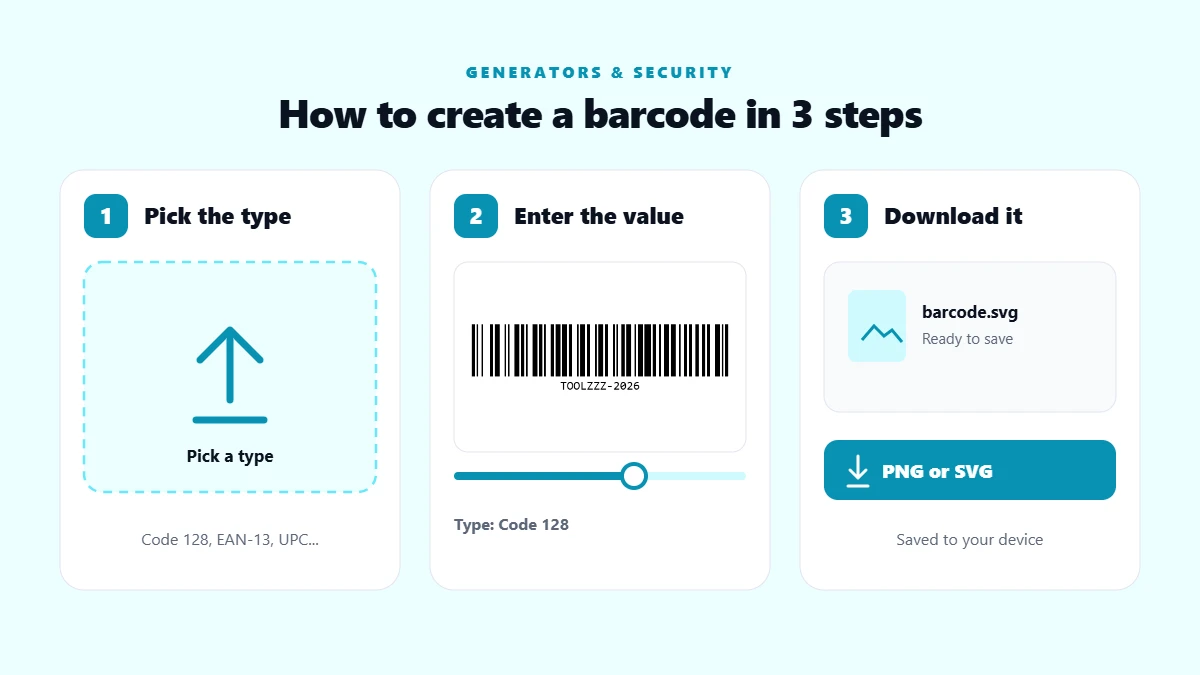
How to create a barcode in 3 steps
The barcode is redrawn as you type.
Pick the type
Choose Code 128, EAN-13, UPC-A or another format. An example value is filled in.
Enter the value
Type your number or text. Open Design for size and colours.
Download it
Press PNG or SVG.
Watch: how to use the free Barcode Generator
Where barcodes are used
Retail products
EAN-13 and UPC-A for shop products.
Inventory and assets
Code 128 labels for stock and equipment.
Shipping cartons
ITF-14 for cases and pallets.
Documents and files
Code 39 labels for folders and records.
ID cards and badges
Encode member or staff numbers.
Events and coupons
Print codes on tickets and vouchers.
How to use the Barcode Generator on Windows, Mac, iPhone and Android
No app to install. The tool works in any modern browser, so the steps are almost the same everywhere.
On Windows
- Open toolzzz.com/barcode-generator/ in Chrome, Edge or Firefox.
- Choose your options in the panel.
- Choose the barcode type and enter the value, then press Generate.
- Press PNG or SVG to save the barcode. Files go to your Downloads folder.
On Mac
- Open toolzzz.com/barcode-generator/ in Safari or Chrome.
- Choose your options in the panel.
- Choose the barcode type and enter the value, then press Generate.
- Press PNG or SVG to save the barcode.
On iPhone and iPad
- Open toolzzz.com/barcode-generator/ in Safari.
- Choose your options in the panel.
- Choose the barcode type and enter the value, then tap Generate.
- Tap PNG or SVG to save the barcode. Downloads appear in the Files app.
On Android
- Open toolzzz.com/barcode-generator/ in Chrome.
- Choose your options in the panel.
- Choose the barcode type and enter the value, then tap Generate.
- Tap PNG or SVG to save the barcode. Downloads go to the Downloads folder.
Toolzzz vs. other online generators
| Feature | Toolzzz Barcode Generator | Typical online generators |
|---|---|---|
| Price | Free, no limits | Free tier, then paid plans |
| Where it runs | In your browser only | Often on the provider’s server |
| Built on | Browser standards (Web Crypto, Canvas, SVG) | Often closed server-side code |
| Sign-up | Not needed | Sometimes needed for downloads |
| Tracking of results | None, nothing is stored | Results may be logged |
| Works offline once loaded | Yes | Usually not |
"Typical" describes common limits of free online services. Plans and limits differ between sites.
Why generate with Toolzzz
Private by design
Every value is created or checked inside your browser. Nothing is sent or stored.
Built on Web Crypto
Hashing, encryption and random values use the browser’s built-in, audited Web Crypto API.
Instant
Results appear immediately, even for thousands of values.
Copy or download
Copy in one click or save the result as a file.
Any device
Works in Chrome, Safari, Edge and Firefox on desktop and mobile.
Free forever
No account, no limits and no watermark.
Tips for the best result
- To sell in shops you need real GTIN numbers from GS1. Made-up EAN numbers may clash with real products.
- Enter 12 digits for EAN-13 and the check digit is calculated for you.
- Print at a high resolution and keep the quiet zone on both sides.
- Black bars on a white background scan most reliably.
- Need to store more data, like a URL? Use the QR Code Generator.
Key terms explained
- EAN-13
- The 13-digit retail barcode used worldwide on products.
- Check digit
- A final digit calculated from the others so scanners can detect mistakes.
- Code 128
- A compact barcode that can hold any ASCII text and numbers.
Frequently asked questions
Is the barcode generator free?
Yes, free and unlimited.
Which barcode should I use?
EAN-13 or UPC-A for retail products, Code 128 for internal labels and any text, ITF-14 for cartons.
Do I need to enter the check digit?
No. For EAN and UPC, enter 12 (or 11 for UPC) digits and it is added. If you enter it, it is checked.
Can I use these barcodes in stores?
The barcodes are standard, but stores need real numbers registered with GS1.
Can I download an SVG?
Yes. SVG stays sharp at any size for printing.
Why do I see "not valid"?
The value does not fit the type, for example letters in EAN-13 or the wrong number of digits.
Is my data sent anywhere?
No. Barcodes are drawn in your browser.
Can I make many barcodes at once?
This tool makes one at a time. Change the value and download again.