
Make GIFs smaller and keep the animation
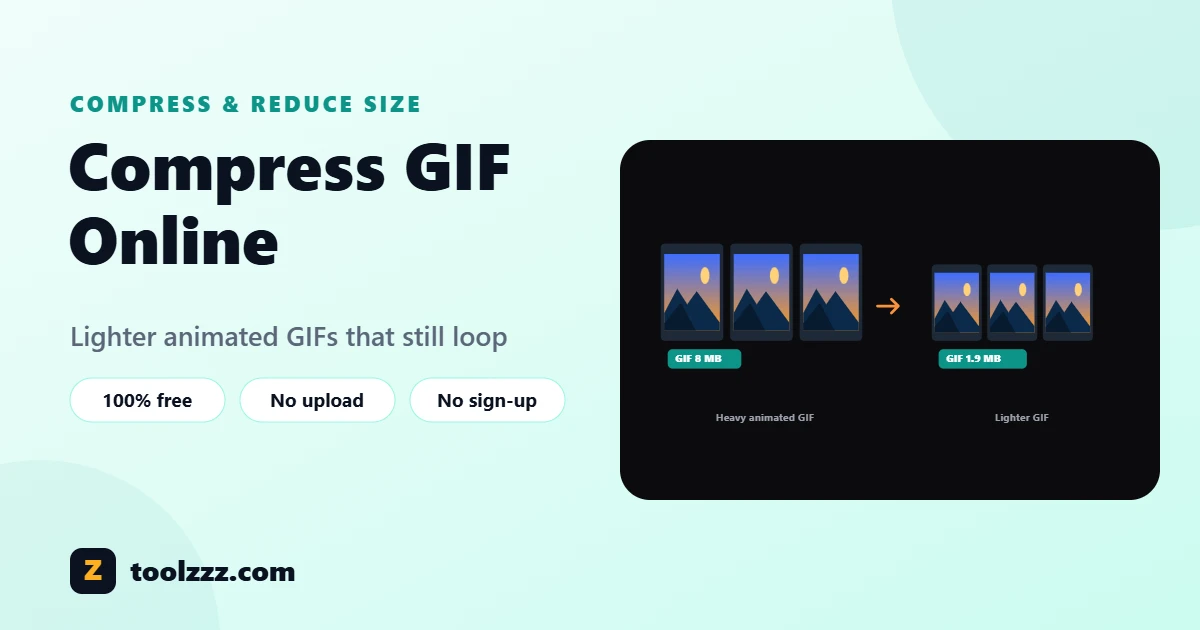
To compress a GIF, drop it into Toolzzz Compress GIF. It is re-encoded with 128 colours by default, and you can also reduce the size to 75% or 50% or keep only every 2nd frame. Original and compressed GIFs play side by side, then press Download compressed GIF. The animation, speed, looping and transparency are kept, and nothing is uploaded.
- Animation & loop kept
- Side-by-side preview
- 100% free, no sign-up
- Files never uploaded
- No file size limit
- Windows, Mac, iPhone & Android
- No watermark
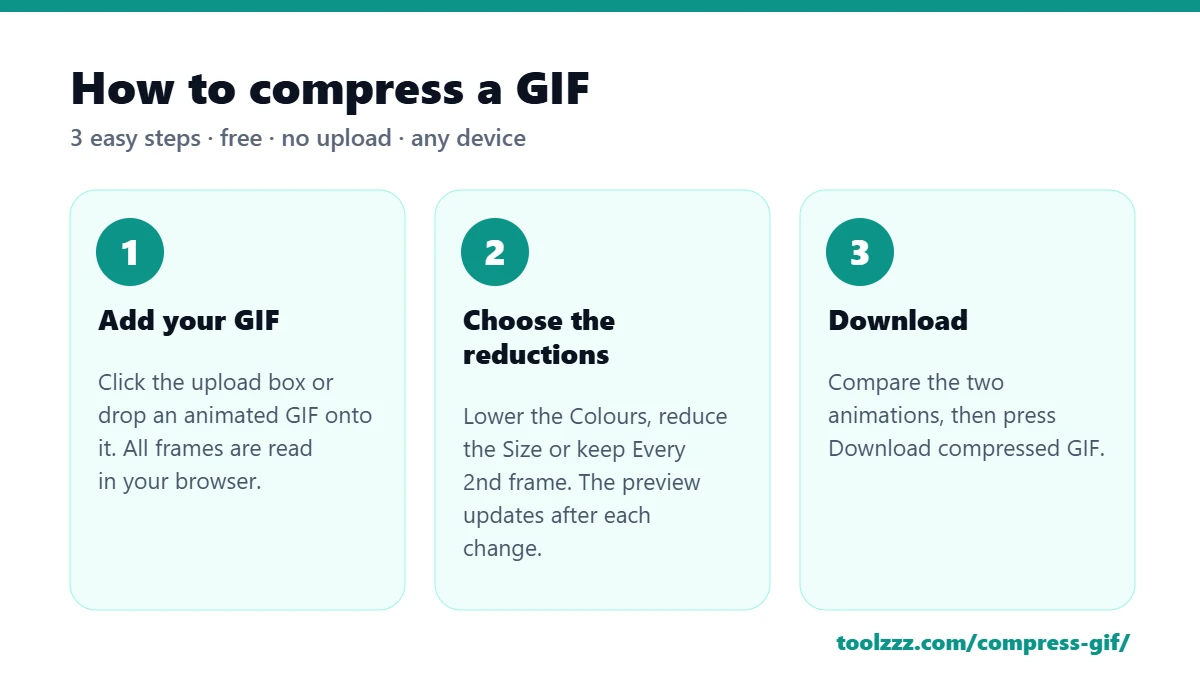
How to compress a GIF
GIFs are often 5–20 MB because every frame is a full image. A few smart reductions can cut that by 50–80%.
Add your GIF
Click the upload box or drop an animated GIF onto it. All frames are read in your browser.
Choose the reductions
Lower the Colours, reduce the Size or keep Every 2nd frame. The preview updates after each change.
Download
Compare the two animations, then press Download compressed GIF.
Watch: reduce animated GIF file size
Where smaller GIFs help
Discord, Slack and Teams
Chat apps often limit uploads to 8–25 MB and play small GIFs faster.
Email signatures and newsletters
Big GIFs slow down emails and may be blocked.
Websites and blogs
Light GIFs keep pages fast on mobile.
Memes and reactions
Share funny loops instantly, even on slow data.
Tutorials and demos
Screen recordings as GIFs become easy to embed.
Upload limits
Fit forums, marketplaces and profile banners.
What makes a GIF big?
| Setting | Effect on size | Effect on look |
|---|---|---|
| Fewer colours (128, 64…) | 20–50% smaller | Slight banding in gradients |
| Smaller size (75%, 50%) | 40–75% smaller | Less detail, still smooth |
| Every 2nd frame | About 50% smaller | Motion slightly less fluid, same speed |
Combining two settings, for example 128 colours and 75% size, usually gives the best balance. If the result is still too big, consider sharing it as a video: MP4 files are often 5–10 times smaller than the same GIF.
How to compress a GIF on Windows, Mac, iPhone and Android
No app to install. The tool works in any modern browser, so the steps are almost the same everywhere.
On Windows
- Open toolzzz.com/compress-gif/ in Chrome, Edge or Firefox.
- Drag your GIF from File Explorer onto the upload box.
- Choose colours, size and frames, compare both animations, then press Download compressed GIF.
- The new file is saved to your Downloads folder.
On Mac
- Open the page in Safari, Chrome or Firefox.
- Drag the GIF from Finder onto the upload box.
- Choose colours, size and frames, compare both animations, then press Download compressed GIF.
- Find the new file in Downloads.
On iPhone and iPad
- Open the page in Safari.
- Tap the upload box, then Browse to pick the GIF from Files or Photos.
- Choose colours, size and frames, compare both animations, then press Download compressed GIF.
- Tap Download and find the file in Files → Downloads.
On Android
- Open the page in Chrome.
- Tap the upload box and pick the GIF from Files, Gallery or Downloads.
- Choose colours, size and frames, compare both animations, then press Download compressed GIF.
- The new file is saved in your Downloads folder.
Toolzzz vs. typical online compressors
| Feature | Toolzzz Compress GIF | Typical online compressors |
|---|---|---|
| Your file is uploaded to a server | Never. It is processed in your browser | Usually |
| File size and page limits | None, only your device memory | Often 10 to 100 MB, or a few files per day |
| Watermark on the result | Never | Sometimes on free plans |
| Account or e-mail needed | No | Often for larger files |
| Keeps animation speed when dropping frames | Yes, delays are combined | Sometimes speeds up |
| Side-by-side animated preview | Yes | Often a still image |
| File limit | None | Often 50–200 MB |
| Price | Free | Free with limits, or a paid plan |
"Typical" describes common limits of free online services. Plans and limits differ between sites.
A GIF compressor that respects your animation
Animation kept
Frames, speed and looping stay intact.
Smart colour reduction
High-quality quantization per frame.
Size and frame options
Scale down or drop frames for big savings.
Live side-by-side preview
See both GIFs play before you download.
Never uploaded
Your GIF is processed on your device.
Free, no watermark
No sign-up, no limits and no logo on your GIF.
Key terms explained
- Animated GIF
- An image file that stores several frames and plays them in a loop.
- Frame delay
- How long each frame is shown, usually in hundredths of a second.
- Palette
- The list of colours a GIF frame may use, up to 256.
Frequently asked questions
How do I compress a GIF without losing quality?
Start with 128 colours at original size. Most GIFs get noticeably smaller and look almost the same.
How do I make a GIF smaller for Discord?
Choose 128 or 64 colours and 75% size. Most GIFs then fit under Discord's upload limit.
Will compressing change the speed of my GIF?
No. When frames are dropped, their display time is added to the remaining frames, so the speed stays the same.
Does it keep the transparent background?
Yes. Transparent pixels are kept transparent in the compressed GIF.
Why did my GIF get bigger?
Some GIFs are already optimised. Try fewer colours, a smaller size or every 2nd frame.
Can I compress a GIF on my phone?
Yes. Open this page in Chrome or Safari, choose the GIF and download the result.
Is there a size limit?
No fixed limit. Very long GIFs with hundreds of large frames may take a while on older phones.
Is my GIF uploaded?
No. Compression happens in your browser on your own device.