
How do I decode a JWT?
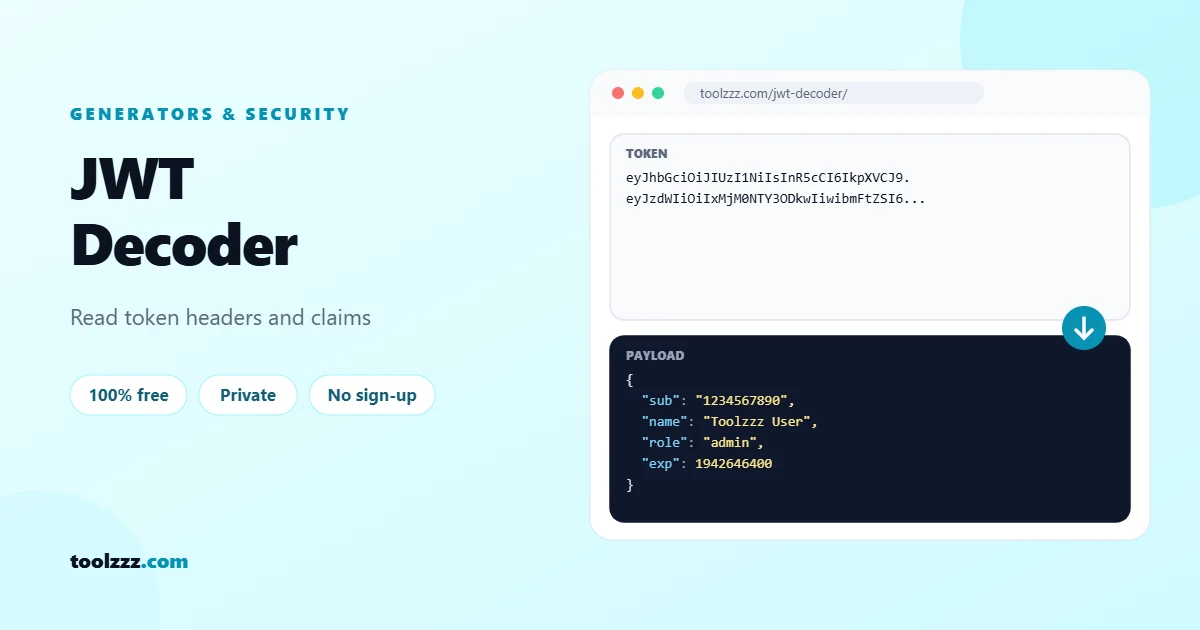
Paste the token into the Toolzzz JWT Decoder. It splits the token into header, payload and signature, shows them as formatted JSON, turns exp, iat and nbf into readable dates and tells you if the token has expired. Enter the secret to verify HS256, HS384 or HS512 signatures.
- Decodes header and payload
- Readable dates for exp, iat and nbf
- Expired or valid status
- Verifies HS256, HS384 and HS512 with a secret
- Removes a "Bearer " prefix automatically
- Explains standard claims (iss, sub, aud)
- Runs in your browser, tokens never sent
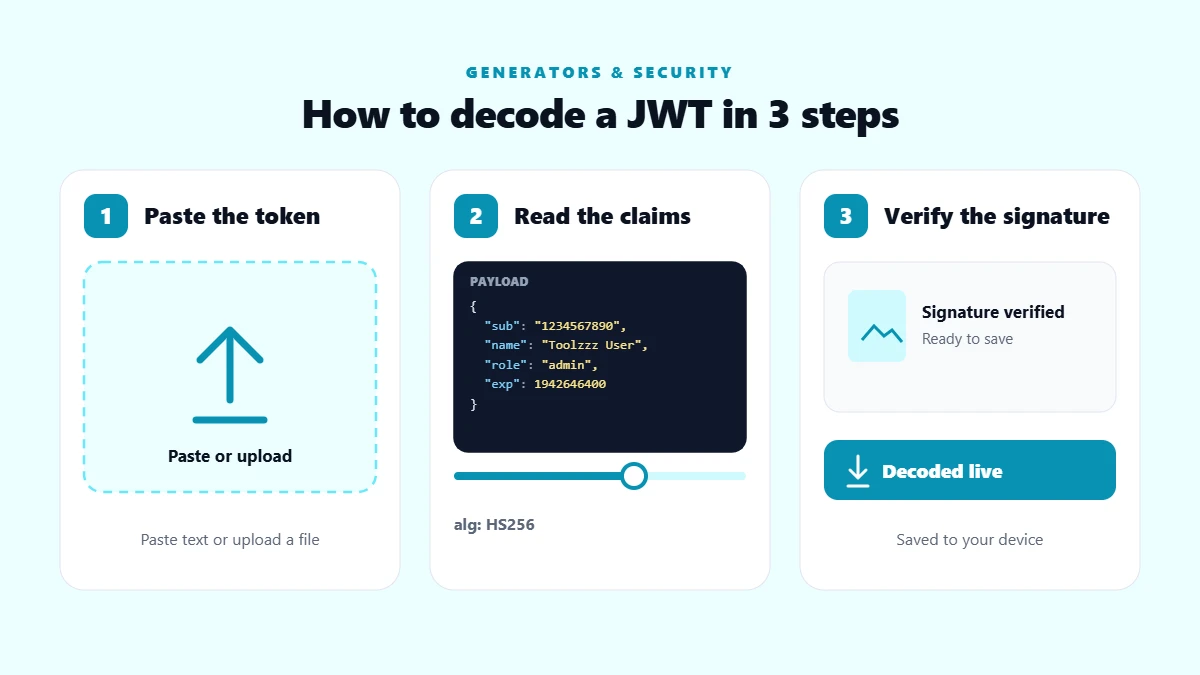
How to decode a JWT in 3 steps
The token is decoded as soon as you paste it.
Paste the token
Paste the JWT, with or without "Bearer ".
Read the claims
See the header, payload, readable dates and expiry status.
Verify the signature
Enter the secret to check HS256, HS384 or HS512 tokens.
Watch: how to use the free JWT Decoder
When developers decode JWTs
Debugging auth
See which claims your API received.
Expiry problems
Check when a token expires and why it fails.
Roles and scopes
Confirm permissions inside a token.
Testing signatures
Verify a token was signed with your secret.
OAuth and OpenID
Read ID tokens from login providers.
Learning
Understand how JWTs are built.
How to use the JWT Decoder on Windows, Mac, iPhone and Android
No app to install. The tool works in any modern browser, so the steps are almost the same everywhere.
On Windows
- Open toolzzz.com/jwt-decoder/ in Chrome, Edge or Firefox.
- Paste (Ctrl+V) your token into the left box, or press Upload to open a file.
- Paste the token and read the claims.
- Read the decoded header and payload; nothing is saved. Files go to your Downloads folder.
On Mac
- Open toolzzz.com/jwt-decoder/ in Safari or Chrome.
- Paste (Cmd+V) your token into the left box, or press Upload to open a file.
- Paste the token and read the claims.
- Read the decoded header and payload; nothing is saved.
On iPhone and iPad
- Open toolzzz.com/jwt-decoder/ in Safari.
- Touch and hold the box, tap Paste to add your token into the left box, or tap Upload to open a file.
- Paste the token and read the claims.
- Read the decoded header and payload; nothing is saved. Downloads appear in the Files app.
On Android
- Open toolzzz.com/jwt-decoder/ in Chrome.
- Long-tap the box and tap Paste to add your token into the left box, or press Upload to open a file.
- Paste the token and read the claims.
- Read the decoded header and payload; nothing is saved. Downloads go to the Downloads folder.
Toolzzz vs. other online generators
| Feature | Toolzzz JWT Decoder | Typical online generators |
|---|---|---|
| Price | Free, no limits | Free tier, then paid plans |
| Where it runs | In your browser only | Often on the provider’s server |
| Built on | Browser standards (Web Crypto, Canvas, SVG) | Often closed server-side code |
| Sign-up | Not needed | Sometimes needed for downloads |
| Tracking of results | None, nothing is stored | Results may be logged |
| Works offline once loaded | Yes | Usually not |
"Typical" describes common limits of free online services. Plans and limits differ between sites.
Why generate with Toolzzz
Private by design
Every value is created or checked inside your browser. Nothing is sent or stored.
Built on Web Crypto
Hashing, encryption and random values use the browser’s built-in, audited Web Crypto API.
Instant
Results appear immediately, even for thousands of values.
Copy or download
Copy in one click or save the result as a file.
Any device
Works in Chrome, Safari, Edge and Firefox on desktop and mobile.
Free forever
No account, no limits and no watermark.
Tips for the best result
- A JWT payload is only Base64url-encoded, not encrypted. Never put secrets in it.
- Decoding is not validation. Your server must always verify the signature.
- RS256 and ES256 tokens need a public key, which this tool does not check.
- Times are in seconds since 1 January 1970 (Unix time).
- Be careful pasting live production tokens anywhere. This tool runs locally and sends nothing.
Key terms explained
- JWT
- JSON Web Token: header.payload.signature, each part Base64url-encoded.
- Claim
- A piece of information in the payload, such as sub (subject) or exp (expiry).
- HS256
- HMAC with SHA-256: a signature made with a shared secret.
Frequently asked questions
Is the JWT decoder free?
Yes, free and unlimited.
Is my token sent to a server?
No. Decoding and signature checks run in your browser with the Web Crypto API.
Can it verify signatures?
Yes, for HS256, HS384 and HS512 when you enter the secret.
Why does it say "Invalid signature"?
The secret is wrong, or the token was changed. The secret must match exactly.
What does exp mean?
The expiry time. After it, servers should reject the token.
Can it decode encrypted tokens (JWE)?
No. JWE tokens have five parts and need a decryption key.
Is the payload private?
No. Anyone can decode it. Only the signature prevents changes.
What is the secret for the example token?
toolzzz-secret.