
How do I create a bcrypt hash?
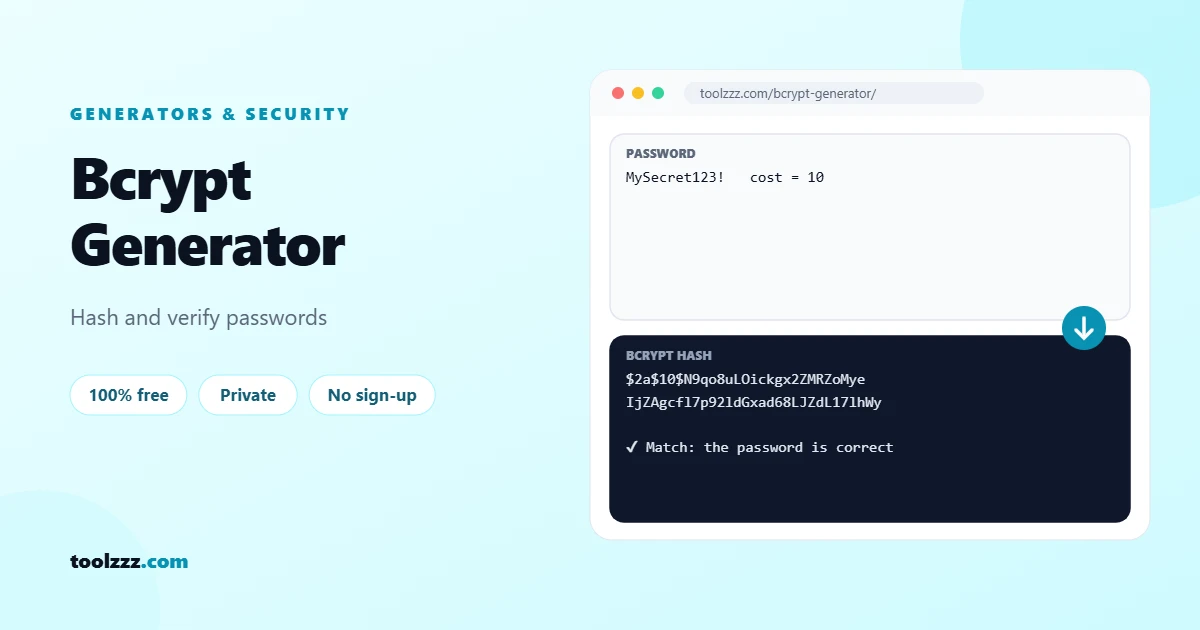
Enter a password, choose the cost factor and press Generate. The Toolzzz Bcrypt Generator uses bcryptjs to create a salted hash such as $2a$10$.... To check a login, paste a password and a bcrypt hash in the Verify panel: it tells you if they match.
- Generate salted bcrypt hashes
- Verify a password against a hash
- Cost factor from 4 to 15
- Shows how long hashing took
- Reads $2a$, $2b$ and $2y$ hashes
- Random salt for every hash
- Runs locally with bcryptjs
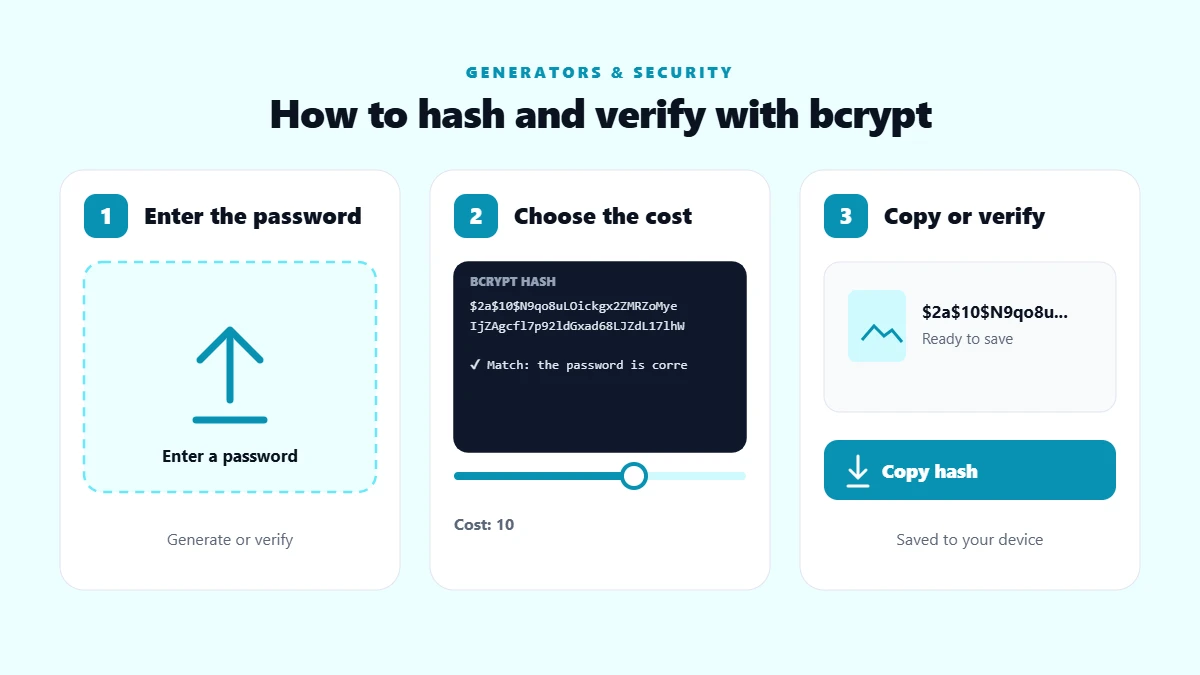
How to hash and verify with bcrypt
Hashing takes from a few milliseconds to a few seconds, depending on the cost.
Enter the password
Type the password in the Generate panel.
Choose the cost
10 to 12 is typical. Each step doubles the time. Press Generate bcrypt hash.
Copy or verify
Copy the hash, or paste a password and hash in Verify to check them.
Watch: how to use the free Bcrypt Generator
When to use bcrypt
Seeding user accounts
Create a hashed admin password for a database seed.
Debugging logins
Check whether a stored hash matches a password.
Resetting a password
Generate a hash to paste into a database by hand.
Migrating systems
Confirm old hashes still verify.
Choosing a cost
Measure hashing time on your hardware.
Learning security
See why salted, slow hashes protect passwords.
How to use the Bcrypt Generator on Windows, Mac, iPhone and Android
No app to install. The tool works in any modern browser, so the steps are almost the same everywhere.
On Windows
- Open toolzzz.com/bcrypt-generator/ in Chrome, Edge or Firefox.
- Enter a password, choose the cost and press Generate.
- Press Copy to copy the hash. Files go to your Downloads folder.
On Mac
- Open toolzzz.com/bcrypt-generator/ in Safari or Chrome.
- Enter a password, choose the cost and press Generate.
- Press Copy to copy the hash.
On iPhone and iPad
- Open toolzzz.com/bcrypt-generator/ in Safari.
- Enter a password, choose the cost and tap Generate.
- Tap Copy to copy the hash. Downloads appear in the Files app.
On Android
- Open toolzzz.com/bcrypt-generator/ in Chrome.
- Enter a password, choose the cost and tap Generate.
- Tap Copy to copy the hash. Downloads go to the Downloads folder.
Toolzzz vs. other online generators
| Feature | Toolzzz Bcrypt Generator | Typical online generators |
|---|---|---|
| Price | Free, no limits | Free tier, then paid plans |
| Where it runs | In your browser only | Often on the provider’s server |
| Built on | Browser standards (Web Crypto, Canvas, SVG) | Often closed server-side code |
| Sign-up | Not needed | Sometimes needed for downloads |
| Tracking of results | None, nothing is stored | Results may be logged |
| Works offline once loaded | Yes | Usually not |
"Typical" describes common limits of free online services. Plans and limits differ between sites.
Why generate with Toolzzz
Private by design
Every value is created or checked inside your browser. Nothing is sent or stored.
Built on Web Crypto
Hashing, encryption and random values use the browser’s built-in, audited Web Crypto API.
Instant
Results appear immediately, even for thousands of values.
Copy or download
Copy in one click or save the result as a file.
Any device
Works in Chrome, Safari, Edge and Firefox on desktop and mobile.
Free forever
No account, no limits and no watermark.
Tips for the best result
- Use a cost of at least 10. Raise it as hardware gets faster, aiming for about 250 ms per hash on your server.
- The same password gives a different hash each time because the salt is random. That is expected.
- bcrypt only uses the first 72 bytes of a password.
- $2y$ (PHP) hashes are compatible and verify here.
- Never paste real production user passwords into any website. This tool runs locally, but good habits matter.
Key terms explained
- Bcrypt
- A password-hashing function built to be slow, with a built-in salt and adjustable cost.
- Salt
- Random data mixed into each hash so identical passwords get different hashes.
- Cost factor
- The work level: 2cost rounds. Each +1 doubles the time.
Frequently asked questions
Is the bcrypt generator free?
Yes, free and unlimited.
Is my password sent anywhere?
No. Hashing and verifying run in your browser with the bcryptjs library.
Why is every hash different?
A new random salt is used each time. Any of these hashes will verify the same password.
What cost should I use?
10 to 12 for most web apps. Higher is safer but slower.
Can I reverse a bcrypt hash?
No. You can only check a guess against it.
What do $2a$, $2b$ and $2y$ mean?
They are versions of the bcrypt format. They are compatible for verifying.
Why is a cost of 15 slow?
It runs 32,768 rounds. That slowness is what stops attackers.
Should I use bcrypt or SHA-256 for passwords?
bcrypt (or Argon2, scrypt). Fast hashes like SHA-256 are unsafe for passwords.