
How strong is my password?
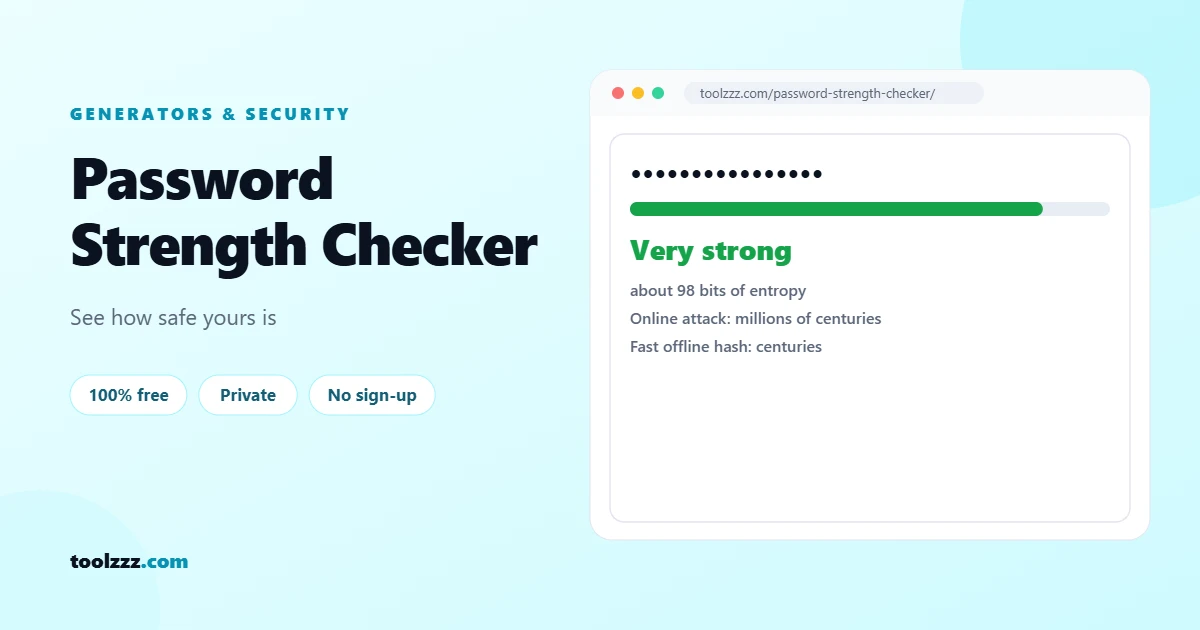
Type your password into the Toolzzz Password Strength Checker. It estimates entropy from the length and character types, then lowers the score for common passwords, keyboard runs like "qwerty", repeated characters and years. You see a rating from Very weak to Very strong and crack times for three attack speeds.
- Checked only in your browser, never sent
- Strength from Very weak to Very strong
- Estimated entropy in bits
- Crack time for online and offline attacks
- Warns about common passwords
- Detects sequences, repeats and years
- Show or hide the password
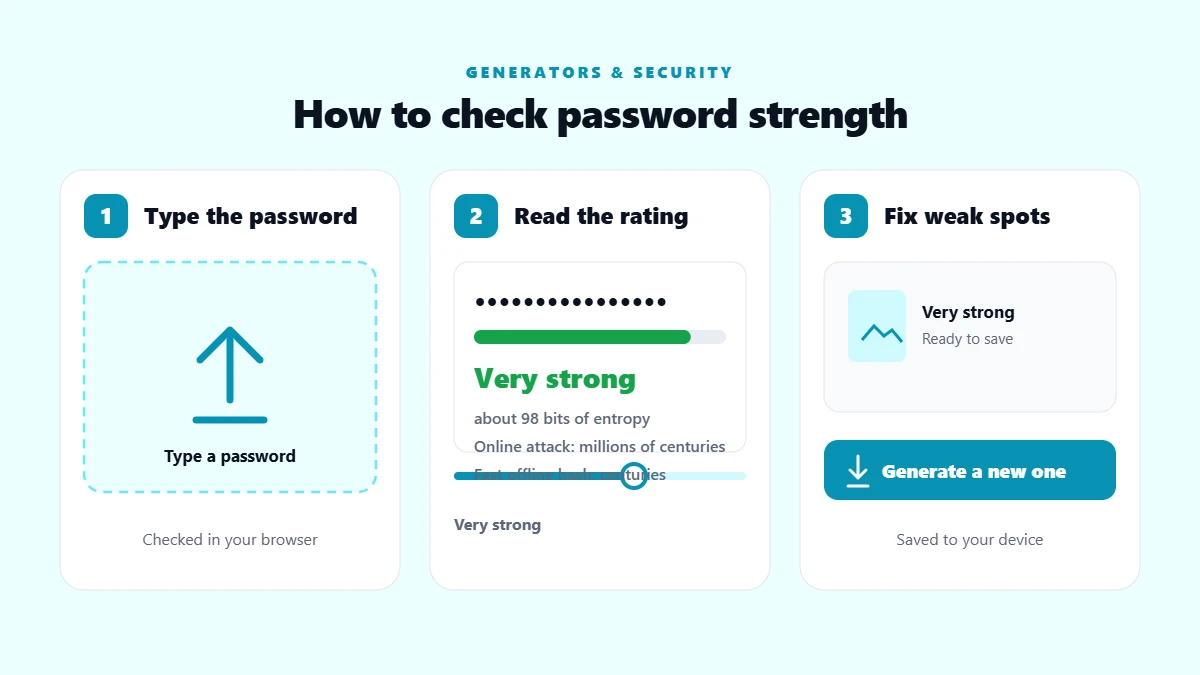
How to check password strength
The rating updates with every character you type.
Type the password
Type it in the box. Press Show to see what you typed.
Read the rating
See the strength, entropy and estimated crack times.
Fix weak spots
Follow the red tips, or create a new one with the Password Generator.
Watch: how to use the free Password Strength Checker
When to check a password
Before you sign up
Make sure a new password is strong enough.
Security reviews
Test policies and example passwords.
Teaching others
Show family or staff why length matters.
Wi-Fi keys
Check your router password.
Encryption passwords
Make sure archive and file passwords are strong.
Password rules
See if "Password1!" really is safe (it is not).
How to use the Password Strength Checker on Windows, Mac, iPhone and Android
No app to install. The tool works in any modern browser, so the steps are almost the same everywhere.
On Windows
- Open toolzzz.com/password-strength-checker/ in Chrome, Edge or Firefox.
- Type the password and read the rating.
- Read the rating and tips; nothing is saved. Files go to your Downloads folder.
On Mac
- Open toolzzz.com/password-strength-checker/ in Safari or Chrome.
- Type the password and read the rating.
- Read the rating and tips; nothing is saved.
On iPhone and iPad
- Open toolzzz.com/password-strength-checker/ in Safari.
- Type the password and read the rating.
- Read the rating and tips; nothing is saved. Downloads appear in the Files app.
On Android
- Open toolzzz.com/password-strength-checker/ in Chrome.
- Type the password and read the rating.
- Read the rating and tips; nothing is saved. Downloads go to the Downloads folder.
Toolzzz vs. other online generators
| Feature | Toolzzz Password Strength Checker | Typical online generators |
|---|---|---|
| Price | Free, no limits | Free tier, then paid plans |
| Where it runs | In your browser only | Often on the provider’s server |
| Built on | Browser standards (Web Crypto, Canvas, SVG) | Often closed server-side code |
| Sign-up | Not needed | Sometimes needed for downloads |
| Tracking of results | None, nothing is stored | Results may be logged |
| Works offline once loaded | Yes | Usually not |
"Typical" describes common limits of free online services. Plans and limits differ between sites.
Why generate with Toolzzz
Private by design
Every value is created or checked inside your browser. Nothing is sent or stored.
Built on Web Crypto
Hashing, encryption and random values use the browser’s built-in, audited Web Crypto API.
Instant
Results appear immediately, even for thousands of values.
Copy or download
Copy in one click or save the result as a file.
Any device
Works in Chrome, Safari, Edge and Firefox on desktop and mobile.
Free forever
No account, no limits and no watermark.
Tips for the best result
- Avoid names, birthdays, pet names and keyboard patterns.
- Adding one random word adds more strength than swapping a letter for a symbol.
- "P@ssw0rd" style swaps are well known to attackers and add little.
- Use a different password for every account.
- Need a better one? Use the Password Generator.
Key terms explained
- Brute force
- Trying every possible combination until the right password is found.
- Dictionary attack
- Trying common passwords and words first, with typical changes.
- Crack time
- An estimate of how long guessing would take at a given speed.
Frequently asked questions
Is it safe to type my password here?
Yes. The check runs entirely in this tab with JavaScript. The password is never sent, stored or logged. You can even disconnect from the internet after the page loads.
How is strength calculated?
From the length and character types (entropy), reduced for common passwords, sequences, repeats, years and Word+number patterns.
What do the crack times mean?
Online is a site with rate limits (100 guesses per hour). Offline slow hash is a well-protected leaked database. Fast hash is a weakly protected leak attacked with GPUs.
What is a good score?
Strong or Very strong, which means 60 bits or more. Aim for 80+ for important accounts.
Is the estimate exact?
No. Real attackers use smart guesses, so treat it as a guide. Unique, long, random passwords are always best.
Why is my long password weak?
It may be a common password or contain a simple pattern like 123456 or qwerty.
Does it check if my password was leaked?
No. That would require sending data. Use a trusted breach-check service for that.
How do I make my password stronger?
Make it longer, use random words or characters, and never reuse it.