
Shrink audio files in seconds
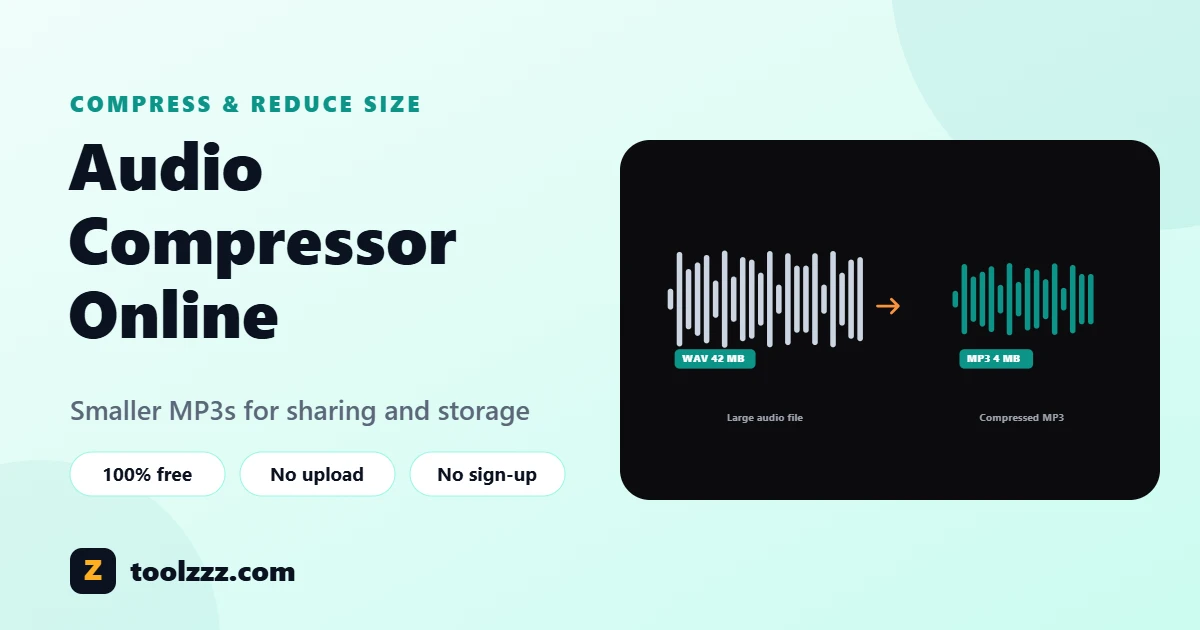
To compress an audio file, drop an MP3, WAV, M4A, OGG or FLAC file into Toolzzz Audio Compressor, choose a bitrate such as 128 kbps (or 64 kbps and Mono for speech), and press Compress to MP3. You can listen to the result before sharing. WAV recordings usually become about 90% smaller, and the file is never uploaded.
- 64 to 192 kbps
- Mono option for voice
- 100% free, no sign-up
- Files never uploaded
- No file size limit
- Windows, Mac, iPhone & Android
- No watermark
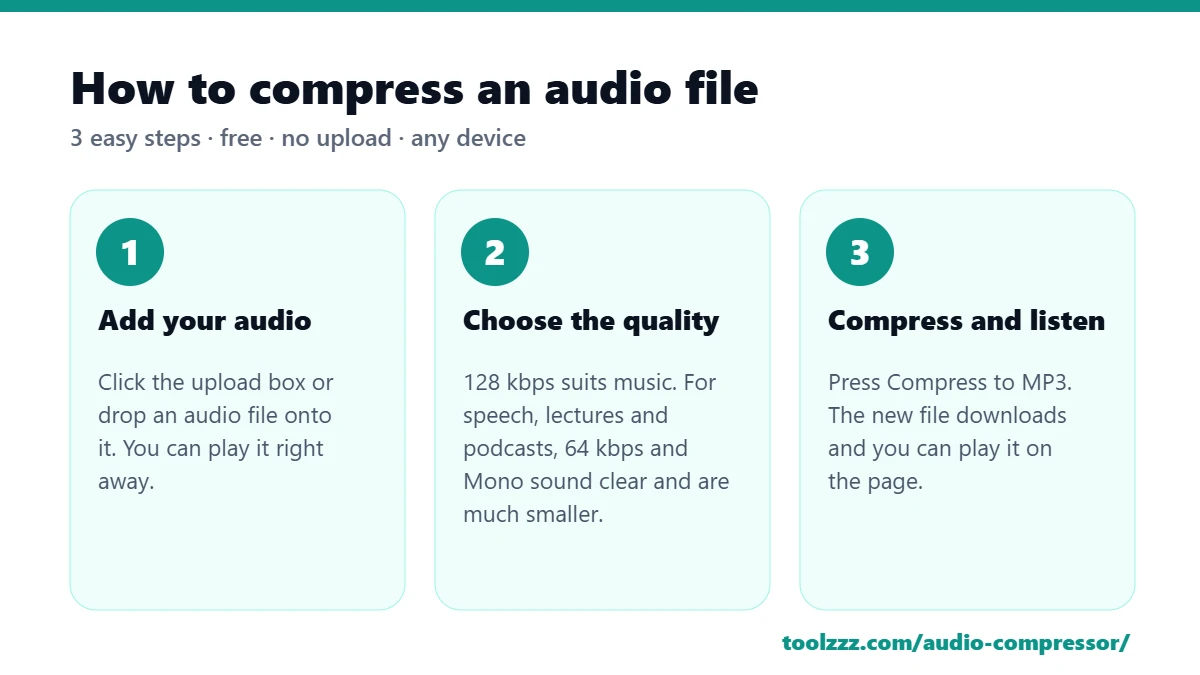
How to compress an audio file
Large recordings and lossless files are hard to send. An MP3 at the right bitrate sounds great and is a fraction of the size.
Add your audio
Click the upload box or drop an audio file onto it. You can play it right away.
Choose the quality
128 kbps suits music. For speech, lectures and podcasts, 64 kbps and Mono sound clear and are much smaller.
Compress and listen
Press Compress to MP3. The new file downloads and you can play it on the page.
Watch: compress audio and MP3 files
Where smaller audio helps
WhatsApp and email
Send voice recordings, songs and lectures that fit size limits.
Podcasts and audiobooks
64 to 96 kbps mono keeps voices clear in tiny files.
Lecture and meeting recordings
Shrink hours of WAV recordings to a few MB.
Websites and apps
Lighter audio clips stream faster.
Music libraries
Save space on phones and USB drives.
Upload limits
Fit audio into forms, LMS portals and contest entries.
Which bitrate should I use?
| Bitrate | Sounds like | About per minute |
|---|---|---|
| 64 kbps mono | Clear speech, podcasts, lectures | 0.5 MB |
| 96 kbps | Good music on phones | 0.7 MB |
| 128 kbps | Standard music quality | 0.9 MB |
| 192 kbps | High quality music | 1.4 MB |
| WAV (uncompressed) | Studio original | 10 MB |
Compressing an MP3 that is already 128 kbps to 128 kbps again will not make it smaller. Choose a lower bitrate or Mono for real savings.
How to compress audio on Windows, Mac, iPhone and Android
No app to install. The tool works in any modern browser, so the steps are almost the same everywhere.
On Windows
- Open toolzzz.com/audio-compressor/ in Chrome, Edge or Firefox.
- Drag your audio file from File Explorer onto the upload box.
- Choose the bitrate and channels, then press Compress to MP3.
- The new file is saved to your Downloads folder.
On Mac
- Open the page in Safari, Chrome or Firefox.
- Drag the audio file from Finder onto the upload box.
- Choose the bitrate and channels, then press Compress to MP3.
- Find the new file in Downloads.
On iPhone and iPad
- Open the page in Safari.
- Tap the upload box, then Browse to pick the audio file from Files or Photos.
- Choose the bitrate and channels, then press Compress to MP3.
- Tap Download and find the file in Files → Downloads.
On Android
- Open the page in Chrome.
- Tap the upload box and pick the audio file from Files, Gallery or Downloads.
- Choose the bitrate and channels, then press Compress to MP3.
- The new file is saved in your Downloads folder.
Toolzzz vs. typical online compressors
| Feature | Toolzzz Audio Compressor | Typical online compressors |
|---|---|---|
| Your file is uploaded to a server | Never. It is processed in your browser | Usually |
| File size and page limits | None, only your device memory | Often 10 to 100 MB, or a few files per day |
| Watermark on the result | Never | Sometimes on free plans |
| Account or e-mail needed | No | Often for larger files |
| Listen to the result on the page | Yes | Sometimes |
| Mono option for speech | Yes | Sometimes |
| Price | Free | Free with limits, or a paid plan |
"Typical" describes common limits of free online services. Plans and limits differ between sites.
Compress audio privately in your browser
Never uploaded
Private recordings stay on your device.
Many formats in
MP3, WAV, M4A, AAC, OGG, FLAC and more.
Bitrate control
From 64 kbps for voice to 192 kbps for music.
Mono option
Halve the size of speech recordings.
Listen before you share
Play the original and the result on the page.
Free, no limits
No sign-up, no watermark and no time limit.
Key terms explained
- Bitrate (kbps)
- Kilobits per second of audio. Higher bitrate means better quality and bigger files.
- Mono and stereo
- Mono has one audio channel, stereo has two. Mono is about half the size.
- Lossless audio
- Formats like WAV and FLAC that keep every detail, but make very large files.
Frequently asked questions
How do I reduce the size of an MP3?
Drop the MP3 here and choose a lower bitrate, such as 96 or 64 kbps, or Mono. The new MP3 downloads straight away.
How do I compress a WAV file?
Drop the WAV here and choose 128 kbps. WAV files usually become about 90% smaller as MP3.
What is the best bitrate for voice recordings?
64 kbps Mono. Speech stays clear while the file is very small.
Will compressing audio reduce quality?
A little, but at 128 kbps most people cannot hear the difference on phones and laptops. Play the result on the page to check.
Can I compress M4A voice memos from my iPhone?
Yes. Most M4A files from iPhone voice memos can be read and converted to a smaller MP3.
Why is my MP3 not smaller?
It may already use a low bitrate. Choose a lower bitrate or Mono.
Is there a length limit?
No fixed limit. Very long files take a little longer to encode.
Is my audio uploaded?
No. The audio is decoded and encoded in your browser on your own device.