
How do I generate a SHA-256 or MD5 hash?
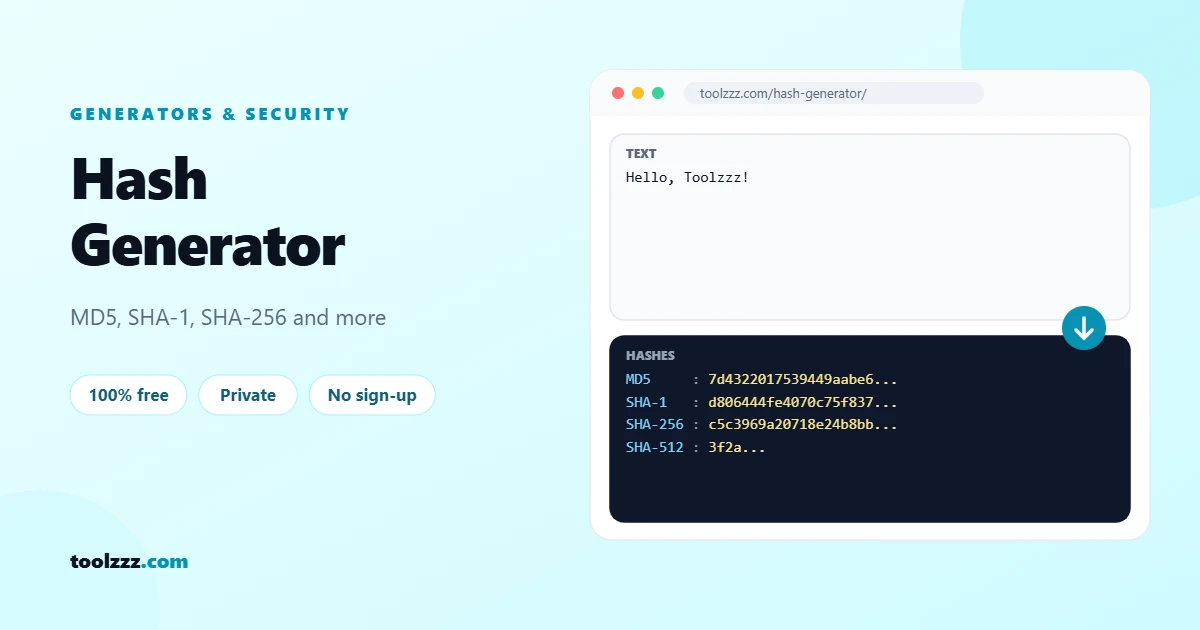
Type or paste text, or press Upload to choose a file. The Toolzzz Hash Generator calculates MD5, SHA-1, SHA-256, SHA-384 and SHA-512 at the same time. Paste a known hash into the compare box to check a download: the matching algorithm is highlighted.
- MD5, SHA-1, SHA-256, SHA-384, SHA-512
- Hash text or any file
- All five hashes at once
- Compare with a known hash to verify downloads
- SHA family via the browser’s Web Crypto API
- Uppercase or lowercase hex
- Copy each hash separately
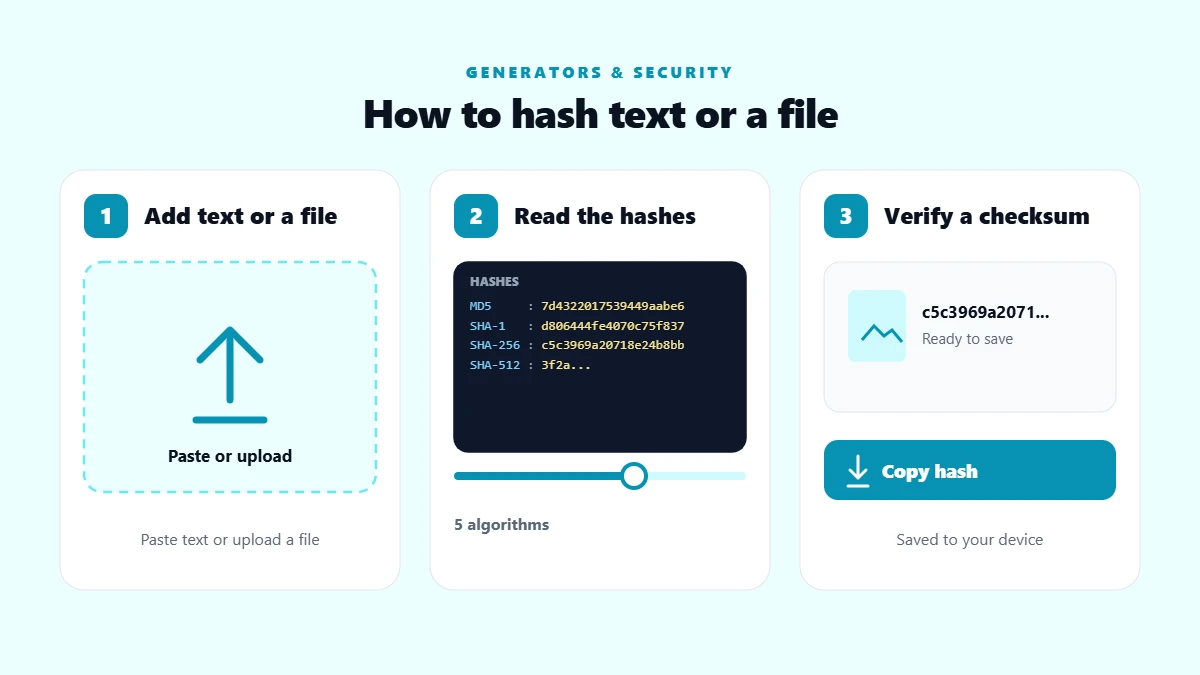
How to hash text or a file
Hashes are calculated as you type.
Add text or a file
Type or paste text, or press Upload to choose any file.
Read the hashes
MD5, SHA-1, SHA-256, SHA-384 and SHA-512 appear on the right.
Verify a checksum
Paste the expected hash in Compare; a match is highlighted in green.
Watch: how to use the free Hash Generator
Why people hash data
Verify downloads
Compare a file’s SHA-256 with the publisher’s checksum.
Detect changes
A single changed byte gives a completely different hash.
Cache keys and IDs
Turn content into a short, fixed-length key.
Deduplicate files
Identical files have identical hashes.
Learn cryptography
See how hash functions behave.
Integrity records
Record hashes of contracts or evidence.
How to use the Hash Generator on Windows, Mac, iPhone and Android
No app to install. The tool works in any modern browser, so the steps are almost the same everywhere.
On Windows
- Open toolzzz.com/hash-generator/ in Chrome, Edge or Firefox.
- Paste (Ctrl+V) your text or file into the left box, or press Upload to open a file.
- Read the hashes, or paste one to compare.
- Press Copy next to the hash you need. Files go to your Downloads folder.
On Mac
- Open toolzzz.com/hash-generator/ in Safari or Chrome.
- Paste (Cmd+V) your text or file into the left box, or press Upload to open a file.
- Read the hashes, or paste one to compare.
- Press Copy next to the hash you need.
On iPhone and iPad
- Open toolzzz.com/hash-generator/ in Safari.
- Touch and hold the box, tap Paste to add your text or file into the left box, or tap Upload to open a file.
- Read the hashes, or paste one to compare.
- Tap Copy next to the hash you need. Downloads appear in the Files app.
On Android
- Open toolzzz.com/hash-generator/ in Chrome.
- Long-tap the box and tap Paste to add your text or file into the left box, or press Upload to open a file.
- Read the hashes, or paste one to compare.
- Tap Copy next to the hash you need. Downloads go to the Downloads folder.
Toolzzz vs. other online generators
| Feature | Toolzzz Hash Generator | Typical online generators |
|---|---|---|
| Price | Free, no limits | Free tier, then paid plans |
| Where it runs | In your browser only | Often on the provider’s server |
| Built on | Browser standards (Web Crypto, Canvas, SVG) | Often closed server-side code |
| Sign-up | Not needed | Sometimes needed for downloads |
| Tracking of results | None, nothing is stored | Results may be logged |
| Works offline once loaded | Yes | Usually not |
"Typical" describes common limits of free online services. Plans and limits differ between sites.
Why generate with Toolzzz
Private by design
Every value is created or checked inside your browser. Nothing is sent or stored.
Built on Web Crypto
Hashing, encryption and random values use the browser’s built-in, audited Web Crypto API.
Instant
Results appear immediately, even for thousands of values.
Copy or download
Copy in one click or save the result as a file.
Any device
Works in Chrome, Safari, Edge and Firefox on desktop and mobile.
Free forever
No account, no limits and no watermark.
Tips for the best result
- Use SHA-256 or stronger for anything security-related. MD5 and SHA-1 are broken for security use.
- Never store passwords as plain hashes. Use the Bcrypt Generator instead.
- Hashes are case-insensitive hex. The compare box ignores case.
- Text is hashed as UTF-8, matching most command-line tools.
- On a computer,
sha256sum file(Linux),shasum -a 256 file(Mac) orcertutil -hashfile file SHA256(Windows) give the same result.
Key terms explained
- Hash function
- A one-way function that turns any data into a fixed-length fingerprint.
- Checksum
- A hash published alongside a file so you can verify the download is intact.
- Collision
- Two different inputs with the same hash. Practical collisions exist for MD5 and SHA-1.
Frequently asked questions
Is the hash generator free?
Yes, free and unlimited.
Are my files uploaded?
No. Files are read and hashed in your browser.
Can I reverse a hash?
No. Hashes are one-way. Short, common inputs can be guessed, but not reversed.
Is MD5 safe?
Not for security. It is fine for quick checks against accidental corruption.
How do I verify a downloaded file?
Upload it, then paste the publisher’s checksum into Compare. A green highlight means it matches.
Why does my hash differ from another tool?
Check for an extra space or line break. Hashes change completely with any difference.
Can I hash large files?
Yes, up to what your device memory allows, typically hundreds of megabytes.
Should I hash passwords with SHA-256?
No. Use a slow password hash like bcrypt.