
How do I generate a strong password?
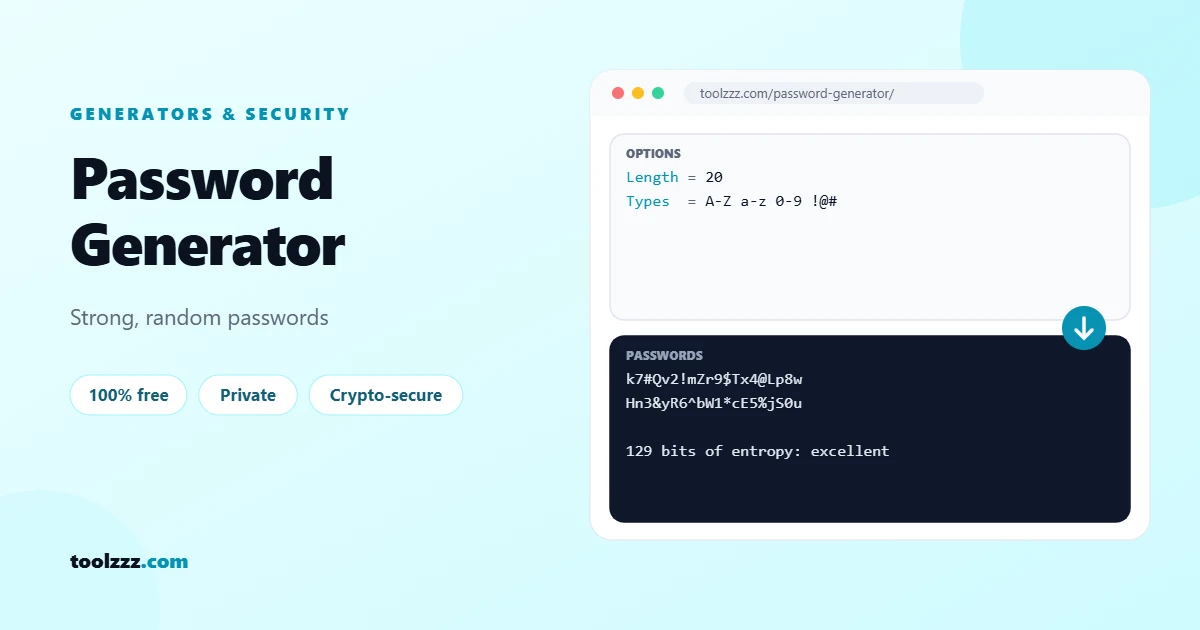
Set the length and character types, and the Toolzzz Password Generator creates a new password instantly using crypto.getRandomValues, the browser’s cryptographically secure random source. Every chosen character type is guaranteed to appear. Switch to Passphrase for random words that are easier to type and remember.
- Cryptographically secure randomness (Web Crypto)
- Length from 4 to 128 characters
- Uppercase, lowercase, numbers and symbols
- Exclude look-alikes such as I, l, 1, O and 0
- Passphrase mode with random words
- Make 1, 5, 10 or 25 at once
- Shows entropy in bits and strength
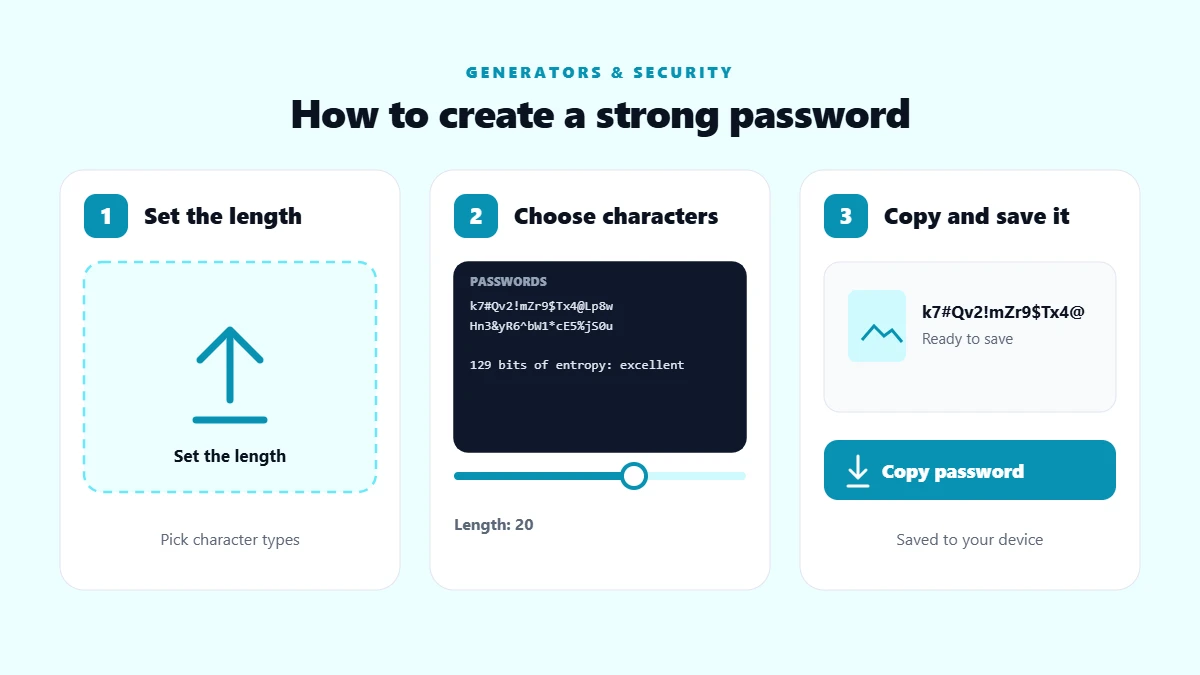
How to create a strong password
A new password appears every time you change an option or press Generate.
Set the length
Drag the slider. 16 characters or more is recommended.
Choose characters
Tick uppercase, lowercase, numbers and symbols, or choose Passphrase.
Copy and save it
Press Copy and save the password in your password manager.
Watch: how to use the free Password Generator
When you need a new password
New accounts
Use a unique password for every sign-up.
After a breach
Replace passwords exposed in a data leak.
Wi-Fi networks
Create a long Wi-Fi key for your router.
API keys and secrets
Generate random tokens for apps and test setups.
Encrypted files
Make strong passwords for archives and encrypted images.
Many accounts at once
Create 25 passwords for a team setup.
How to use the Password Generator on Windows, Mac, iPhone and Android
No app to install. The tool works in any modern browser, so the steps are almost the same everywhere.
On Windows
- Open toolzzz.com/password-generator/ in Chrome, Edge or Firefox.
- Choose your options in the panel.
- Set the length and character types, then press Generate.
- Press Copy and paste the password into your password manager. Files go to your Downloads folder.
On Mac
- Open toolzzz.com/password-generator/ in Safari or Chrome.
- Choose your options in the panel.
- Set the length and character types, then press Generate.
- Press Copy and paste the password into your password manager.
On iPhone and iPad
- Open toolzzz.com/password-generator/ in Safari.
- Choose your options in the panel.
- Set the length and character types, then tap Generate.
- Tap Copy and paste the password into your password manager. Downloads appear in the Files app.
On Android
- Open toolzzz.com/password-generator/ in Chrome.
- Choose your options in the panel.
- Set the length and character types, then tap Generate.
- Tap Copy and paste the password into your password manager. Downloads go to the Downloads folder.
Toolzzz vs. other online generators
| Feature | Toolzzz Password Generator | Typical online generators |
|---|---|---|
| Price | Free, no limits | Free tier, then paid plans |
| Where it runs | In your browser only | Often on the provider’s server |
| Built on | Browser standards (Web Crypto, Canvas, SVG) | Often closed server-side code |
| Sign-up | Not needed | Sometimes needed for downloads |
| Tracking of results | None, nothing is stored | Results may be logged |
| Works offline once loaded | Yes | Usually not |
"Typical" describes common limits of free online services. Plans and limits differ between sites.
Why generate with Toolzzz
Private by design
Every value is created or checked inside your browser. Nothing is sent or stored.
Built on Web Crypto
Hashing, encryption and random values use the browser’s built-in, audited Web Crypto API.
Instant
Results appear immediately, even for thousands of values.
Copy or download
Copy in one click or save the result as a file.
Any device
Works in Chrome, Safari, Edge and Firefox on desktop and mobile.
Free forever
No account, no limits and no watermark.
Tips for the best result
- Length matters more than complexity. A 20-character password is far stronger than an 8-character one with symbols.
- Never reuse a password. If one site leaks, all your accounts are at risk.
- Store passwords in a password manager instead of a document or note.
- Turn on two-factor authentication for important accounts.
- Check an existing password with the Password Strength Checker.
Key terms explained
- Entropy
- A measure of unpredictability in bits. Each extra bit doubles the number of guesses an attacker needs.
- Passphrase
- A password made of several random words, such as Maple-Orbit-Velvet-42.
- CSPRNG
- A cryptographically secure random number generator, such as the Web Crypto API.
Frequently asked questions
Is the password generator free?
Yes. Free, unlimited and no sign-up.
Are the passwords stored or sent anywhere?
No. They are created in your browser and are never sent or saved. Once you leave the page, they are gone.
How random are the passwords?
They use crypto.getRandomValues with unbiased selection, the same quality of randomness used for encryption keys.
How long should my password be?
At least 16 characters for important accounts. Use 20 or more where allowed.
Are symbols necessary?
They add strength, but length adds more. Some sites reject certain symbols; untick symbols if needed.
What is a passphrase?
Several random words joined with dashes. It is easier to type and remember, and still strong when it has 5 or more words.
What does "exclude look-alikes" do?
It removes characters that are easy to confuse, like I, l, 1, O and 0.
How many passwords can I generate at once?
Up to 25 at a time.