
Resize an animated GIF in seconds
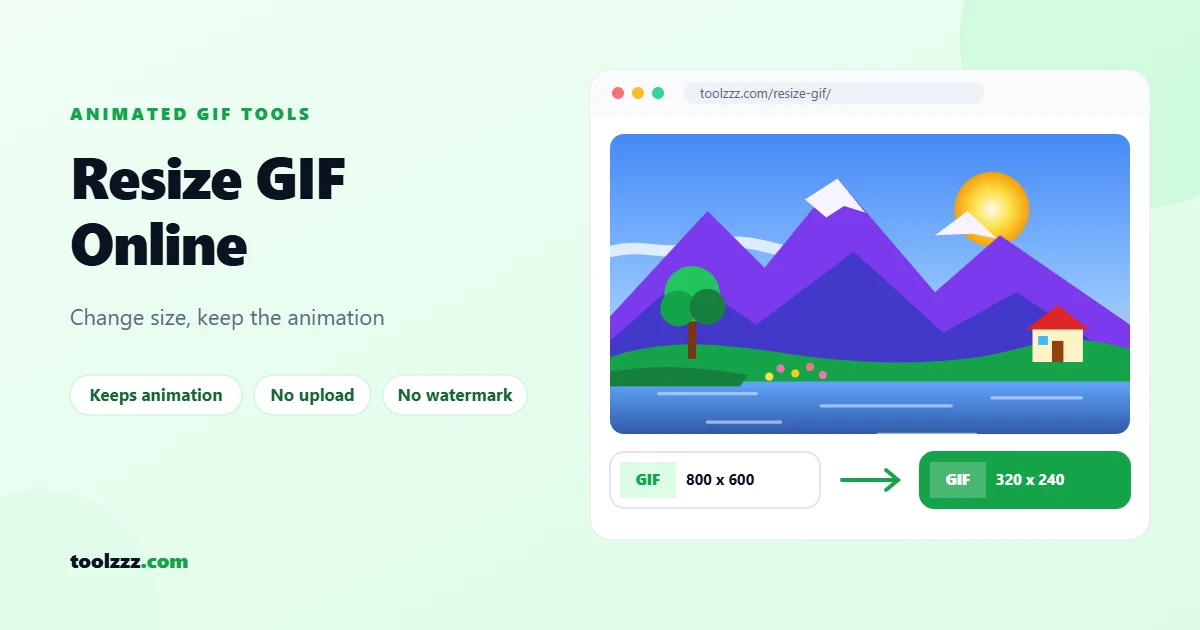
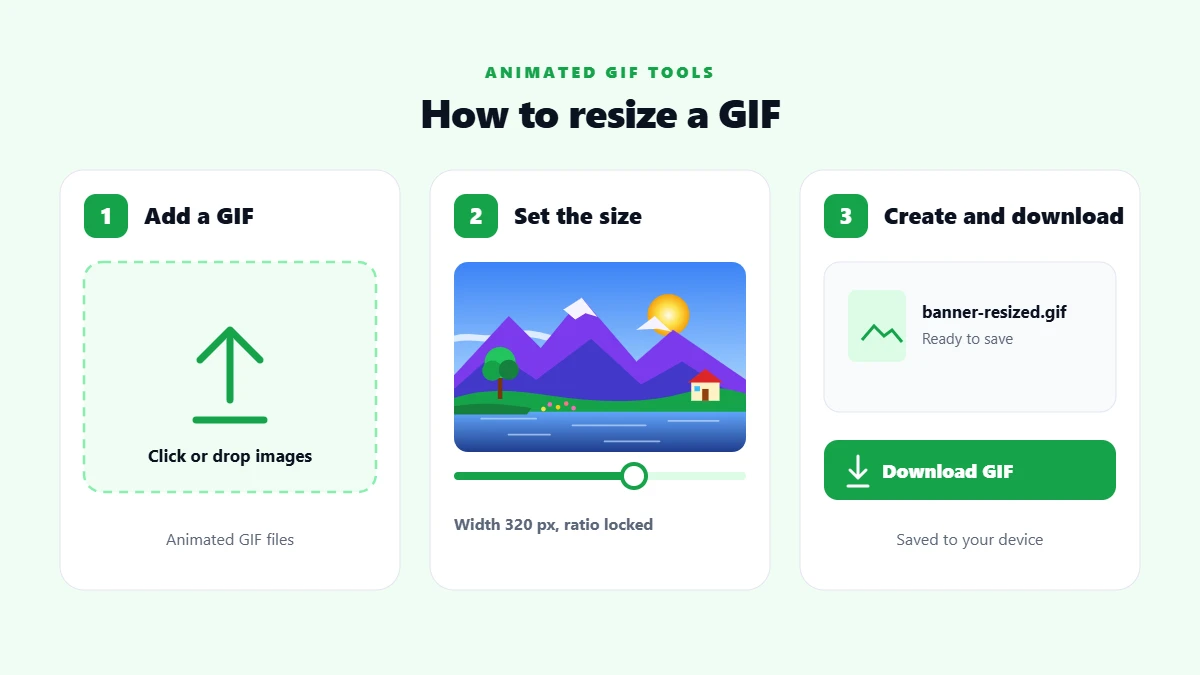
To resize a GIF, drop it into Toolzzz Resize GIF, click a quick size (240, 320, 480 or 640 px) or type an exact Width, keep Keep aspect ratio on, and press Create GIF. Every frame is scaled with high-quality smoothing and the original frame timing is kept. The GIF never leaves your device.
- Exact width and height
- Keep or unlock aspect ratio
- Quick size buttons
- All frames and timing kept
- Color reduction option
- 100% free, no sign-up
- No watermark
How to resize a GIF
Smaller GIFs load faster, fit upload limits and look sharper in their intended spot. Shrinking dimensions is the most effective way to reduce a GIF's file size.
Add a GIF
Click the upload box or drop an animated GIF.
Set the size
Click a quick size or type the width. Untick Keep aspect ratio to set width and height separately.
Create and download
Press Create GIF and then Download GIF.
Watch: resize an animated GIF without losing animation
Popular reasons to resize GIFs
Discord and Slack emojis
Make custom emotes at 128 px or smaller.
Website banners
Fit animations into a fixed banner slot.
Smaller files
Halving the width makes a GIF roughly four times smaller.
Forum avatars
Resize to the exact avatar size a forum or game requires.
Documentation
Shrink screen recordings so they fit the content width.
Messaging
Make GIFs light enough to send quickly on mobile data.
Common GIF sizes
| Use | Size |
|---|---|
| Discord emoji | 128 x 128 px (max 256 KB) |
| Slack emoji | 128 x 128 px |
| Twitch emote | 112 x 112 px |
| Email banner | 600 px wide |
| Blog or docs | 640 to 800 px wide |
| Forum signature | 468 x 60 px |
Need an exact square? Untick Keep aspect ratio, or crop first with Crop GIF to avoid stretching.
Will resizing reduce quality?
Making a GIF smaller keeps it sharp, because each frame is downscaled with high-quality smoothing and then re-encoded with its own 256-color palette. Making a GIF larger than its original size cannot add detail, so it will look softer. For the smallest file, combine resizing with fewer colors (128 or 64) or use Compress GIF.
How to resize a GIF on Windows, Mac, iPhone and Android
No app to install. The tool works in any modern browser, so the steps are almost the same everywhere.
On Windows
- Open toolzzz.com/resize-gif/ in Chrome, Edge or Firefox.
- Drag your GIF from File Explorer onto the upload box.
- Pick a quick size or type the width, then press Create GIF, then press Download GIF.
- The new file is saved to your Downloads folder.
On Mac
- Open toolzzz.com/resize-gif/ in Safari or Chrome.
- Drag the GIF from Finder or the Photos app onto the upload box.
- Pick a quick size or type the width, then press Create GIF, then press Download GIF.
- Find the result in Downloads (Safari asks first if set to).
On iPhone and iPad
- Open toolzzz.com/resize-gif/ in Safari.
- Tap the upload box and choose Photo Library, Take Photo or Choose File.
- Pick a quick size or type the width, then press Create GIF, then tap Download GIF.
- Tap Download, then open it from the Files app and choose Save Image to add it to Photos.
On Android
- Open toolzzz.com/resize-gif/ in Chrome.
- Tap the upload box and pick the GIF from your Gallery, Files or camera.
- Pick a quick size or type the width, then press Create GIF, then tap Download GIF.
- The image appears in your Downloads folder and in Google Photos under Downloads.
Toolzzz vs. typical online GIF resizers
| Feature | Toolzzz Resize GIF | Typical resizers |
|---|---|---|
| Your GIF is uploaded to a server | Never. Resized in your browser | Usually |
| Animation and timing kept | Yes, every frame | Yes |
| Exact pixel size | Yes, width and height | Often percentage only |
| Live preview at new size | Yes | Rare |
| Color reduction | 256 to 32 colors | Rare |
| Watermark | None | Common |
| File size limit | None | Often limited |
"Typical" describes common limits of free online services. Plans and limits differ between sites.
GIF resizing that keeps the animation intact
Every frame
All frames are resized and the original durations are kept.
Exact sizes
Quick buttons or exact pixels with an aspect-ratio lock.
Live preview
See the animated result at the new size before saving.
Smaller files
Shrinking and fewer colors cut the size a lot.
Clean scaling
High-quality smoothing avoids jagged edges.
Private
No upload and no watermark.
Key terms explained
- Aspect ratio
- The proportion between width and height, such as 4:3 or 16:9.
- Downscaling
- Making an image smaller; keeps it sharp.
- Upscaling
- Making an image larger; cannot add detail and may look soft.
Frequently asked questions
How do I resize a GIF for free?
Drop the GIF here, choose a size, press Create GIF and Download GIF.
Does resizing keep the animation?
Yes. Every frame and its timing are kept.
How do I make a Discord emoji GIF?
Crop it square, resize to 128 px and reduce colors until it is under 256 KB.
Can I resize to an exact width and height?
Yes. Untick Keep aspect ratio and type both values.
Will the GIF file get smaller?
Yes when you reduce the size. Fewer colors make it even smaller.
Can I make a GIF bigger?
Yes, but it will not gain detail and may look softer.
Does it work on mobile?
Yes, in any modern browser.
Is my GIF uploaded?
No. Resizing happens in your browser.