
Convert GIF to MP4 in seconds
To convert a GIF to MP4, drop the animated GIF into Toolzzz GIF to MP4, keep Original width (or choose a smaller one), optionally repeat the loop 3 to 10 times for a longer video, and press Convert to MP4. The H.264 MP4 is created in your browser with WebCodecs, keeping the exact frame timing, and is usually 80 to 95% smaller than the GIF.
- H.264 MP4 output
- Exact frame timing
- Repeat loop 1x to 10x
- Up to 95% smaller
- Background for transparency
- 100% free, no sign-up
- No upload
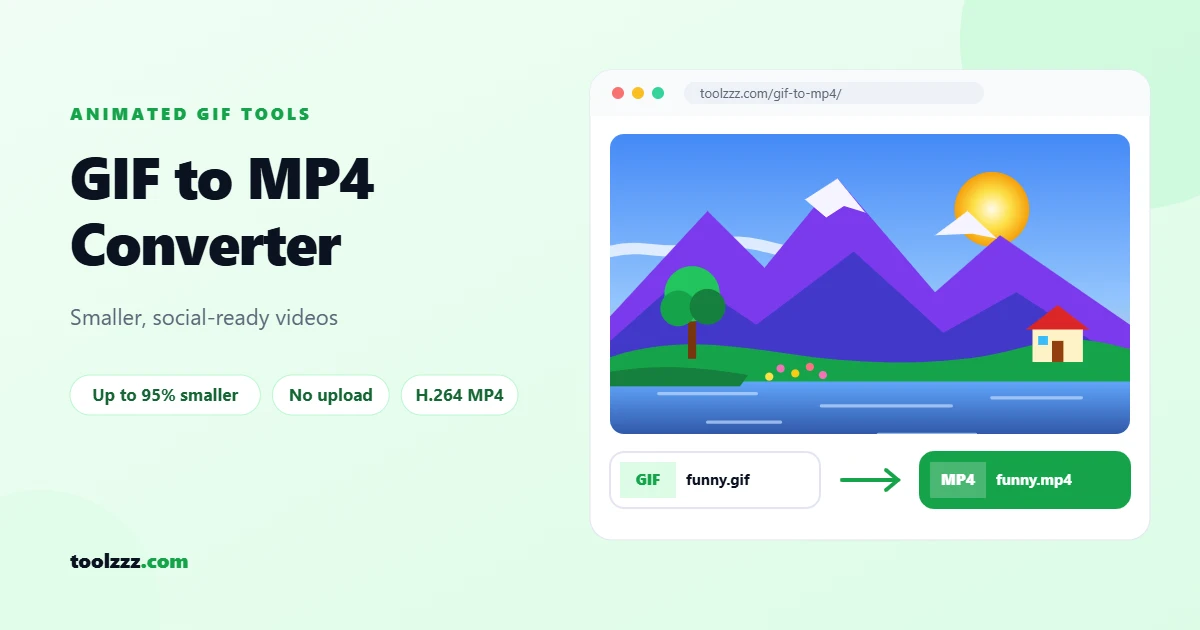
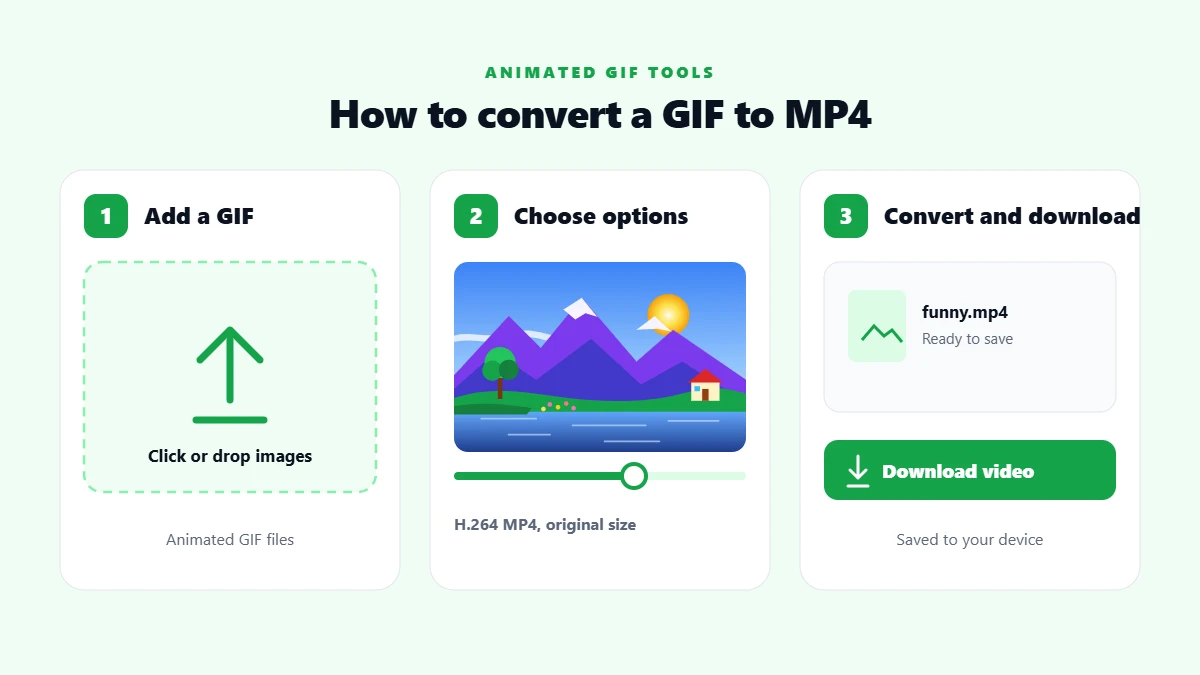
How to convert a GIF to MP4
Many platforms, including Instagram, TikTok and WhatsApp Status, do not accept GIF uploads but accept MP4. MP4 also loads much faster on websites because modern video compression is far more efficient than GIF.
Add a GIF
Click the upload box or drop an animated .gif file.
Choose options
Keep the original width or pick a smaller one. Repeat the animation to create a longer clip for social media.
Convert and download
Press Convert to MP4, preview the video, then press Download video.
Watch: convert a GIF to MP4 for Instagram
Popular reasons to convert GIF to MP4
Instagram and TikTok
Post animations as MP4 videos, since GIF uploads are not supported.
WhatsApp Status and stories
Share loops as short MP4 clips that play everywhere.
Faster websites
Replace heavy GIFs with autoplay muted MP4 for better Core Web Vitals.
Presentations
Embed MP4 in PowerPoint or Google Slides for smoother playback.
Video editing
Import animations into Premiere, CapCut or iMovie as video clips.
Email and chats
Smaller files send faster and use less data.
GIF vs. MP4
| Feature | GIF | MP4 (H.264) |
|---|---|---|
| File size | Large | Usually 5 to 20 times smaller |
| Colors | 256 per frame | Millions |
| Sound | No | Yes (none from GIF) |
| Autoplay loop on websites | Always | With autoplay muted loop |
| Instagram and TikTok uploads | No | Yes |
Frame-accurate conversion with WebCodecs
The tool decodes every GIF frame, keeps each frame's exact duration, and encodes them with your browser's hardware H.264 encoder (WebCodecs). The video is then packaged into a standard MP4 that plays on iPhone, Android, Windows and Mac. In browsers without WebCodecs, the tool records the animation in real time instead and may produce a WebM file.
MP4 has no transparency, so transparent areas get the background color you choose. Width and height are rounded to even numbers, as required by H.264.
How to convert a GIF to MP4 on Windows, Mac, iPhone and Android
No app to install. The tool works in any modern browser, so the steps are almost the same everywhere.
On Windows
- Open toolzzz.com/gif-to-mp4/ in Chrome, Edge or Firefox.
- Drag your GIF from File Explorer onto the upload box.
- Choose the width and how many times to repeat, then press Convert to MP4, then press Download video.
- The new file is saved to your Downloads folder.
On Mac
- Open toolzzz.com/gif-to-mp4/ in Safari or Chrome.
- Drag the GIF from Finder or the Photos app onto the upload box.
- Choose the width and how many times to repeat, then press Convert to MP4, then press Download video.
- Find the result in Downloads (Safari asks first if set to).
On iPhone and iPad
- Open toolzzz.com/gif-to-mp4/ in Safari.
- Tap the upload box and choose Photo Library, Take Photo or Choose File.
- Choose the width and how many times to repeat, then press Convert to MP4, then tap Download video.
- Tap Download, then open it from the Files app and choose Save Image to add it to Photos.
On Android
- Open toolzzz.com/gif-to-mp4/ in Chrome.
- Tap the upload box and pick the GIF from your Gallery, Files or camera.
- Choose the width and how many times to repeat, then press Convert to MP4, then tap Download video.
- The image appears in your Downloads folder and in Google Photos under Downloads.
Toolzzz vs. typical online converters
| Feature | Toolzzz GIF to MP4 | Typical converters |
|---|---|---|
| Your GIF is uploaded to a server | Never. Converted in your browser | Usually |
| Exact frame timing | Yes (variable frame durations kept) | Often resampled to fixed FPS |
| Repeat loop for longer clips | 1x to 10x | Rare |
| Background color for transparency | Any color | Black or white |
| Watermark | None | Common |
| File size limit | None | Often limited |
| Sign-up required | No | Common |
"Typical" describes common limits of free online services. Plans and limits differ between sites.
GIF to MP4 that keeps every frame
Real H.264 MP4
Hardware encoding via WebCodecs for small, compatible files.
Exact timing
Each frame keeps its original duration, so motion looks identical.
Repeat loops
Turn a 2-second GIF into a 20-second clip for social media.
Background color
Choose the color behind transparent areas.
Fast
Most GIFs convert in a second or two.
Private
Nothing leaves your device.
Key terms explained
- MP4
- A video container format, usually holding H.264 video, supported by all devices.
- WebCodecs
- A browser API that gives web pages access to hardware video encoders.
- Bitrate
- The amount of data used per second of video; higher means better quality and larger files.
Frequently asked questions
How do I convert a GIF to MP4 for free?
Drop the GIF here, press Convert to MP4 and then Download video. No watermark and no sign-up.
How do I post a GIF on Instagram?
Convert it to MP4 here, repeat the loop 3 to 5 times so it is long enough, then upload the MP4.
Will the MP4 be smaller than the GIF?
Almost always. Typical savings are 80 to 95%.
Does the MP4 keep transparency?
No. MP4 does not support transparency; transparent areas get your chosen background color.
Why did I get a WebM file?
Your browser does not support MP4 encoding (often Firefox). Use Chrome, Edge or Safari for MP4.
Does the MP4 have sound?
No. GIFs have no audio, so the video is silent.
Does it work on iPhone?
Yes, in Safari on iOS 16.4 or newer.
Is my GIF uploaded?
No. Conversion happens entirely in your browser.